Web Application Development
Web application development is building software that people sign in to and work in through a browser: customer portals, SaaS products, admin dashboards, booking systems and internal tools that replace the spreadsheet everyone is afraid to touch. We build it to your requirement, on hosting in your name, and you own all of the code.
A website tells people about you. A web application does a job for them, every day, with real data, so this page is about what keeps that job getting done.
On this page
- Website or web application?
- Custom web application development: what we build
- SaaS development: the parts that take the time
- Admin dashboard development
- Progressive web app development
- How a web application development project runs
- Factors that drive the cost
- What you own at the end
- What we will not promise you
- Frequently asked questions
Website or web application?
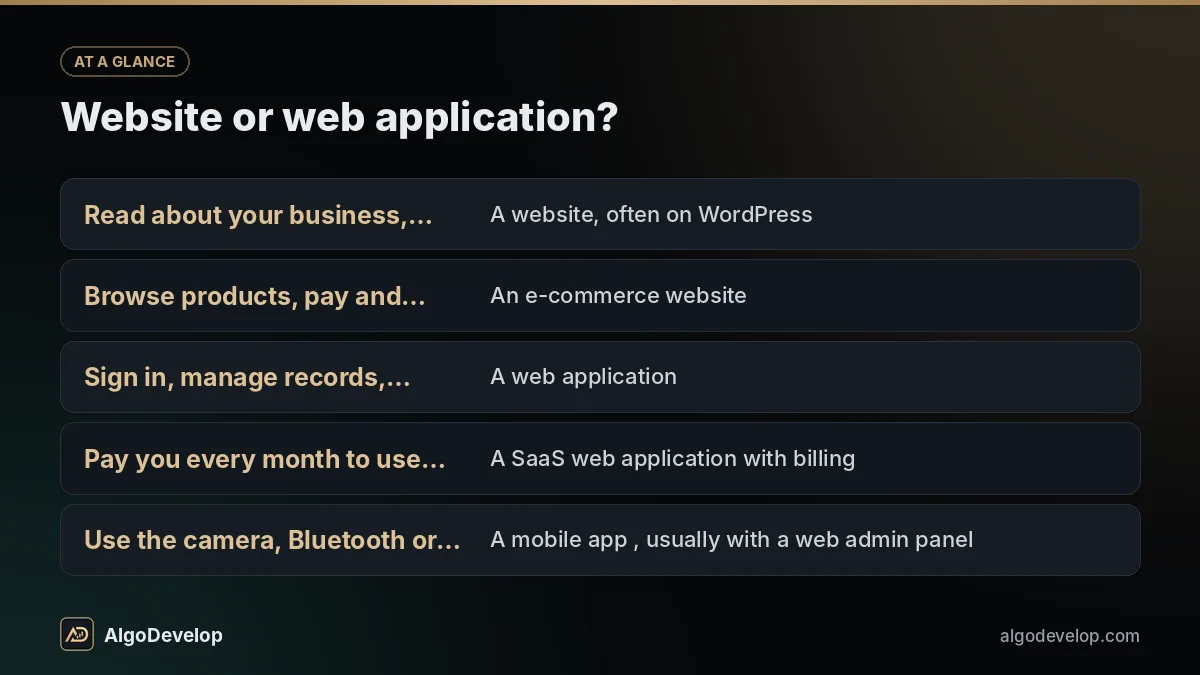
Settle this before any web application development starts, because it changes what you commission. If people mostly read your pages, you need a website. If they sign in, enter data and expect the system to act on it, you need a web application.
| What people need to do | Usually the right build |
|---|---|
| Read about your business, find you, send an enquiry | A website, often on WordPress |
| Browse products, pay and track an order | An e-commerce website |
| Sign in, manage records, approve and report | A web application |
| Pay you every month to use your software | A SaaS web application with billing |
| Use the camera, Bluetooth or GPS all day | A mobile app, usually with a web admin panel |
Many projects mix the two. A WordPress site can carry a working application inside it, which is how our own licence server is built. For the site side, see website development.
Custom web application development: what we build
Custom web application development starts from how the work runs today: who does what, in which order, and where it goes wrong. Most requests are one of these:
The stack, and why we keep it boring
- React
- Next.js
- TypeScript
- Node.js
- Python
- Django
- FastAPI
- Flask
- PHP
- WordPress
- MySQL
- PostgreSQL
- REST APIs
- WebSocket
We pick well-supported tools over fashionable ones, because someone has to maintain this for years. If your team already writes PHP, you will not get a Node.js app from us.
SaaS development: the parts that take the time
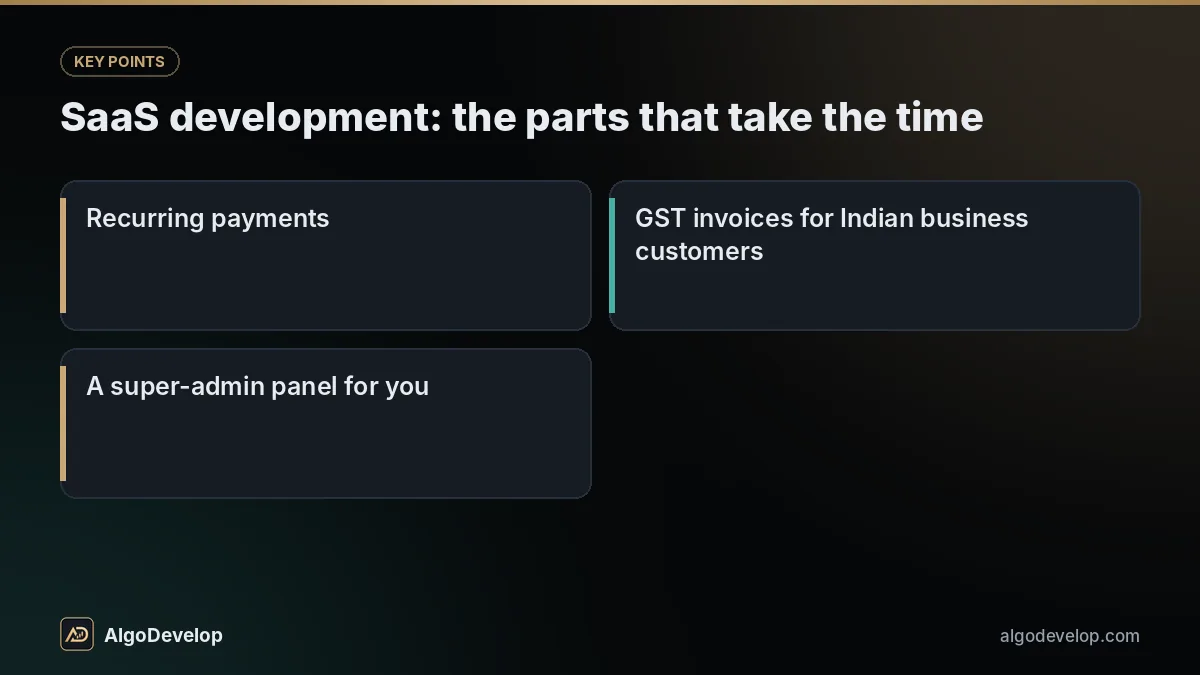
The demo of a SaaS product is the quick part. SaaS development spends its real hours on what no demo shows, yet every paying customer notices when it is missing:
- Each customer’s data kept apart from every other customer’s, and tested that way rather than assumed.
- Plans, trials, upgrades and downgrades, and a clear rule for what happens to data when someone stops paying.
- Recurring payments: card e-mandates or UPI AutoPay through a gateway such as Razorpay or Cashfree in India, and usually Stripe or PayPal abroad.
- GST invoices for Indian business customers.
- Invitations, roles, and removing someone who has left a customer’s company.
- Emails that reach the inbox, usage limits per plan, and data export or deletion on request.
- A super-admin panel for you: customers, plans, usage and refunds in one place.
Each item goes into the scope as yes, no or later, so nothing important turns up as a surprise in month three.
Admin dashboard development
Admin dashboard development decides how much of your staff’s day the system gives back. A good panel answers a question in two clicks and makes dangerous actions hard to take by accident:
- Roles and permissions, so each person sees what their job needs.
- Search, filters and CSV export that stay quick as the data grows.
- Bulk actions with a confirmation step, so one stray click cannot undo a week of work.
- An audit log of who changed what, and when.
Panels we run ourselves
Our own admin software runs on algodevelop.com as in-house WordPress plugins:
- A licence server. Our 16 Windows apps call its key-activation endpoint, a custom route on the WordPress REST API, and get back a signed token they verify themselves. An admin panel manages the keys.
- A WhatsApp AI bot manager with the AI prompt, a knowledge base, saved replies, labels, follow-ups and a cloud backup of chats and leads.
- A signal receiver with REST endpoints for incoming signal messages, and a TradingView webhook relay for alerts. See how TradingView alerts reach MetaTrader.
Even our Windows desktop apps draw their screens with web technology: a Flask back end, shown inside pywebview. Our portfolio covers the trading systems we have delivered, anonymised on purpose.
Progressive web app development
A progressive web app (PWA) is a web application people can install on their home screen. It opens full screen, copes with a weak connection and can send push notifications. There is no store review, and users get each update the next time they open it.
Progressive web app development suits ordering, bookings, field forms and staff tools. On iPhone, though, there is no install prompt: people add the app from the browser’s Share menu, and web push works only after that. iPhone web apps cannot use Bluetooth or NFC, and background work is limited on both platforms. If your app depends on those, a store app in Kotlin for Android or Flutter fits better.
Google’s Learn PWA course explains the moving parts, and we test each build against the Core Web Vitals, because a slow app loses people on mobile data.
How a web application development project runs
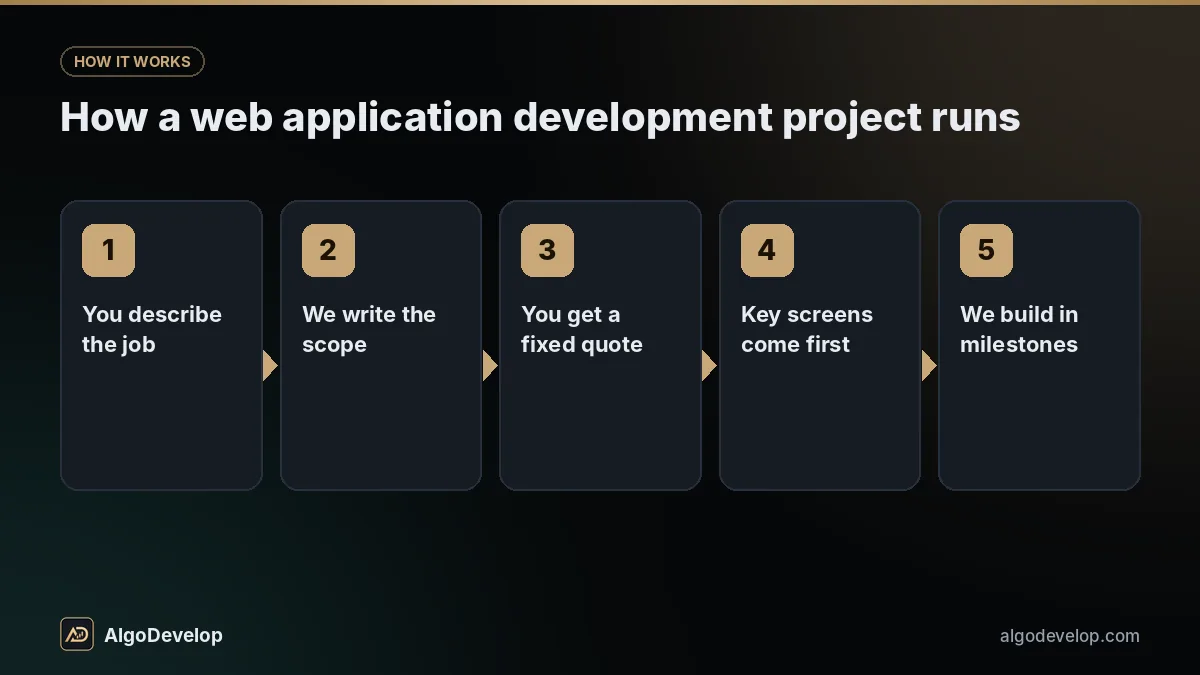
- You describe the job. Who will use it, what they do today and where it goes wrong. A screenshot of the current spreadsheet helps more than a feature list.
- We write the scope. Roles, screens, rules and integrations, plus a plain list of what is not included.
- You get a fixed quote and a timeline, with a warning about anything we think will not work as described.
- Key screens come first as wireframes, so you change your mind on paper rather than in code.
- We build in milestones on a staging address, with a test login for each role.
- Testing uses realistic cases: wrong inputs, two people editing one record, a failed payment, a backup restored for real.
- Launch and handover. It goes live on your hosting with HTTPS, backups and error alerts, followed by documentation and fixes to anything in scope that misbehaves.
An internal tool or customer portal usually takes a few weeks; a SaaS product with billing usually takes a few months. Scope decides, and the quote confirms it.
Describe the job your web app should do
Send the workflow, the spreadsheet it should replace or a rough list of screens. Replies are usually fast, and the quote is fixed.
Get a quote on WhatsAppFactors that drive the cost
We do not publish prices for web application development, because two projects with the same name can differ several times over in work. What moves the number:
| Factor | Why it moves the cost |
|---|---|
| User roles and screens | Each role needs its own views, permissions and tests. |
| Business rules | Approvals, pricing rules and schedules hold most of the logic. |
| Integrations | Every gateway, channel or broker API brings its own errors to handle. |
| Live updates | Real-time screens over WebSocket need more server work than a page reload. |
| Existing data | Old spreadsheets usually need cleaning before they can be imported. |
| Design | A fully custom interface takes longer than a clean, ready-made component set. |
| Running costs | Hosting, email, SMS and WhatsApp charges go to those providers, not to us. |
The quote is fixed, follows a short scoping chat and lists the running costs we know about. Our pricing page explains how fixed quotes work, or you can contact us directly.
What you own at the end
Every web application development project we take on ends with these in your hands:
- The source code, in a Git repository under your account from the first commit.
- The hosting, domain, database and backups, all registered to you.
- Payment gateway, email and messaging accounts in your business’s name.
- The top admin login, with the power to remove ours.
- Documentation: how to run it, deploy it, back it up and restore it.
There is no licence fee to us, no per-user charge and nothing that stops working if we part ways. If the build uses a paid library or theme, its licence is bought in your name.
What we will not promise you
We will not promise users, sign-ups, revenue or Google rankings. A web application can do its job well, but whether people come depends on your product, your price and your marketing.
We will not give a delivery date before the scope is written, or claim any software ships without bugs. Within the agreed scope, we fix what breaks, for the support period the quote states.
We will not pretend a copy of a famous app fits a small budget; those took large teams years. And if a ready-made tool on a monthly plan would do your job, we will say so, even though it loses us the project.
We build the consent, export and deletion features you choose, but we are not lawyers. India’s Digital Personal Data Protection Act, GST rules and any overseas privacy law are for you and your advisers to interpret.
Web application development – frequently asked questions
What is the difference between a website and a web application?
A website is mostly read: pages, articles and an enquiry form. A web application is used: people sign in, enter data and the system acts on it. Many businesses need both, on one domain.
Which technology do you use for web application development?
Usually React or Next.js in the browser, Node.js, Python or PHP on the server, and MySQL or PostgreSQL for data. WordPress suits apps that live inside an existing WordPress site. The scope explains the choice.
Can you build a SaaS product with subscriptions?
Yes: separate data for each customer, plans and trials, recurring billing through a gateway such as Razorpay or Stripe, invoices, roles and a super-admin panel. The scope lists each part, so you know what the first version includes.
Should I build a progressive web app or a mobile app?
A progressive web app is often enough for ordering, bookings and staff tools, and it skips store review. Choose a store app when you need Bluetooth, NFC, heavy background work or a strong presence on iPhone.
Can you take over an existing web application?
Often, yes. The first step is a code review: what is sound, what is risky, and whether extending it beats rewriting parts of it. You hear the findings before any quote for new work.
How long does a web application take to build?
A focused internal tool or customer portal usually takes a few weeks, and a SaaS product with billing and several roles usually takes a few months. The fixed quote confirms your timeline.
How much does web application development cost?
It depends on roles, screens, rules, integrations, design and data to import, so we do not list a price. Running costs such as hosting go to those providers. Describe the job on WhatsApp, and a short scoping chat turns it into a fixed quote.
What should I ask a web app development company before hiring one?
Ask who will own the code, the hosting and the accounts, what the quote leaves out, how you will see progress and who fixes problems after launch. Ask to see software they run themselves. Our answers are on this page.
Can it connect to WhatsApp, Telegram, payment gateways or my broker?
Yes. We work with the WhatsApp Business Platform (Cloud API), the Telegram Bot API, Razorpay, PhonePe, Paytm, CCAvenue and Cashfree, plus Stripe and PayPal. Broker links go through official APIs such as Zerodha Kite Connect and Angel One SmartAPI.