iOS App Development
iOS app development here means a native iPhone app written in Swift, published under your own Apple account, with the full source code handed to you at the end. We scope it, build it, put test builds on your own iPhone and see it through App Store review with you.
Three facts come before any quote: the app is built on a Mac running Xcode, the Apple Developer account must be yours, and Apple can reject an app. This page explains each one.
On this page
- What iOS app development covers
- Before we start
- Swift app development and native features
- Why Apple rejects apps
- App Store publishing and TestFlight
- How an iOS project runs
- What drives the cost of iPhone app development
- Choosing an iOS app development company in India
- What we will not promise you
- Frequently asked questions
What iOS app development covers
An iPhone app is rarely just the app. Most projects have up to three parts, and the quote names each one:
- The app itself, in Swift and SwiftUI, for iPhone first and iPad when you need it.
- The server side, if users log in, sync, pay or get notifications. It can be a new API or a link to what you already run, such as a WordPress site.
- An admin panel where your team manages users, orders or content. It is usually a small web application of its own.
Some apps need no server at all; others are mostly a front end for an existing system. We settle which yours is first, because it changes the size of the job.
- Swift
- SwiftUI
- UIKit
- Xcode
- TestFlight
- App Store Connect
- StoreKit
- REST APIs
- Node.js
- Python
iOS app development is one part of our mobile app development work. If your app places trades or shows live prices, read trading app development too, since that is where most of our existing work sits.
Before we start
Swift app development and native features
Swift is Apple’s own language, and SwiftUI its modern way of building screens. Native code reaches every Apple framework as soon as Apple ships it, with no plugin in between. That matters most when the app leans on the phone itself.
We write screens in SwiftUI and use UIKit, Apple’s older framework, only where SwiftUI falls short. We also agree the oldest iOS version you support, because going further back rules out newer features and adds testing.
Features iPhone apps often need
- Sign-in by email, phone or Sign in with Apple. Offer Google or Facebook login and Apple usually expects a privacy-friendly option too.
- Account deletion inside the app, which Apple requires if users can create an account.
- Push notifications sent from your server or admin panel.
- In-App Purchase for digital content, and Razorpay or Stripe for physical goods and services.
- Camera, photos, maps and location, with prompts that say why the app asks.
- Face ID, offline storage that syncs later, widgets and deep links.
Need Android as well? Two native apps cost more than one shared codebase, so compare Flutter app development first. If Android matters more, start with Android app development.
Why Apple rejects apps
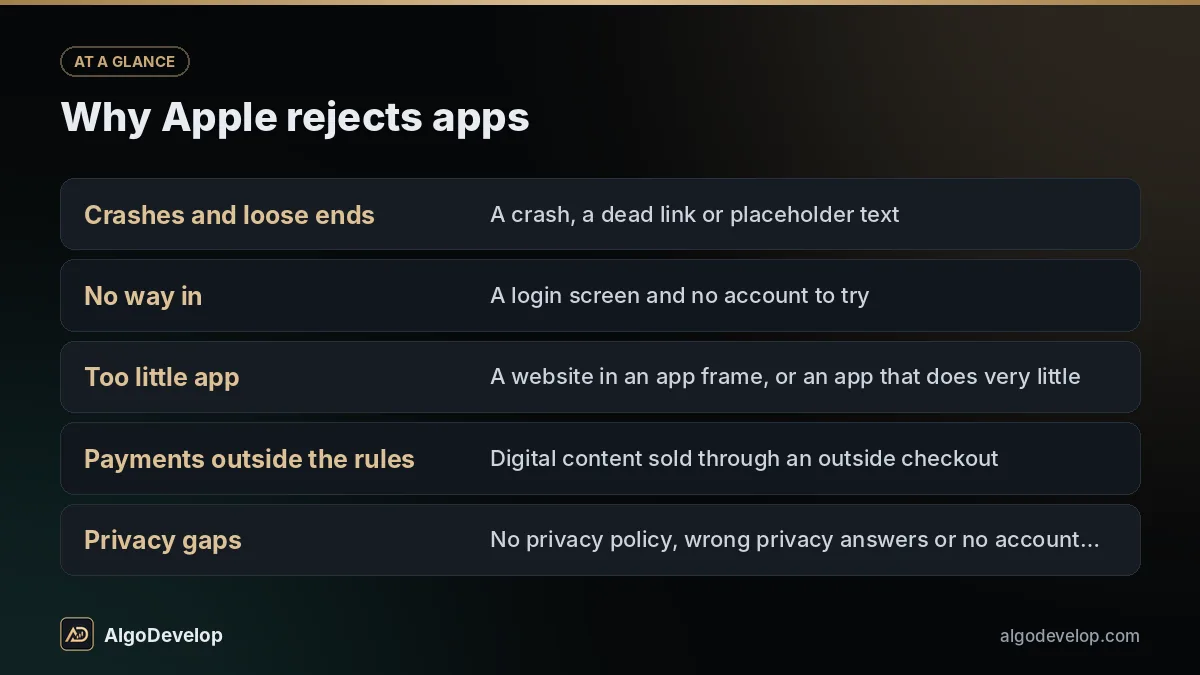
A reviewer checks each submission against Apple’s App Review Guidelines. Review is often quick, but a rejection adds a round trip, so never plan a launch for the day you submit. Most rejections are avoidable, and we plan around these from the first week:
| Common reason | What the reviewer sees | How we prepare |
|---|---|---|
| Crashes and loose ends | A crash, a dead link or placeholder text | Testing on a real iPhone through TestFlight first |
| No way in | A login screen and no account to try | A working demo account and notes for the reviewer |
| Too little app | A website in an app frame, or an app that does very little | We flag it at scoping, before you pay for it |
| Payments outside the rules | Digital content sold through an outside checkout | In-App Purchase where required, a normal gateway elsewhere |
| Privacy gaps | No privacy policy, wrong privacy answers or no account deletion | Privacy answers taken from what the code really collects |
| A misleading listing | Screenshots promising what the app does not do | A listing written from the finished build |
A rejection is not the end. Apple names the guideline, you fix and resubmit, or you reply if the reviewer misread the app. Payment rules differ by country and change, so we check the current text for your case.
App Store publishing and TestFlight
App Store publishing means more paperwork than most people expect, and some answers only you can give. We draft it; you approve it:
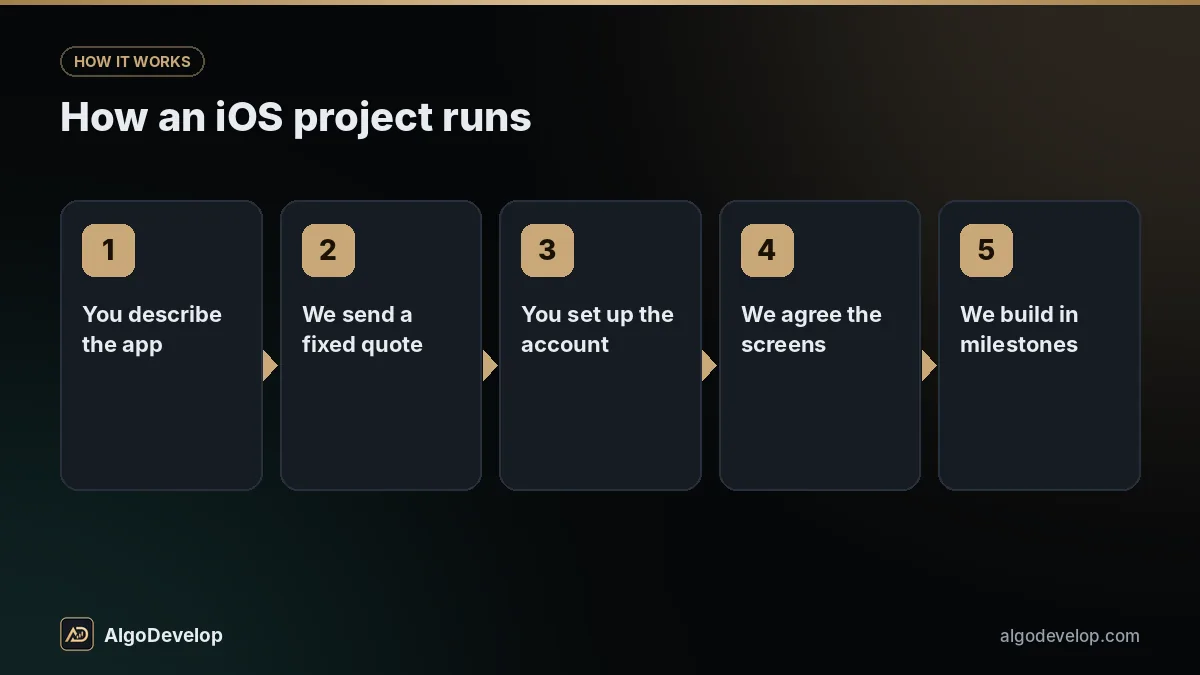
- App name, subtitle, description and search keywords.
- Screenshots at Apple’s sizes, and the app icon.
- A privacy policy page and the App Privacy answers.
- The age rating and encryption export questions.
- A support link, review notes and the demo account.
- Prices and countries, plus Apple’s paid apps agreement for paid apps or in-app purchases.
Before release, TestFlight lets staff or friendly customers try the app from an email invite or a public link. After approval, you release at once or on a date you choose. Updates are reviewed too, so no fix goes live the minute it is written. No website for the privacy and support pages? Our website development service can add one.
How an iOS project runs
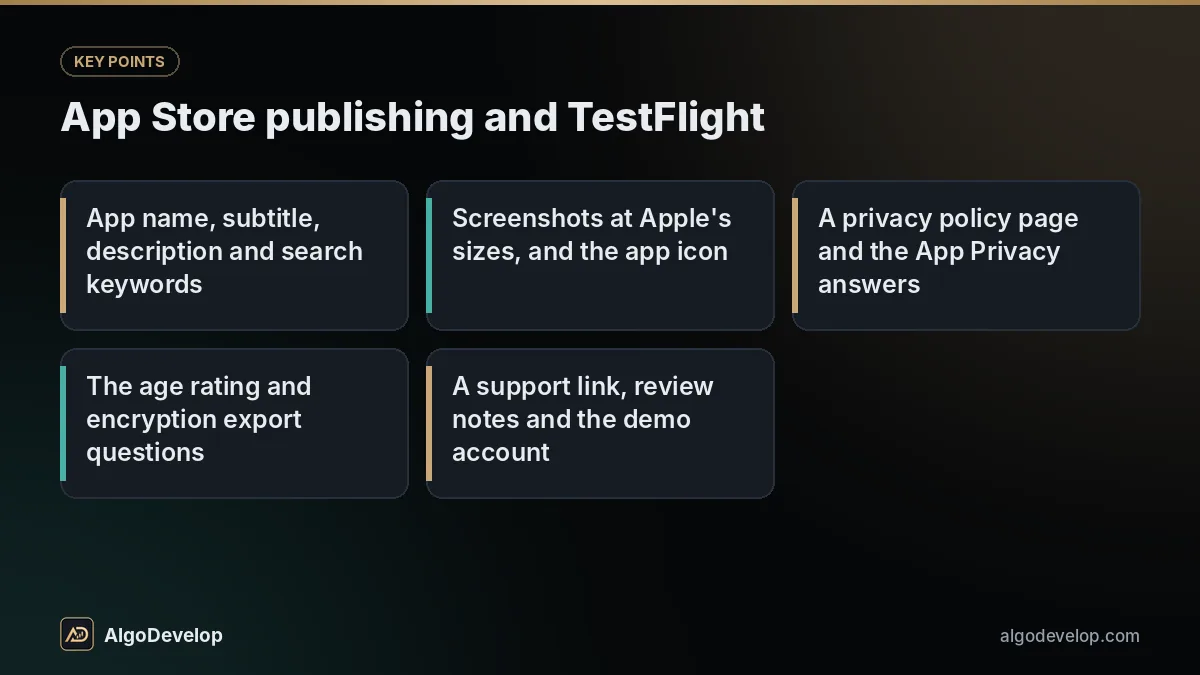
- You describe the app: who uses it, the main screens, what it connects to, and any app whose feel you like.
- We send a fixed quote with a timeline, and say plainly if any part may clash with Apple’s rules.
- You set up the account. Enrol with Apple, start early if you need a D-U-N-S Number, and invite us to your team.
- We agree the screens as wireframes or from your designer’s files, because moving a button on paper costs nothing.
- We build in milestones, each one a TestFlight build on your own iPhone.
- Next, we prepare the listing and submit, then answer the reviewer and fix anything raised.
- We hand over the Xcode project, any server code, build notes and every login, all in your name.
What drives the cost of iPhone app development
We publish no price list for apps, because two apps with the same number of screens can differ in cost several times over. The quote follows these:
What you pay us for
- Screens and user roles: a customer app plus a staff app is two apps.
- The server side and admin panel.
- Integrations such as payments, maps, SMS codes or your CRM.
- Design and content, unless you supply the screens, text and images.
- Offline sync, iPad layouts and older iOS versions.
What you pay others directly
- Apple’s yearly developer membership.
- Apple’s commission on digital sales inside the app.
- Hosting and a domain, if there is a server.
- Per-use services such as SMS or maps.
Every iOS app development quote is fixed and follows a short scoping chat. The pricing page explains why we quote fixed prices, not hourly rates. Maintenance after launch is optional and agreed separately.
Planning an iPhone app?
Send a few lines on WhatsApp: who the app is for, what they do in it and what it connects to. Replies are usually fast. Prefer Telegram? Message @iLyaz7, or use the contact page.
Get an iOS app quote on WhatsAppChoosing an iOS app development company in India
Hiring an iOS app development company in India works well when you keep hold of what is hard to recover later. Ask any team, us included:
- Will the app sit in my Apple account, with me as account holder?
- Do I get the Xcode project at handover, not just the store listing?
- Will each milestone reach my own iPhone through TestFlight?
- Who deals with a rejection, and is that in the quote?
- Whose name will the server hosting be in?
Most of what we have shipped is trading software, Windows apps and the servers behind them: 16 desktop apps with free trials, a licence server with a REST API, and the plugins that run this site. Our portfolio is mainly trading systems. It still shows how we handle accounts, licensing, APIs and support, which every iPhone app needs too.
What we will not promise you
We will not promise that Apple approves your app. No honest iOS app development team can, because the decision is Apple’s and its guidelines change. We prepare carefully and fix whatever a reviewer raises.
We will not promise downloads, a ranking in App Store search or a launch date before scoping. The timeline in your quote assumes review goes the usual way.
Nor will we call an app finished. Apple ships a new iOS version every year and periodically raises the Xcode version that uploads need, so an app left alone for two years can need work before even a small fix ships.
And we will not break Apple’s rules to save you money, with hidden features or payments routed around Apple. Those apps tend to be rejected or removed later, and then you pay twice.
iOS app development – frequently asked questions
Do I need a Mac to get an iPhone app built?
Not to commission one. Xcode runs only on macOS, so every iPhone app is built on a Mac, and that is the developer’s job. The only time you need one yourself is when you later build the app from its source.
Who owns the app, the Apple account and the code?
You do. You enrol in the Apple Developer Program, pay Apple’s yearly fee and invite us with a limited role, so the App Store shows you or your company as the seller. At handover you also receive the Xcode project, any server code and every login, all in your name.
Can Apple reject my app?
Yes. Apple can reject an app or an update for crashes, missing information, privacy gaps, payment rules or too little functionality. We prepare for these from the start and fix whatever the reviewer raises, but nobody can promise approval.
How long does iOS app development take?
It depends on scope. A focused app with a handful of screens usually takes a few weeks, and one with accounts, payments and an admin panel usually takes a few months. Apple’s review comes on top, and your fixed quote states the timeline.
How much does an iPhone app cost?
There is no honest single figure, because cost depends on screens, user roles, the server side, integrations and design. You get a fixed quote after a short scoping chat, plus a list of what you pay Apple and others directly.
Should I build my app in Swift or in Flutter?
Choose Swift for an iPhone-only app, or one built around Apple-only features such as widgets or Apple Watch. Choose Flutter for Android and iOS with the same features on one budget. We recommend one at scoping and say why.
Can you turn my website into an iPhone app?
Not by wrapping it, because Apple tends to reject apps that are little more than a website. We can build a real app that uses your website’s data through an API. If a better mobile website is all you need, we will say so.
Can you take over an iOS app another developer built?
Usually, yes. We read the code first and tell you what state it is in and what bringing it up to date would take. You will need to share the repository and add us to your Apple Developer team.