NinjaTrader
NinjaTrader strategy development means writing NinjaScript, the platform’s own C# framework, so your rules can place and manage their own orders. We build those strategies, plus the indicators and add-ons that go with them.
Every project is custom. We have no ready-made NinjaTrader app, so each build starts from your rules, your instruments and the way you trade.
On this page
What we build in NinjaScript
NinjaScript covers far more than strategies, so a project can include any of these:
- Automated strategies that enter, exit and size positions by your rules.
- Indicators, from a simple study to custom drawing on the chart.
- Add-ons, such as your own windows, tabs and tools inside the platform.
- Chart extras, like drawing tools, custom bar types and chart styles.
- Columns for the Market Analyzer and the SuperDOM, showing values you care about.
- Optimiser pieces, for example a fitness function that ranks results your way.
Strategies can trade futures, and forex where your data and broker connection offer it. If you are unsure what your idea needs, describe it in plain words and we will map it to the right pieces.
Where NinjaScript runs
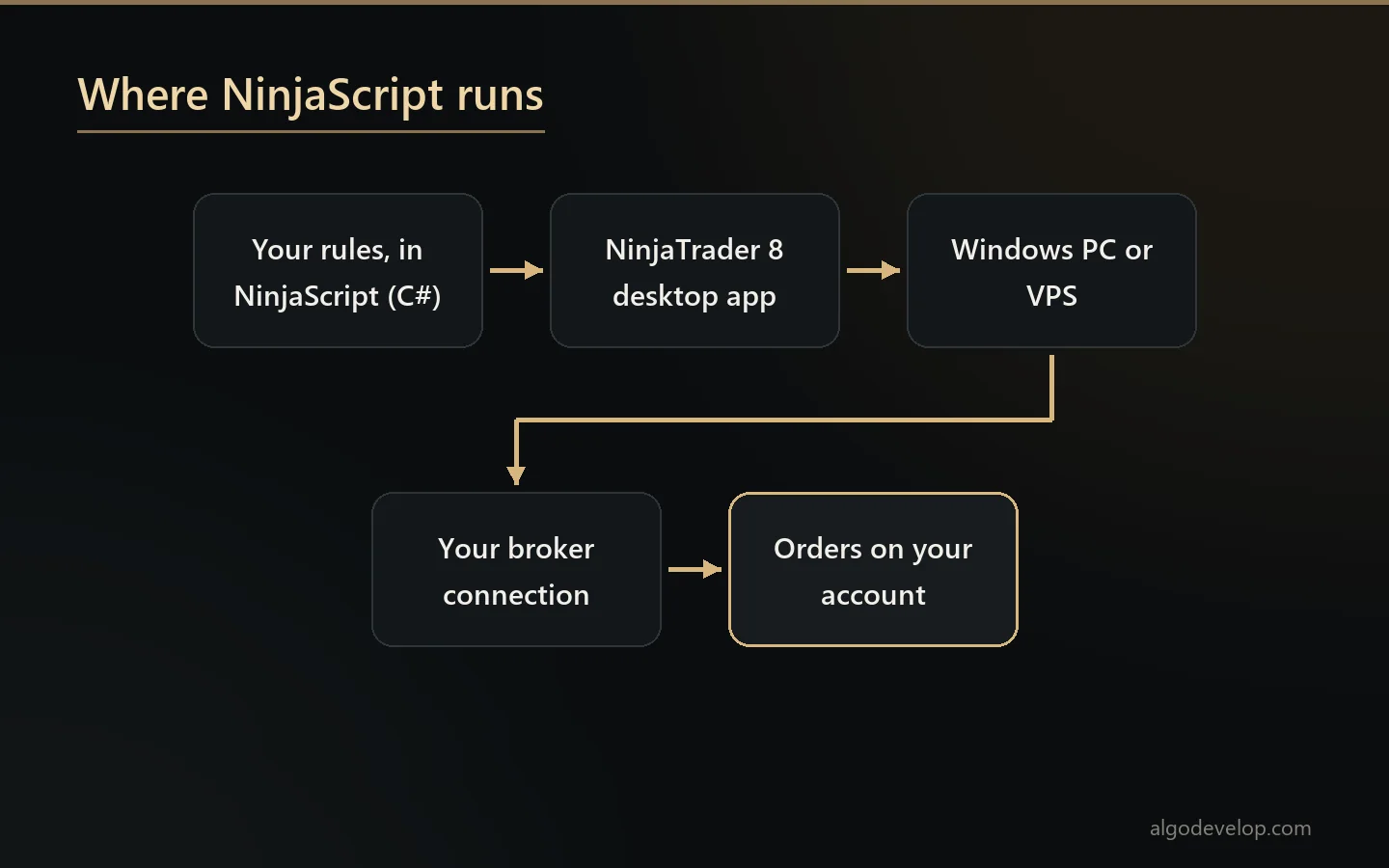
According to the official NinjaScript documentation, the framework runs inside the NinjaTrader 8 desktop application on Windows. It is not used for the web trader. So if you trade only in a browser or on a phone, you still need the desktop platform. It can run on your PC or on a VPS.
Code lives in the built-in NinjaScript Editor, which compiles, suggests code and debugs, or in Visual Studio. The Strategy Builder can also generate NinjaScript without typing any code. That makes it a handy starting point, though complex logic soon outgrows it.
How a strategy handles orders
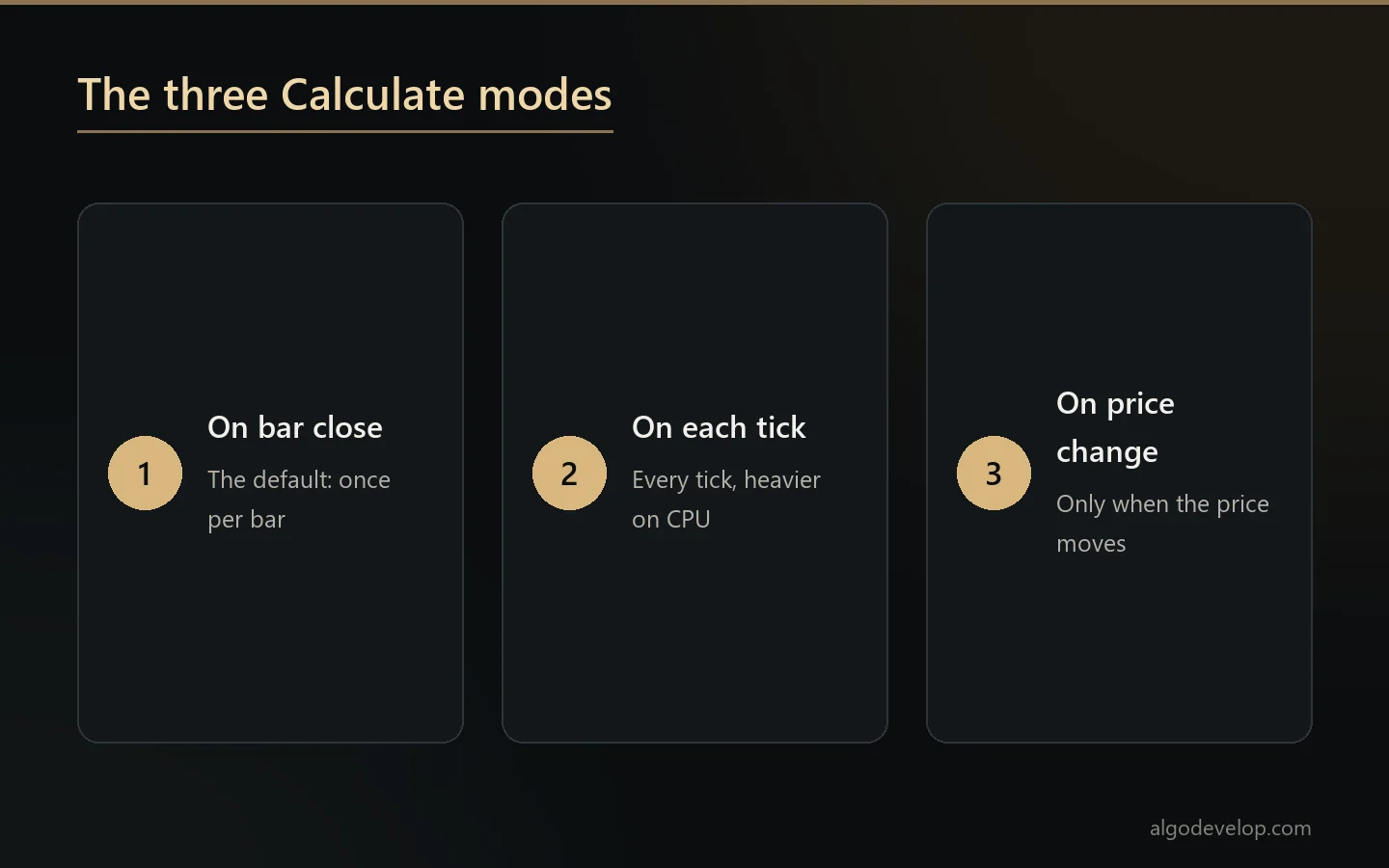
Two settings shape almost every NinjaScript strategy. The first is how often its logic runs, a property called Calculate:
- OnBarClose, the default, runs the logic once per finished bar.
- OnEachTick runs it on every incoming tick, which can load the CPU heavily.
- OnPriceChange runs it only when the price moves within the bar, or when the bar closes.
The second is who handles the orders. In the managed approach, the platform applies its own order rules and tracks your signals for you. The unmanaged approach removes that layer for full control, and the official guide reserves it for very experienced programmers. The code then has to track, change and cancel every order itself.
We pick the simplest setting that does the job. A strategy that only needs closed bars should not burn CPU on every tick. Likewise, most strategies never need the unmanaged approach.
Testing in the Strategy Analyzer
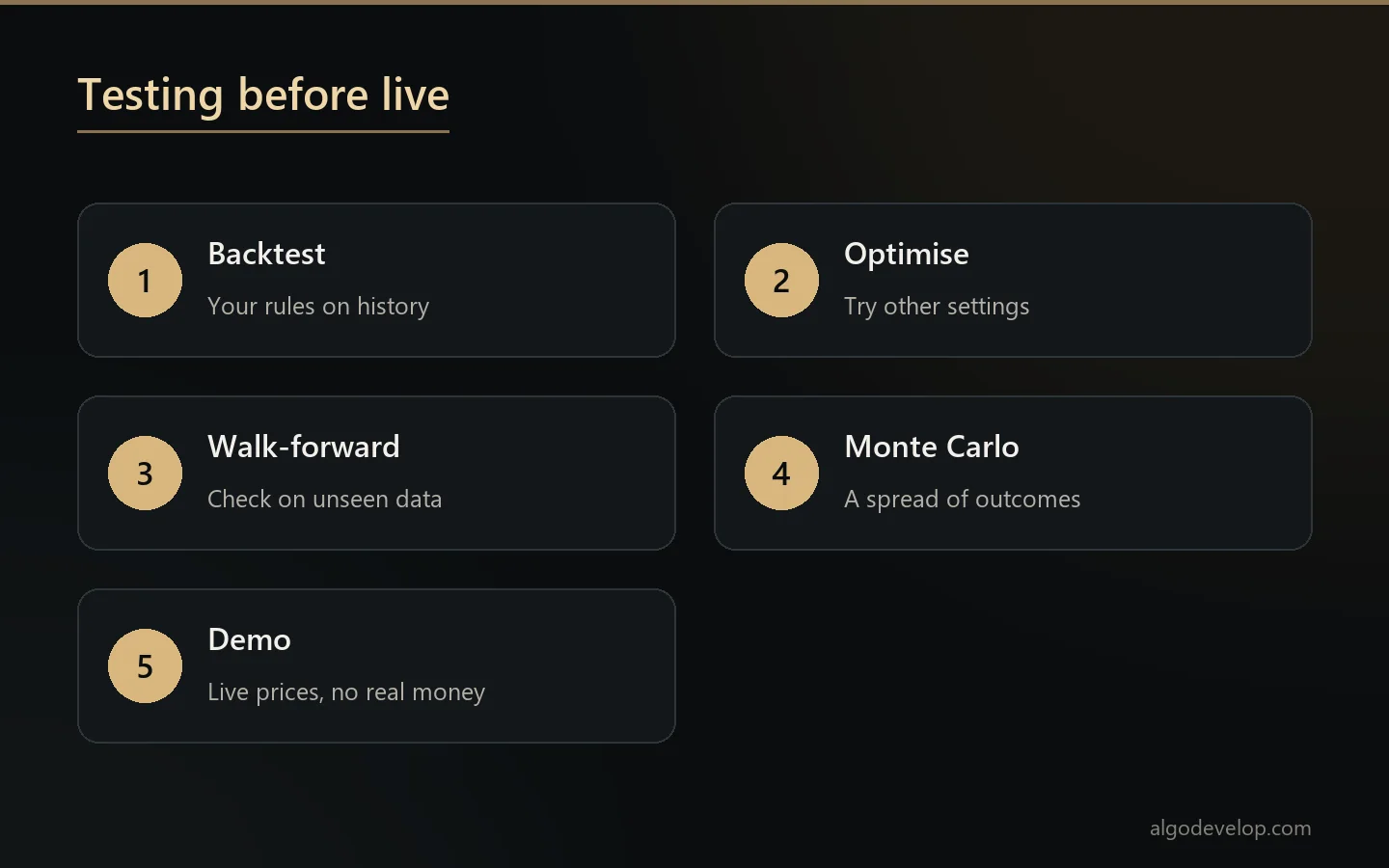
The Strategy Analyzer runs a NinjaScript strategy on history. It offers backtests, optimisation and walk-forward optimisation. Monte Carlo simulation then shows a spread of possible outcomes instead of one curve.
Walk-forward testing matters most to us. It tunes settings on one stretch of history, then checks them on the next stretch the tuning never saw. A strategy that only works on the data we tuned it on usually fails that test. That is worth knowing before real money.
Even so, a backtest proves the code follows your rules, not that the strategy will profit. Fills, slippage and commissions differ in live trading. So every build also runs on a demo account before it goes live.
Futures details a strategy must handle
Futures bring rules that forex traders rarely meet, and a strategy has to respect each one:
- Contract months. A futures contract expires, so the strategy has to trade the right month and handle the roll.
- Tick size and value. Each market moves in its own steps, worth its own amount, so risk maths differs per instrument.
- Sessions. Markets open, close and pause at set times, and a strategy should know when it may trade.
- Costs. Commissions and fees come off every round trip, so a test must include them.
Starting from other code or the Strategy Builder
Many projects begin elsewhere: a Pine Script strategy, an MT4 or MT5 Expert Advisor, or a Strategy Builder file that grew too complex. The logic carries over, but the code does not, so we rebuild it in C# and compare trades on the same history. Our MT4 and MT5 EA development page covers the MetaTrader side.
A Strategy Builder strategy is an easy start, because it already generates NinjaScript. From there we add what the Builder cannot express, such as custom exits or state that survives a restart.
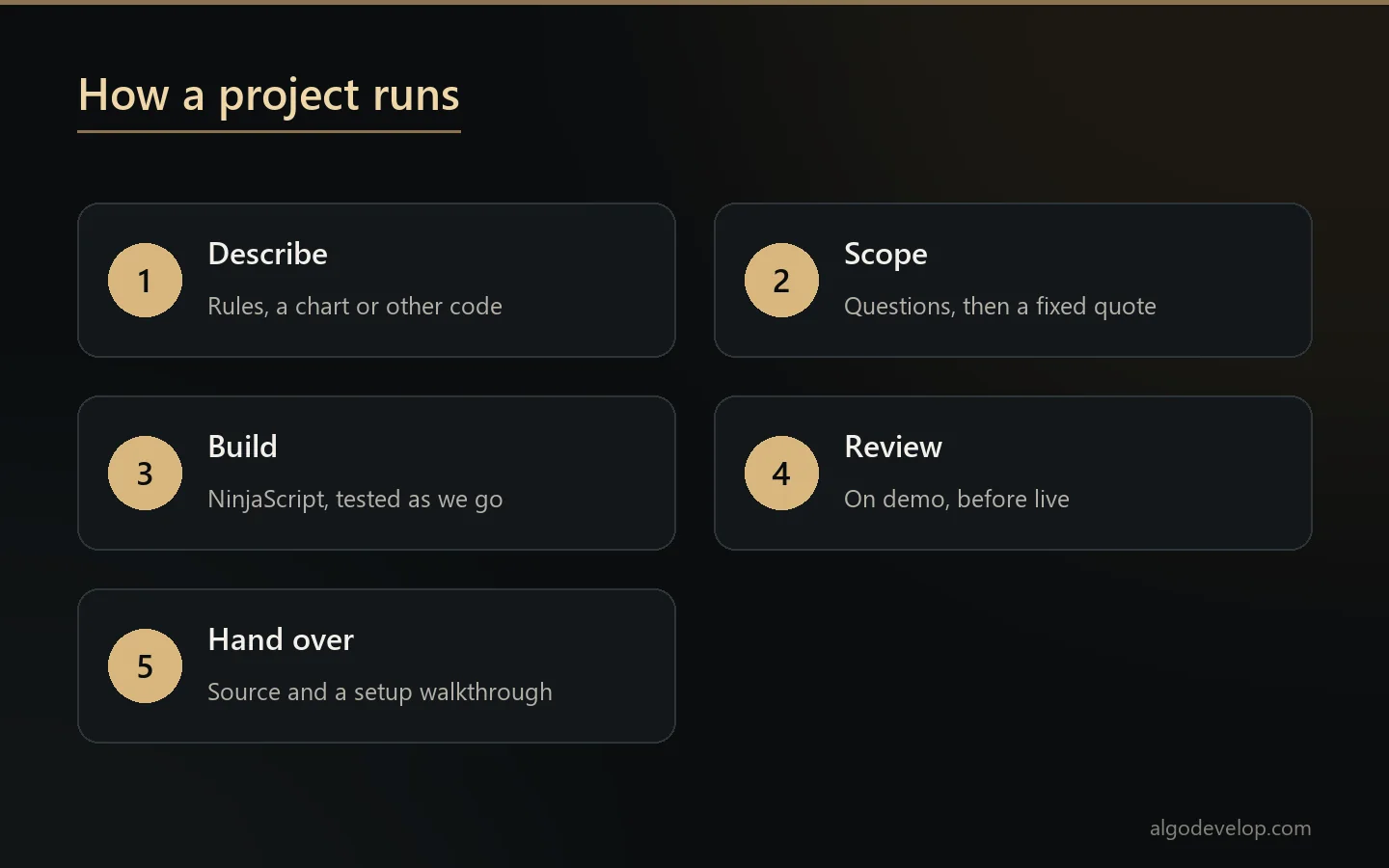
How a project runs
- You describe the strategy in plain words, with a chart, an indicator or code from another platform.
- We ask about the gaps, such as what happens when a position is already open at start-up.
- A fixed quote follows, with a timeline, once the scope is clear.
- We build and test in the Strategy Analyzer and on demo, and you see results as we go.
- You review it before any live trading. Then we walk you through setup.
You keep the source code of what we build. To begin, ask for a quote.
NinjaTrader or MetaTrader?
NinjaTrader is best known for futures. If you trade forex or CFDs at a broker that offers MetaTrader, a ready-made tool may already fit. For example, the TradingView to MT4/MT5 copier turns your alerts into orders today.
Prefer another C# platform? Our cTrader page covers cBots. For the bigger picture, see the platforms page and our trading strategy automation service. If your idea starts on TradingView, read about Pine Script development.
NinjaTrader strategy development – frequently asked questions
Do you have a ready-made NinjaTrader bot?
No. Every NinjaScript build is custom, written to your rules. Our ready-made copiers run on MetaTrader 4 and 5.
Does NinjaScript work in the web or mobile app?
No. NinjaScript runs in the NinjaTrader 8 desktop application on Windows. So a strategy needs that app running on a PC or VPS.
Can you convert my TradingView strategy?
Yes. We rebuild the Pine Script logic in NinjaScript and compare its trades with the original on the same history.
Can you finish a strategy I started in the Strategy Builder?
Often, since the Builder already produces NinjaScript. We take that code and add the parts the Builder cannot express.
Will the strategy be profitable?
Nobody honest can promise that. We build your rules correctly and test them properly, walk-forward checks included. We also tell you when a result looks like curve fitting.
Can outside signals trade on NinjaTrader?
A bridge from outside signals, such as alerts, is custom work. We check your setup and the signal format before we quote it.
Do I get the source code?
Yes. The source comes with the build, so the code stays yours.
Can it follow prop firm rules?
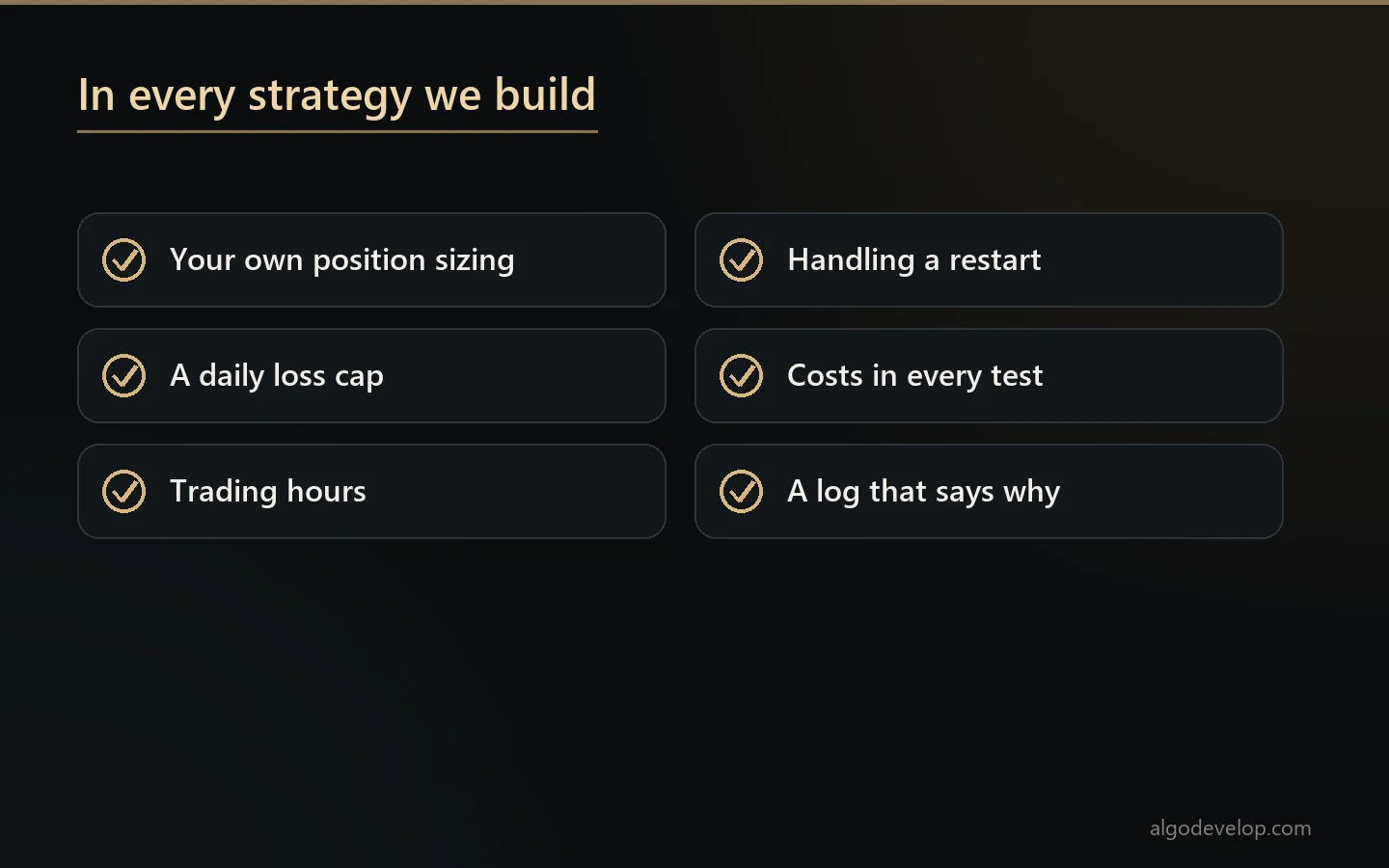
Daily loss limits and trading hours can live in the code. Whether a firm allows automation at all is its own rule, so read your agreement first.
How much does NinjaTrader strategy development cost?
It depends on the rules, the instruments and the testing needed. Tell us what the strategy should do and we will quote a fixed price: ask for a quote.