WhatsApp Bot Development
WhatsApp bot development on Meta’s official WhatsApp Business Platform: a bot that answers customers on your business number, collects leads, sends order updates and hands a chat to a person when it should. We build it on the Cloud API, connect it to the systems you already use and give you the code.
WhatsApp has stricter rules than other chat apps, and a bot that ignores them stops working or loses the number. So this page starts with the rules.
On this page
- What WhatsApp bot development involves
- The official route: the WhatsApp Business Platform
- The rules every WhatsApp bot works within
- Official API or linked-device automation?
- A WhatsApp AI chatbot that knows your business
- WhatsApp automation for business
- What drives the cost of WhatsApp bot development
- How the project runs
- What we will not promise you
- WhatsApp bot development – frequently asked questions
What WhatsApp bot development involves
A WhatsApp bot is three pieces of work. The setup with Meta: a business portfolio, a WhatsApp Business Account, a phone number and approved templates. The conversation: what the bot asks and answers, and when it passes a chat to a person. And the connections to your website, CRM or order system, so the bot knows things and records what it learns.
WhatsApp chatbot development is mostly the second piece: a conversation customers finish, which never sends a message Meta’s rules forbid. As with all our app development, the accounts and the code end up in your name.
The official route: the WhatsApp Business Platform
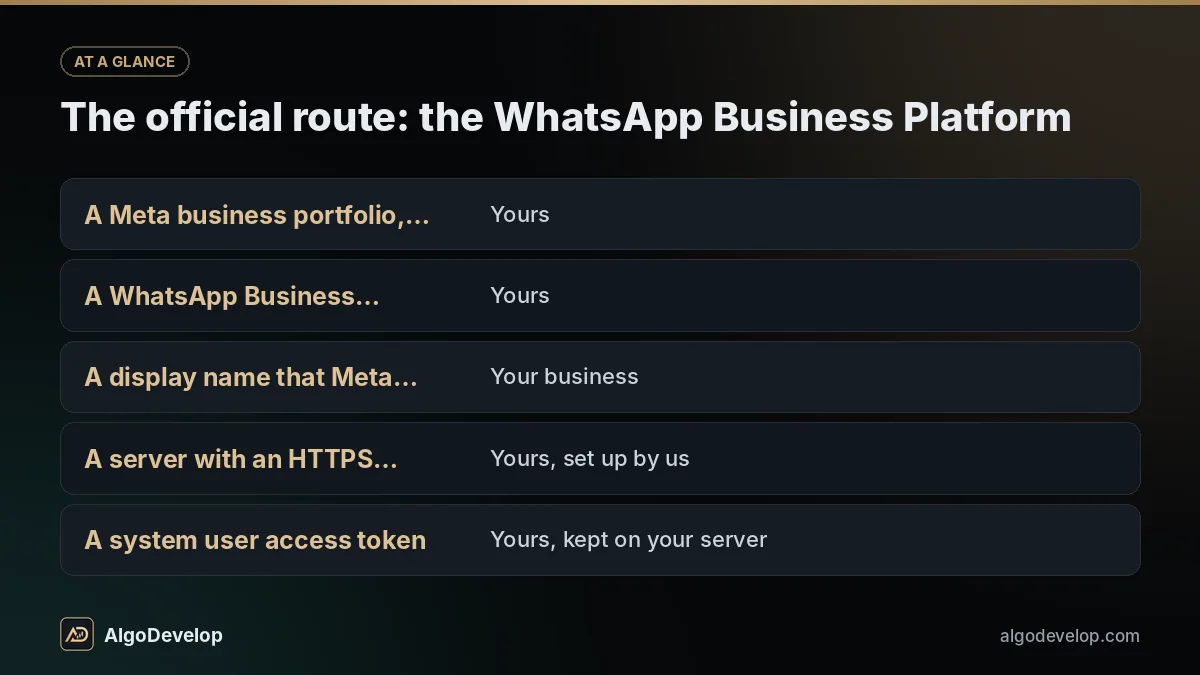
What most people call the WhatsApp Business API is Meta’s WhatsApp Business Platform. Its Cloud API is hosted by Meta: customer messages reach your bot on a webhook, and the bot replies through the API. WhatsApp Business API integration joins those two ends to your own logic. Every WhatsApp bot development project starts with this checklist:
| What you need | Whose name it is in |
|---|---|
| A Meta business portfolio, verified for higher limits | Yours |
| A WhatsApp Business Account and a phone number for the bot | Yours |
| A display name that Meta approves | Your business |
| A server with an HTTPS address for the webhook | Yours, set up by us |
| A system user access token | Yours, kept on your server |
You can connect directly or through a Business Solution Provider, which usually adds its own inbox and fees. Going direct usually keeps cost and control with you. If your number is already on the WhatsApp app, we check the options before anything moves.
The rules every WhatsApp bot works within
These rules come from Meta and decide what your bot may send, and when:
| Rule | What it means for your bot |
|---|---|
| 24-hour customer service window | Each customer message opens or restarts a 24-hour window, inside which the bot can reply freely. |
| Template messages | Outside the window, the bot may send only templates Meta has approved: marketing, utility or authentication. |
| Opt-in | You may message people only if they gave you their number and agreed to hear from you on WhatsApp. Opt-outs must be honoured. |
| Quality and limits | New numbers can start conversations with only a limited number of people a day. Blocks and reports lower your quality rating, and Meta can pause a template that draws too many. |
| Charges | Meta charges per template message, by category and country. Replies inside the window are not charged under the current model. |
So reminders and order updates become utility templates, offers go only to people who opted in, and the bot answers while the window is open. Opt-in often starts on your own site, which we can handle as part of website development. The WhatsApp Business Messaging Policy sets the rest, and Meta’s pricing page has current rates.
Want a WhatsApp bot for your business?
Tell us what customers ask most and what the bot should collect. We will check your number and Meta setup, then send a fixed quote.
Discuss your WhatsApp botOfficial API or linked-device automation?
There are two honest ways to connect software to WhatsApp, and they suit different jobs. The right one depends on whether the bot talks to customers at scale or simply works with your own chats and groups.
Official Cloud API
- Meta’s supported route for businesses messaging their customers.
- Templates, opt-in and the 24-hour window apply, and Meta charges for template messages.
- Cannot read groups or the personal chats on a phone.
- The safer choice for a number your customers rely on, and for messaging at scale.
Linked-device automation
- The app links to your own WhatsApp account the way WhatsApp Web does, by scanning a QR code once.
- Can read the groups you are in and reply from your normal number, with no template approval.
- Not an official API. WhatsApp’s terms restrict automated and bulk messaging, and it can restrict or ban numbers that send spam or behave like a bot.
- Suits reading your own groups, or replying one-to-one at a human pace. Never for bulk messages.
Our own WhatsApp to MT4/MT5 copier uses linked-device automation, because reading the signal groups you belong to is something the Cloud API cannot do. It only reads messages and never sends any. For a bot that talks to customers, we explain both routes and their risks before you choose: the Cloud API for a number your customers rely on, linked-device automation for smaller one-to-one use on a number you are prepared to protect with care. If your audience is on Telegram instead, it is far more open to bots: see Telegram bot development.
A WhatsApp AI chatbot that knows your business
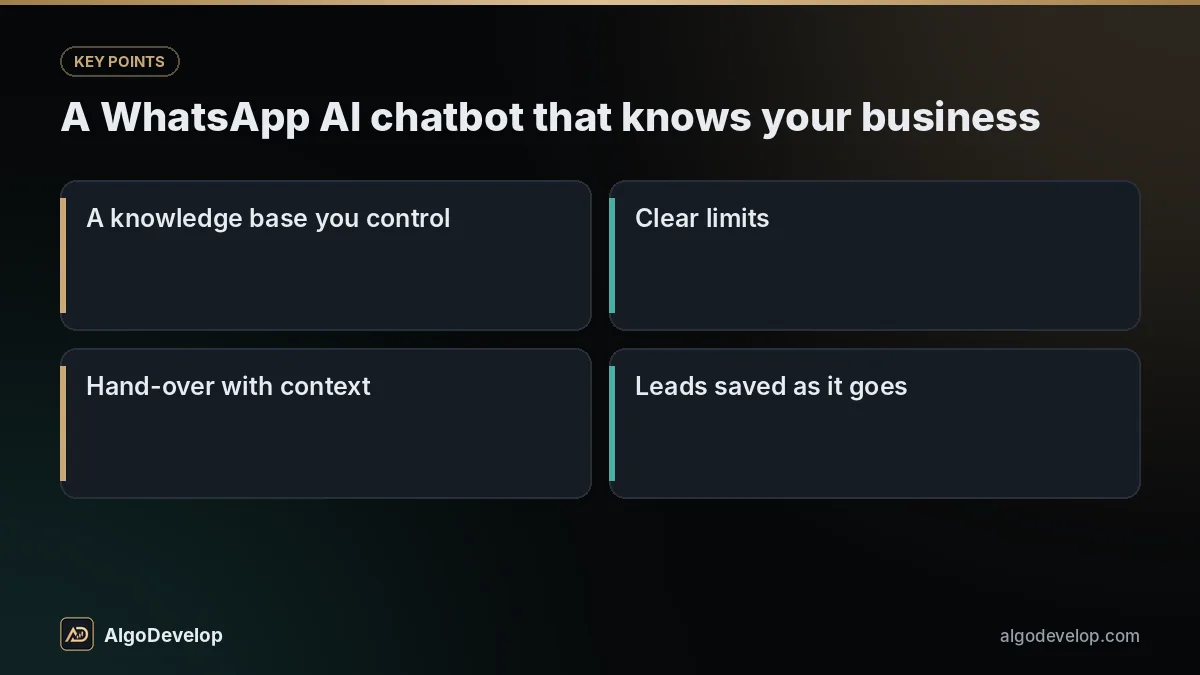
A WhatsApp AI chatbot helps when it answers from your own material, such as products, delivery areas, hours and policies. It does harm when it improvises, so the design keeps it on a short lead:
- A knowledge base you control, with saved replies you can edit without a developer.
- Clear limits: when the answer is not there, it says so and offers a person.
- Hand-over with context, so the customer does not repeat themselves.
- Leads saved as it goes, labelled for follow-up.
That is also what Meta’s terms allow. They now rule out general-purpose AI assistants on the Business Platform, while an AI that serves your own customers about your own business is the intended use. AI usage is billed by the provider and grows with your chats.
We have built this for ourselves. Our in-house WhatsApp AI bot, a desktop app that links to a WhatsApp number, replies to customers from a knowledge base and saves the leads it collects. Its manager is a WordPress plugin we wrote, covering the AI prompt and knowledge base, saved replies and labels, follow-ups, and cloud backups of chats and leads. A client bot on the Cloud API uses the same ideas, and the portfolio shows our other work.
WhatsApp automation for business
WhatsApp automation for business pays off on jobs that are repetitive, urgent or both:
We connect it to WordPress sites and WooCommerce stores, PHP, Node.js or Python back ends and MySQL or PostgreSQL. A shared team inbox is a web application we can add. Copying trade signals from WhatsApp groups into MetaTrader is a different job, done by the WhatsApp to MT4/MT5 copier.
What drives the cost of WhatsApp bot development
There are two bills in WhatsApp bot development. Ours is a fixed price for building the bot, given after a short scoping chat. Running costs go from your own accounts to Meta, the AI provider and your host.
| Cost driver | Why it moves the quote |
|---|---|
| Conversation flows | Every question, branch and hand-over point is written and tested. |
| Templates | Each one is drafted and submitted to Meta, and some come back for a rewrite. |
| AI and knowledge base | Gathering and structuring your content, plus the guard rails. |
| Integrations | A CRM, shop, sheet or payment gateway, each with its own errors. |
| Inbox or admin panel | Screens for your team to edit answers and take over chats. |
| Languages | Templates are approved per language, so each one adds drafting and review. |
The build usually takes one to a few weeks, depending on scope, and the quote confirms it. Meta’s own steps, such as business verification and template review, can add anything from a day to a few weeks. More on pricing.
How the project runs
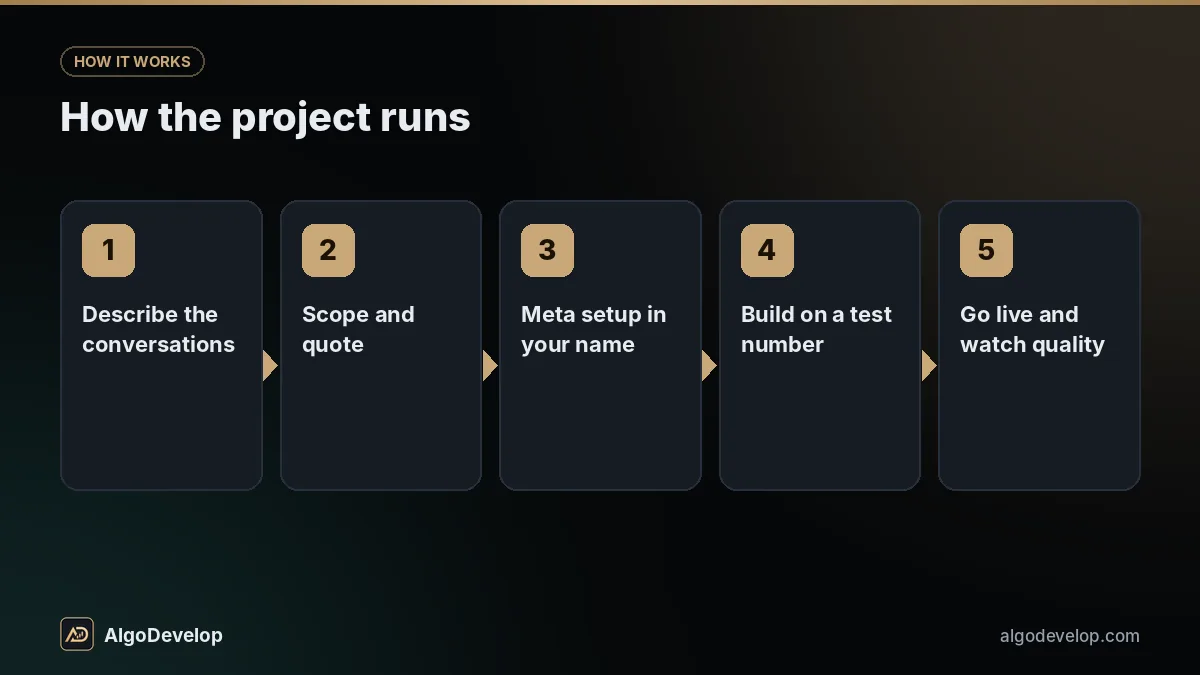
- Describe the conversations on WhatsApp or through the contact page: what customers ask, what you want collected and when a person should take over. Your chat history is the best brief.
- Scope and quote. We map the flows and templates, check your number and Meta setup, then give a fixed quote with a timeline.
- Meta setup in your name. You create or verify the business portfolio, and we help add the number and submit templates.
- Build on a test number, with your team playing customers.
- Go live and watch quality. Through the first weeks we check replies, hand-overs and the quality rating, and adjust the wording.
- Handover: source code, server setup, the knowledge base and a guide to editing it.
What we will not promise you
We will not promise that Meta approves your business, your display name or every template. Meta decides and can reject or pause them. We write to the policy and rewrite whatever gets rejected.
We will not build bulk senders for lists without opt-in, contact scrapers or tools that dodge WhatsApp’s limits. Nor will we promise more sales, or an AI that never errs. It answers from your knowledge base and hands over when unsure, but read its chats, above all in the first weeks.
WhatsApp bot development – frequently asked questions
Do I need the WhatsApp Business API for a bot?
For a business bot that messages customers, the official route is Meta’s WhatsApp Business Platform, usually through the Cloud API that Meta hosts. Reading your own groups, as our WhatsApp to MT4/MT5 copier does, needs linked-device automation instead, which is not an official API and must be used with care: one-to-one, at a human pace, and never for bulk messages.
Can I use my existing business number?
Often, yes. Moving a number that is already on the WhatsApp app has a few options and some things to back up first, so we check yours and explain the choices before anything moves.
What is the 24-hour customer service window?
Each customer message opens or restarts a 24-hour window in which the bot can reply freely. Outside it, the bot can only send templates that Meta has approved.
Can the bot send offers to my customer list?
Only to people who gave you their number and agreed to hear from you on WhatsApp. Offers go out as approved marketing templates, Meta charges for each one, and opt-outs must be honoured.
Can the bot answer with AI?
Yes, from a knowledge base you control, handing the chat to a person when the answer is not there. Meta’s terms bar general-purpose AI assistants, but an AI that serves your customers about your business is allowed.
Does Meta charge for WhatsApp messages?
Meta charges for template messages, at rates that depend on the category and the country. Replies inside the 24-hour window are not charged under the current model. These charges go from your account to Meta, apart from our build price.
How much does WhatsApp bot development cost?
It depends on the flows, templates, AI replies, integrations, any inbox or admin panel, and languages. We give a fixed quote after a short scoping chat, and the build usually takes one to a few weeks.
Do I own the bot?
Yes. The business portfolio, WhatsApp Business Account, number and server are in your name, and you receive the source code with a guide to editing the knowledge base.