PineScript Development
Pine Script development builds the thing you have been describing on your TradingView charts. That might be an indicator, a strategy, or the alert that finally makes either of them useful when you are not watching.
Bring a finished strategy or only a rough idea. Either way, we build exactly what you describe. You get it tested and documented, and you own it outright.
On this page
- What Pine Script development covers
- Indicator or strategy – they are not the same thing
- Alerts, webhooks and what happens next
- Repainting and lookahead
- Making the strategy tester tell the truth
- Converting between Pine Script and MQL
- What you receive on delivery
- How a project runs
- Frequently asked questions
What Pine Script development covers
Pine Script is TradingView’s own language, and it is where most traders’ ideas now start. After all, you see the result on the chart in seconds, without compiling anything.
Pine Script development covers the whole range. It can be an indicator that draws what you have been marking by hand, or a strategy the tester can evaluate. It can also be a screener condition, or an alert that fires the moment your setup appears. We write in the current version of Pine, as set out in TradingView’s own Pine Script user manual. If something you want is not possible on your TradingView plan, we tell you before you pay, not after.
Indicator or strategy – they are not the same thing
This choice decides what you can do with the result, so we settle it before we build anything.
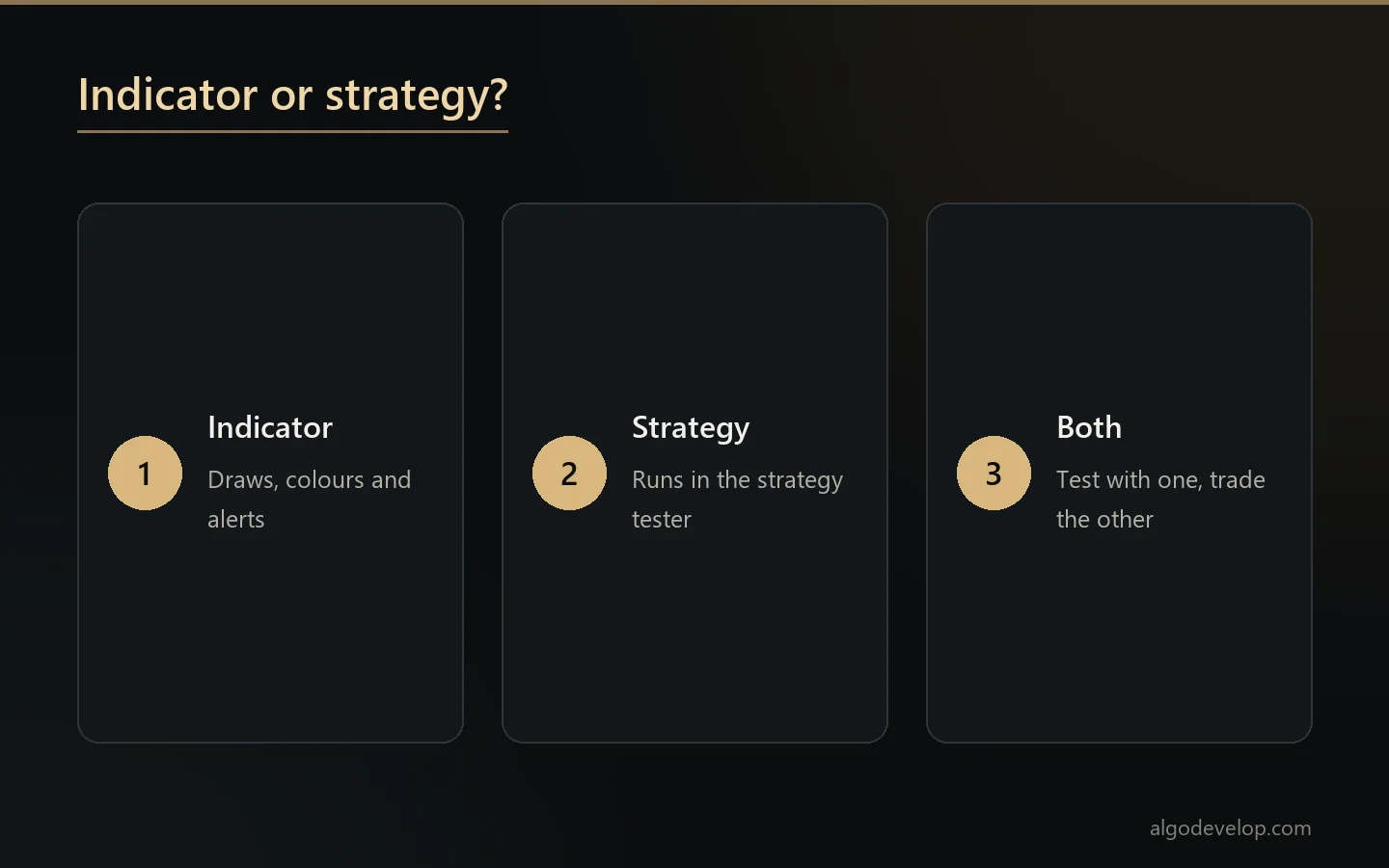
Pine Script development produces one or the other. An indicator draws and alerts. It can plot, colour, mark and notify, and it runs on as many charts as your plan allows. It is what you want if the decision stays with you.
A strategy, by contrast, runs in TradingView’s tester and reports statistics. That is its strength and also its trap, because the tester’s defaults flatter results a great deal. The sections below explain why.
Many Pine Script development projects want both: a strategy to test the idea, and an indicator version to trade it from. Say so at the start, since that costs far less than two separate builds.
Alerts, webhooks and what happens next
An alert that reaches your phone is useful. An alert that reaches your broker is another matter entirely, and that is where a good deal of Pine Script development ends up.
- Alert conditions that fire once, on the bar you meant, rather than over and over through a forming candle.
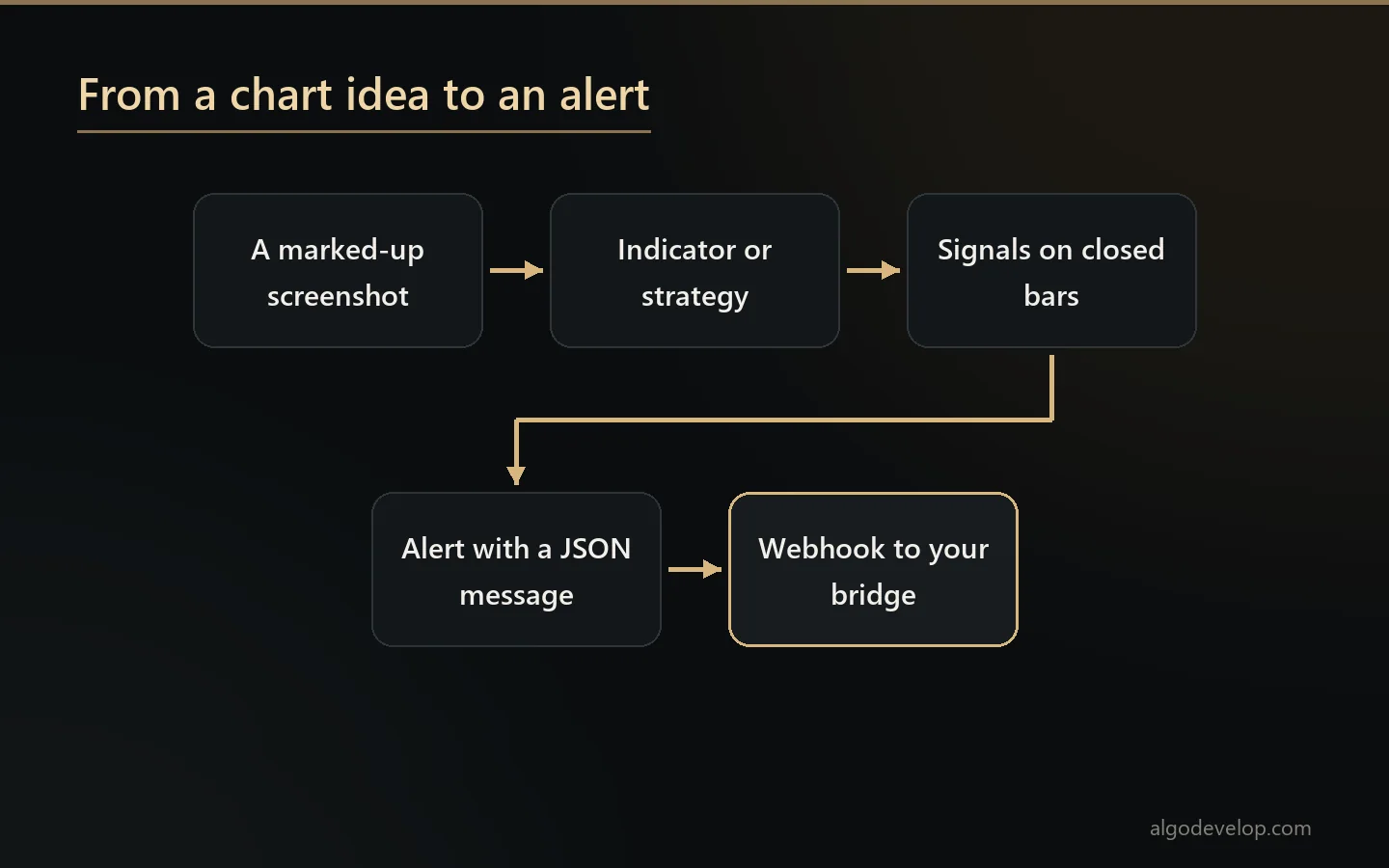
- Alert messages built for machines – JSON that carries the side, the symbol, and the stop and target prices the strategy worked out itself.
- Ready for a webhook, so the alert can drive something that places the order.
If that last step is what you really want, a ready-made bridge receives the alert and trades it. For MetaTrader, use our TradingView to MT4/MT5 copier. For crypto, there is the TradingView to Binance bot and the TradingView to Delta Exchange bot. Indian traders can use the TradingView to Indian broker copier.
Webhook alerts need a paid TradingView plan. TradingView’s webhook help page also asks for two-factor authentication on your account. Those are TradingView’s rules, and we would rather you knew now.
Repainting and lookahead
Pine Script development has one hazard above all others. Pine makes it unusually easy to write something that cannot work live, and unusually hard to notice. Two causes account for most of it.
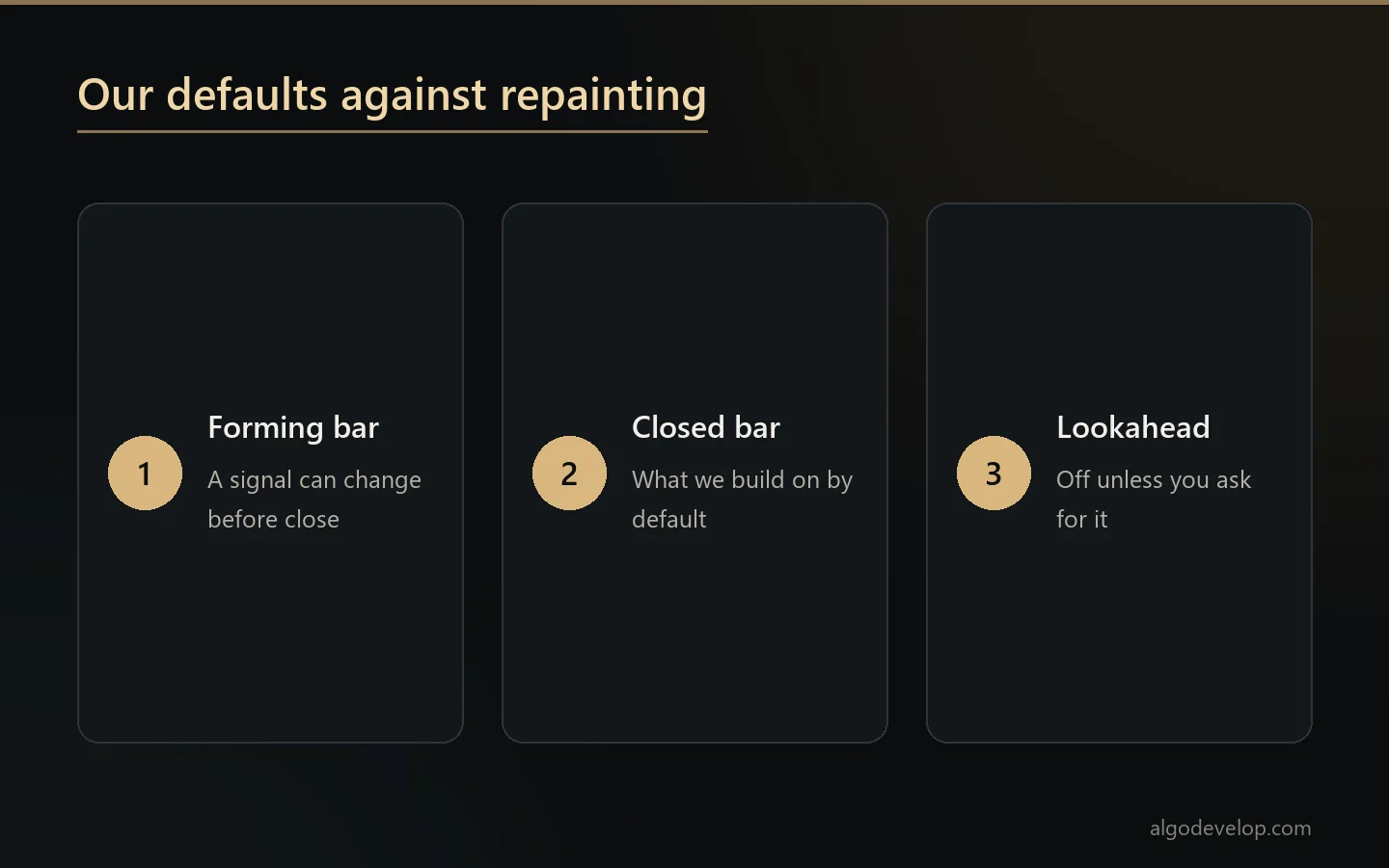
Signals that move. Anything worked out on the forming bar can change before that bar closes. On history every bar has closed, so the indicator looks decisive. Live, however, it flickers. So we build on closed bars unless you ask otherwise, and the documentation says which we used.
Lookahead in higher-timeframe data. If you request another timeframe with lookahead turned on, your script gets data from the future on historical bars. The backtest then looks spectacular, while the live results bear no relation to it. We leave lookahead off unless you want it and understand what it does.
Making the strategy tester tell the truth
TradingView’s tester will produce an encouraging number by default. An honest one takes deliberate effort, so it is part of Pine Script development rather than an extra.
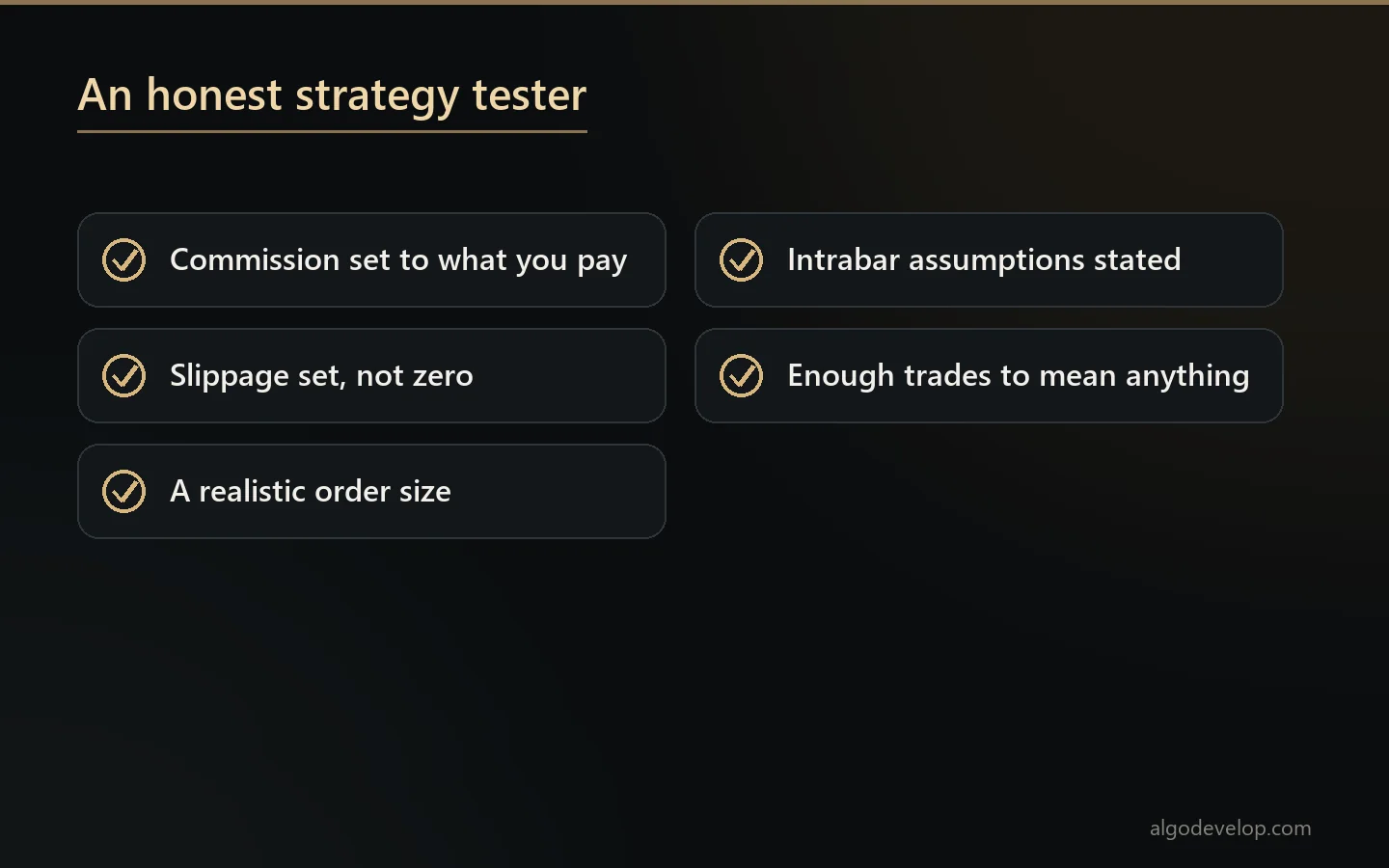
- Commission and slippage set to what you really pay, not left at zero.
- A realistic order size, rather than a percent of equity that compounds into positions no broker would fill.
- Bar magnifier or intrabar assumptions stated, because a strategy whose stop and target both sit inside one bar is guessing which came first.
- Enough trades to mean anything. Eleven trades do not test a strategy; they only describe it.
We will tell you when a result looks like curve fitting. Building it anyway is your call. Letting you mistake it for evidence is not something we will do.
Converting between Pine Script and MQL
Both directions are routine Pine Script development work.
Pine to MetaTrader comes up once an idea has proved itself on TradingView. You then want it running as an EA or indicator on your own account. See MT4/MT5 EA development for the automation side, or MT4/MT5 indicator development for chart tools.
MetaTrader to Pine is for when you trust an indicator in MT4 and want to chart and test it on TradingView.
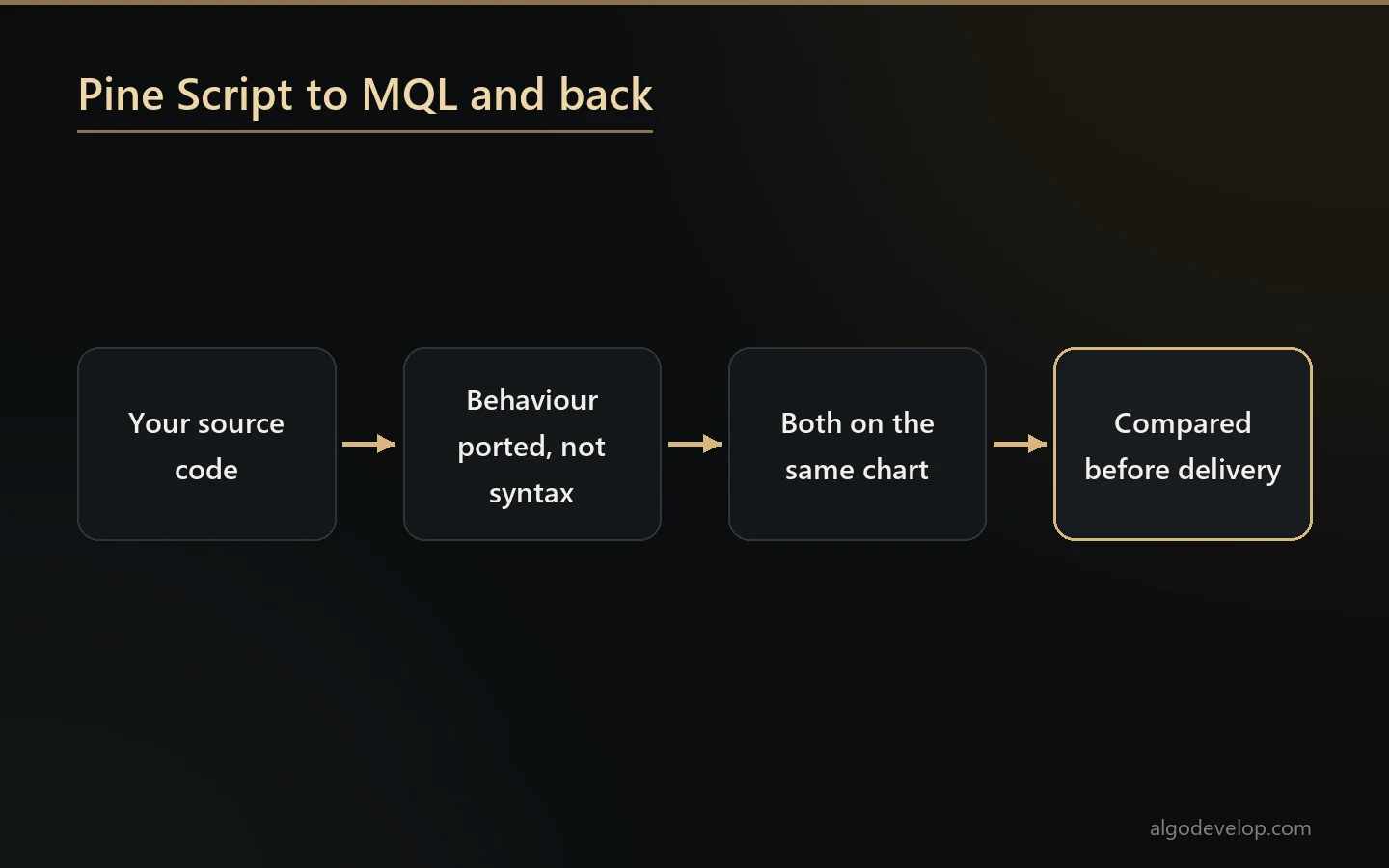
Neither is a line-by-line translation. Pine runs your script once per bar and keeps the history for you. MQL, on the other hand, hands you arrays and expects you to work out only what is new. Also, the two platforms’ built-in functions of the same name are not always the same function. So we port behaviour, then compare the two versions on the same chart before delivery. Our guide to Pine Script vs MQL covers the differences in more depth.
What you receive on delivery
- Full Pine source with comments, which you paste into your own TradingView account and keep.
- A plain guide to every input and every alert condition.
- Alert message templates, ready to paste into TradingView’s alert dialog.
- A note on repainting that says plainly what the script does on forming bars.
- Support after delivery, plus reasonable adjustments.
How a project runs
- You describe or show the idea. A marked-up screenshot is often the clearest brief there is.
- We scope it and quote a fixed price, after asking whether you need an indicator, a strategy or both, and what the alerts must do.
- We build it and test it on your instruments and timeframes.
- You check it on your own charts before we call it done.
- Delivery, documentation and support come last.
Want to run a strategy you already trade by hand? See TradingView strategy automation. The trading bot development page lists everything else we build.
Pine Script development – frequently asked questions
Do I own the code?
Yes. You get the full Pine source with comments to paste into your own TradingView account. A plain guide to every input and alert condition comes with it.
Should I have an indicator or a strategy?
An indicator draws and alerts, while a strategy runs in TradingView’s tester and reports statistics. Many projects want both: a strategy to test the idea and an indicator to trade it from. Asking for both at the start costs far less than two separate builds.
Can the alert actually trade my MetaTrader account?
Yes, with a webhook alert and something to receive it. Our TradingView to MT4/MT5 copier is that piece. We also have ready-made bridges for Binance, Delta Exchange and Indian brokers. Webhook alerts need a paid TradingView plan.
Will the script repaint?
We build on closed bars unless you ask otherwise. We also leave higher-timeframe lookahead off unless you want it and know what it does. Either way, the documentation states what the script does on a forming bar.
Can you convert my MQL indicator to Pine Script?
Yes, and the other direction too. Neither is a line-by-line translation, because Pine and MQL handle bar history differently. So we port the behaviour and compare both versions on the same chart before delivery.
Why does my backtest look better than reality?
Usually commission and slippage sit at zero, or the order size compounds into positions no broker would fill. Another cause is a stop and target inside one bar, so the tester guesses which came first. Part of Pine Script development is setting those honestly.
Do I need a paid TradingView plan?
For most indicators, no. For webhook alerts, yes, and TradingView also asks for two-factor authentication. Those are TradingView’s rules rather than ours, and we would rather you knew before paying us.
Can you build a screener?
Yes, within what Pine allows. A script can only request so many symbols, and we will tell you where your idea sits against that limit before building.
How long does it take?
Most Pine Script development projects land in a few days. You get a timeline along with the fixed quote.
How much does Pine Script development cost?
It depends on whether you need an indicator, a strategy or both, and on what the alerts have to carry. Describe the idea – a marked-up screenshot is ideal – and we will quote a fixed price. Ask for a quote.