An MT4 to MT5 copier mirrors every trade from one MetaTrader account into others, in the same moment. Each follower sizes the trade by its own rule, so one decision on the master becomes the right trade everywhere.
On this page
- What an MT4 to MT5 copier actually does
- How the MT4 to MT5 copier works, step by step
- Local copying and remote copying
- Lot sizing on each follower account
- What gets mirrored, and what does not
- Symbol mapping and reverse copying
- Every feature in the MT4 to MT5 copier
- Who actually needs one
- Setting up the MT4 to MT5 copier
- Copying terminals, or copying signals?
- Frequently asked questions
What an MT4 to MT5 copier actually does
An MT4 to MT5 copier reads nothing and parses nothing. There is no channel, no message and no AI involved. Instead, it watches one MetaTrader terminal, the master, and reproduces what happens there on other terminals, the followers (often called slaves).
That is a different job from a signal copier, and the difference matters when you choose. A signal copier turns text into a trade. An MT4 to MT5 copier, on the other hand, turns a trade into the same trade somewhere else. So it also carries the parts a message never would: the exact volume, a partial close, or a stop moved by two pips.
Direction is yours to choose. The copier runs MT4 to MT5, MT5 to MT4, MT4 to MT4 and MT5 to MT5. The master and the follower do not have to share a platform, a broker or even a continent.
How the MT4 to MT5 copier works, step by step
- You choose a master. One terminal, on your own PC or a VPS, is the one the copier follows. It trades exactly as it always did.
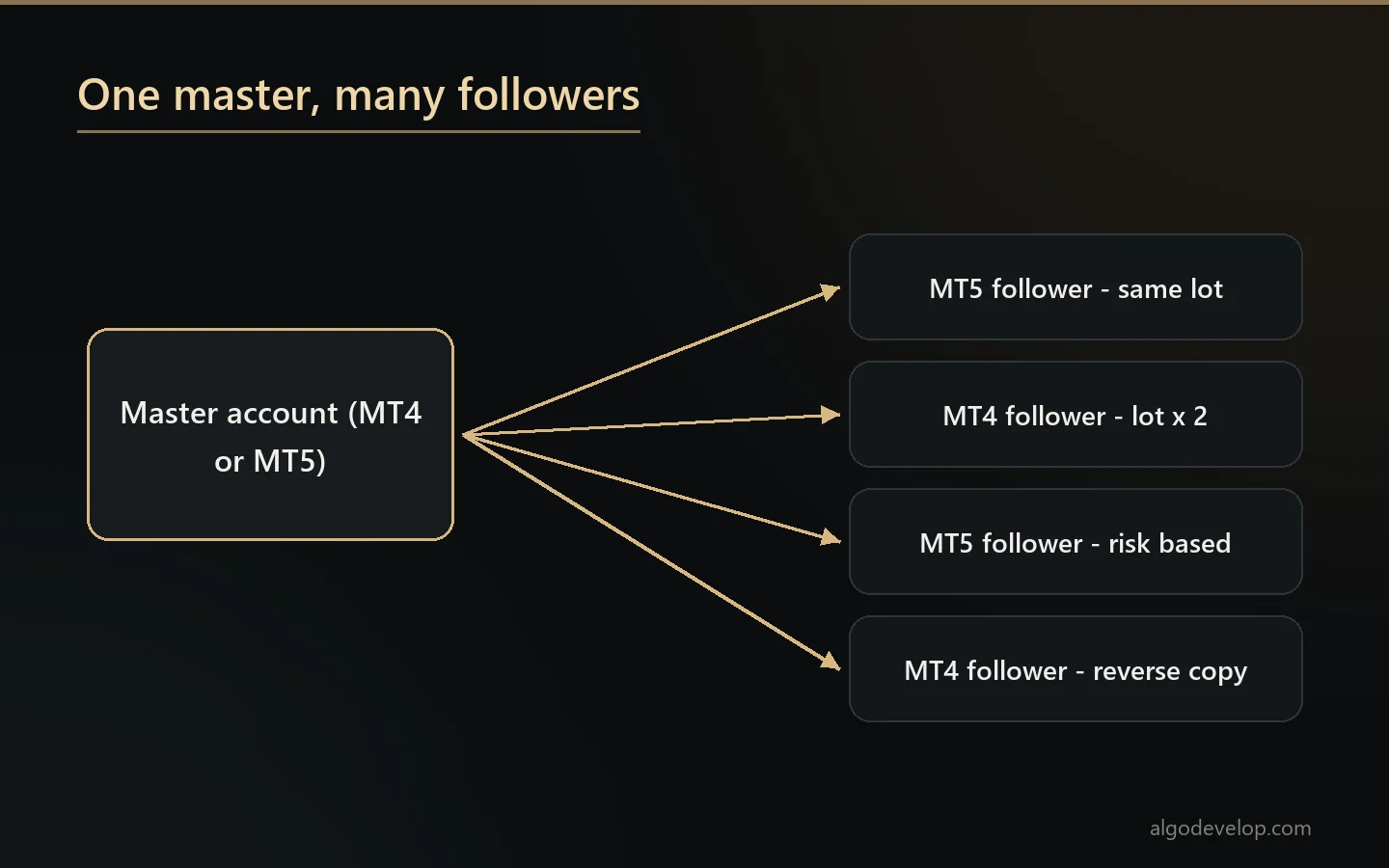
- You attach the followers. Every terminal that should copy gets the follower side of the copier. One master can feed many of them.
- The master opens a trade. The copier sees it in the terminal, not in a message. As a result, it knows the symbol, direction, volume, stop loss and take profit exactly.
- Each follower applies its own rule. One account might take the same lot, another twice that, and a third a lot worked out from its own balance.
- Every follower places the trade. The copier translates symbol names on the way, so XAUUSD on the master can become GOLD.m at a broker that calls it that.
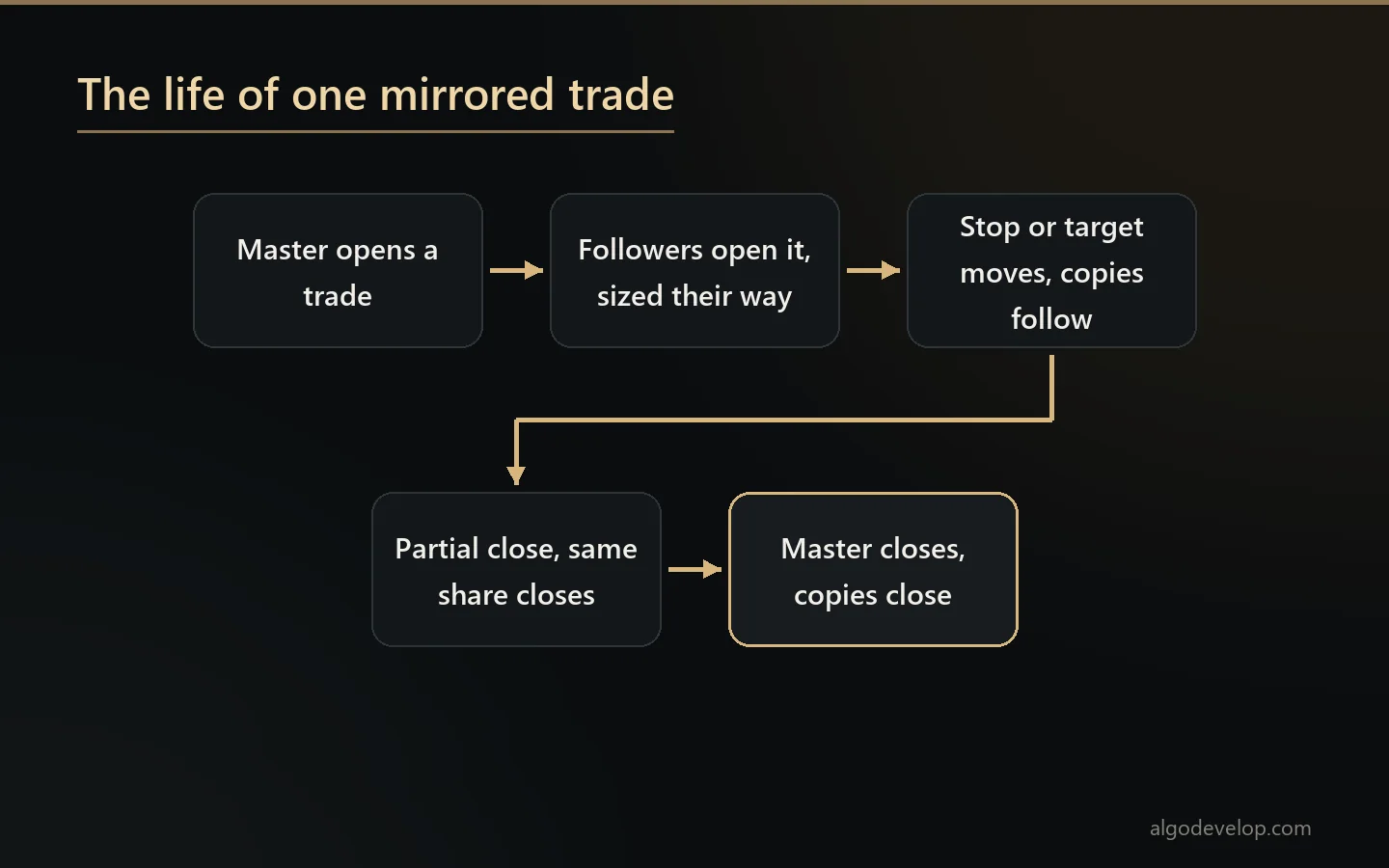
- It keeps following. A stop moved on the master moves on the followers. Then a partial close closes the same share, and a close closes everything.
Local copying and remote copying
The MT4 to MT5 copier works in two arrangements. Which one you need depends on where the terminals are.
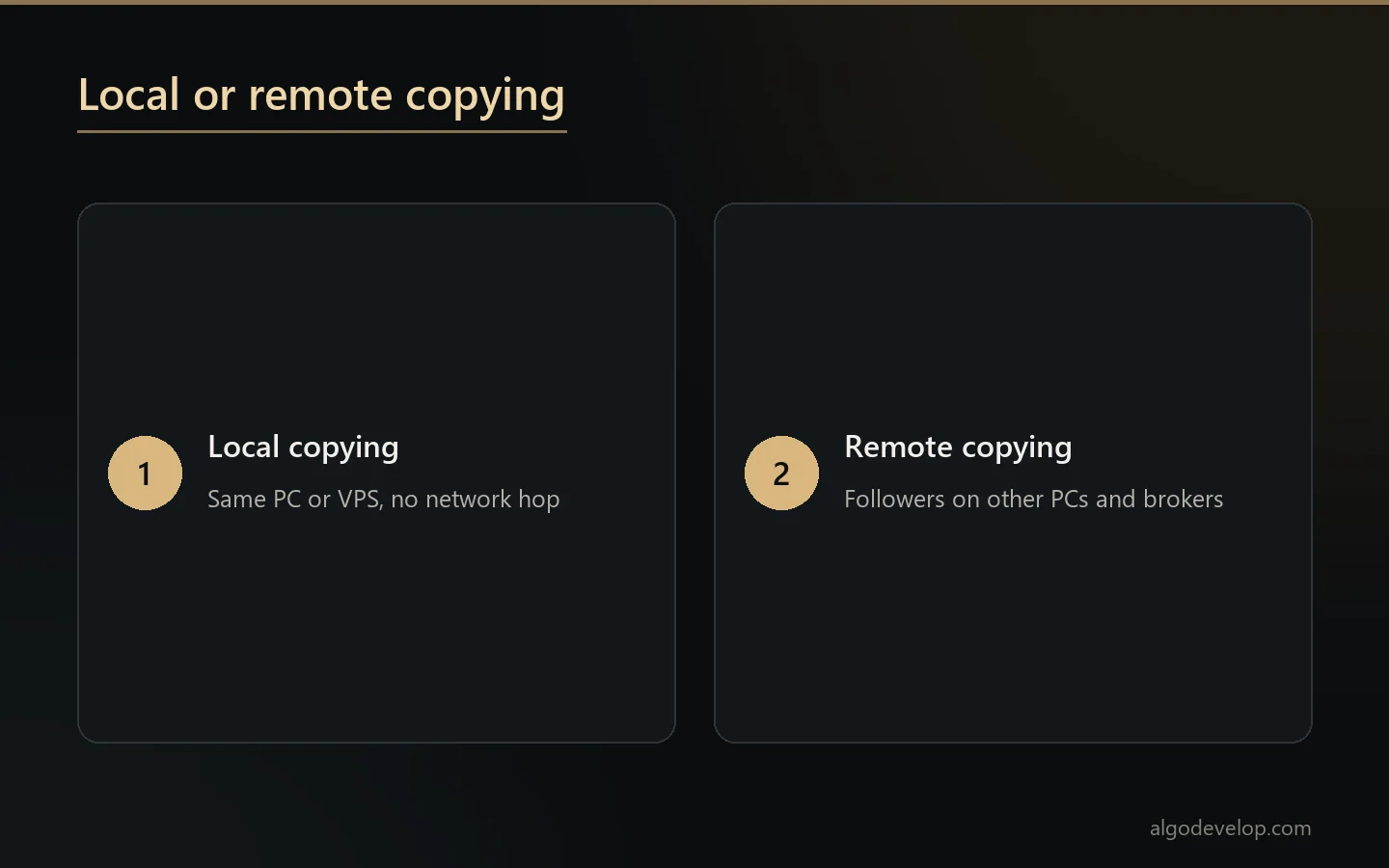
Local. The master and the followers sit on the same PC or VPS. This is the fastest arrangement there is, because nothing crosses a network. Most traders who run several of their own accounts use it.
Remote. The master sits in one place, while the followers run on other machines, with other brokers, anywhere in the world. You need this when the accounts are not yours to sit beside, for example a signal provider and the people who follow one master.
Both do the same job. So the choice comes down to geography, and we set up whichever one fits your accounts.
Lot sizing on each follower account
The master decides what to trade. Each follower decides how much. The MT4 to MT5 copier gives every follower account its own rule:
- Same lot – copy the master’s volume exactly.
- Multiplier – half the master, double it, or any factor you choose.
- Balance or equity based – a $2,000 account and a $20,000 account each take a size that suits them. The ratio holds as the accounts drift apart.
- Risk based – worked back from the master’s stop loss, so the follower risks its own fixed share whatever the master risked.
- Fixed lot – ignore the master’s size and always trade yours.
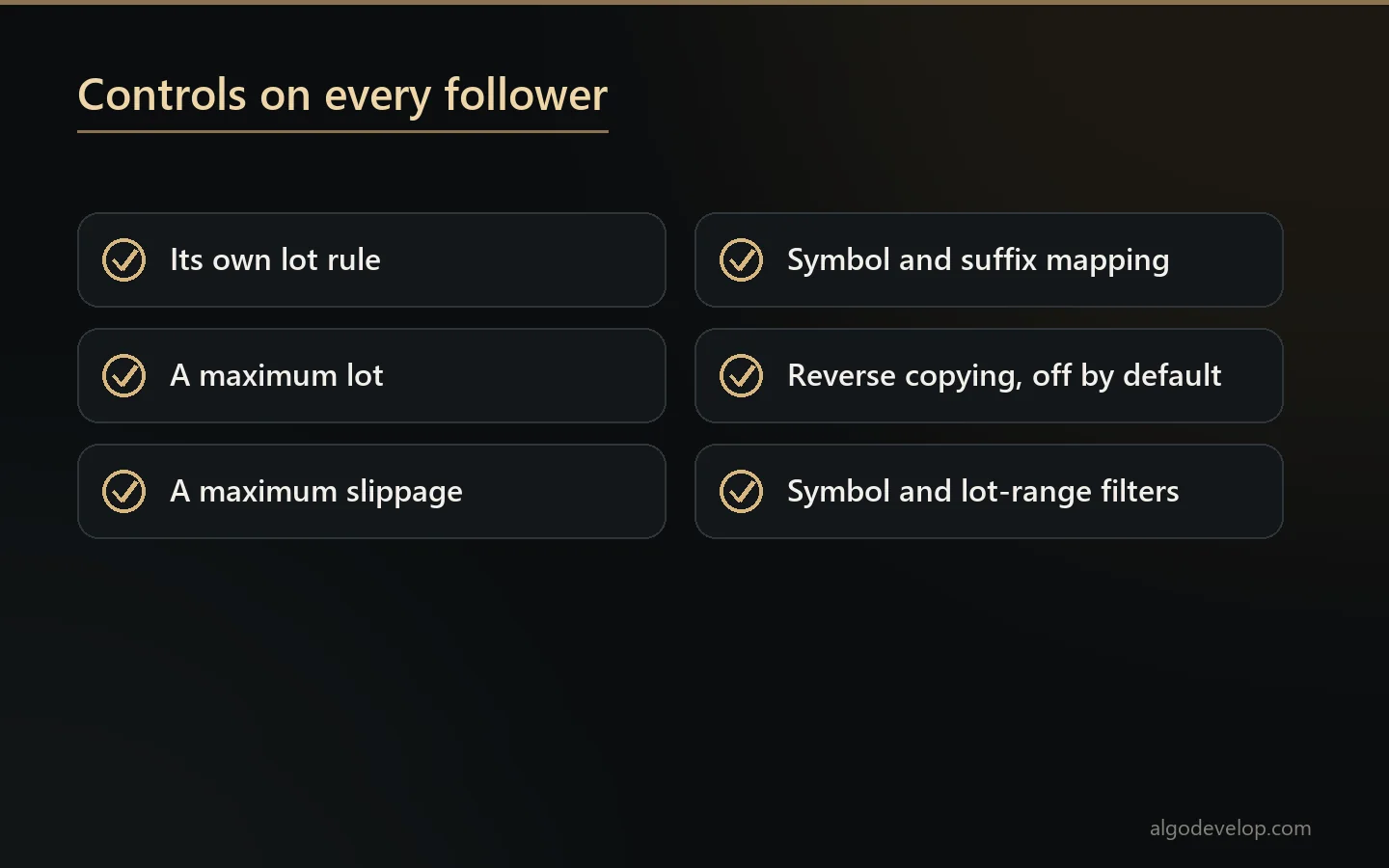
Alongside those sit the guards. First, a maximum lot that the follower never exceeds. Next, a maximum slippage, past which it will not chase the price at market. Finally, careful handling of a dropped connection, so that a reconnect never doubles a trade.
What gets mirrored, and what does not
An MT4 to MT5 copier that only mirrors the entry is half a copier, because it opens the trade and then abandons it. This one follows the whole life of the position.
- Opens – market and pending orders, with the stop loss and take profit attached.
- Changes – a stop moved to break-even on the master moves on every follower too.
- Partial closes – close a third on the master, and each follower closes a third of its own size, not a third of the master’s.
- Closes – including closes by stop loss or take profit at the broker.
- Filters, if you want them – copy only certain symbols, or only trades within a lot range, and ignore the rest.
What the copier does not mirror is anything you tell it to skip. The filters stay off until you set them, and the log notes the reason for a skipped trade rather than letting it pass silently.
Symbol mapping and reverse copying
Two brokers almost never name things the same way. That is where many copiers fail on the first live trade.
Symbol and suffix mapping. XAUUSD on the master can meet GOLD.m on the follower, and EURUSD can meet EURUSD.pro. Set the mapping once, and the MT4 to MT5 copier translates every trade on the way through.
Reverse copying. If you want it, a follower can flip every buy into a sell. It is a deliberate switch on each follower, and it stays off unless you turn it on.
Every feature in the MT4 to MT5 copier
| Feature | What it does |
|---|---|
| MT4 ↔ MT5, any direction | MT4→MT5, MT5→MT4, MT4→MT4 or MT5→MT5 – whatever you need. |
| Local or remote | Copy on the same PC or VPS, or between machines and brokers anywhere. |
| One master → many followers | Mirror a single account into several follower accounts. |
| Lot rule per follower | Same lot, multiplier, balance or equity based, risk based, or fixed lot. |
| Reverse copying | Optionally flip buy and sell on a follower account. |
| Symbol & suffix mapping | Handles broker naming differences such as XAUUSD against GOLD.m. |
| Full trade sync | Opens, closes, changes to stop loss and take profit, and partial closes. |
| Fast | Built for the shortest delay between master and followers; locally, nothing crosses a network. |
| Filters | Copy only chosen symbols, or only trades within a lot range. |
| Safety controls | Maximum lot, maximum slippage and careful handling of connection drops. |
| Logs & dashboard | An on-chart panel and a log of every mirrored action. |
| Runs on your own accounts | Your terminals, your logins, your control. |
Who actually needs one
An MT4 to MT5 copier earns its place in a few specific situations:
- Several accounts of your own – trade once rather than four times.
- A move from MT4 to MT5 – keep both running side by side until you trust the new one.
- A prop firm challenge alongside a personal account, each sized differently.
- Signal providers whose followers would rather mirror a terminal than read messages.
- Hedging across brokers on purpose, with the same position open in more than one place.
Moving platforms for good is a different job, though. To rebuild an MT4 robot for MT5, see our MT4 to MT5 conversion service. If you are still deciding between the two, read MT4 vs MT5.
Setting up the MT4 to MT5 copier
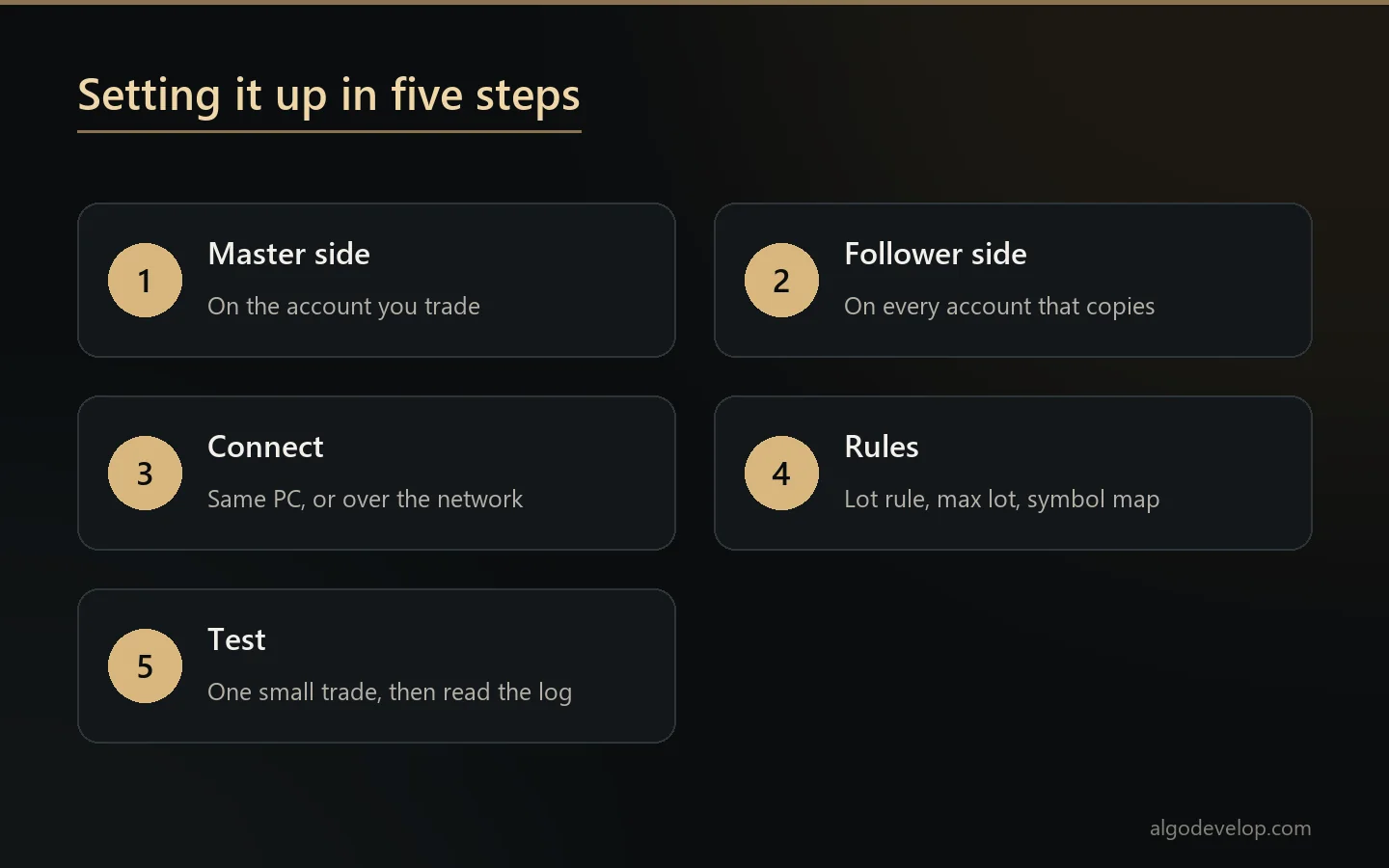
- Install the master side of the MT4 to MT5 copier on the terminal you trade.
- Install the follower side on every terminal that should copy it.
- Connect them, either on the same PC or over the network for remote copying.
- Set each follower’s lot rule, its maximum lot and its symbol mapping.
- Open one small trade on the master and watch it arrive. Then read the log before you trust it with anything real.
The copier runs inside your existing terminals as an Expert Advisor. So it works with MetaTrader 4 and MetaTrader 5 exactly as your broker installed them. For the terminals themselves, the official MetaTrader 4 help and MetaTrader 5 help cover installing and running Expert Advisors.
First-time setup takes about fifteen minutes. We can also do it with you over WhatsApp or Telegram if you would rather watch it once.
Copying terminals, or copying signals?
An MT4 to MT5 copier follows a terminal. If what you actually want to follow is a channel, one of these is the right product instead:
- Telegram to MT4/MT5 copier – for signals posted in Telegram channels and groups.
- WhatsApp to MT4/MT5 copier – for WhatsApp groups.
- Discord to MT4/MT5 copier – for Discord servers.
- TradingView to MT4/MT5 copier – for alerts from your own indicators and strategies.
- Multi-broker copy trading – when the followers are not all on MetaTrader.
Not sure which fits? Tell us what you want to follow and we will say plainly which one you need. Every tool we make also sits on the copy trading page.
MT4 to MT5 copier – frequently asked questions
Can it copy from MT5 to MT4 as well?
Yes. The MT4 to MT5 copier works in every direction: MT4 to MT5, MT5 to MT4, MT4 to MT4 and MT5 to MT5. The master and the follower do not need to share a platform.
Do the accounts have to be at the same broker?
No. Different brokers, different countries and different platforms all work. The copier maps symbols and suffixes to handle the naming differences.
How many follower accounts can one master feed?
Several at once. Each follower carries its own lot rule, its own maximum lot and its own filters, so adding one changes nothing for the others.
Does it copy on the same PC, or over the internet?
Both. It runs locally between terminals on one PC or VPS, which is fastest. It also runs remotely between machines anywhere, which you need when the followers do not sit beside the master.
How fast is it?
Locally it is fastest, because nothing crosses a network. Remote copying adds whatever the link between the two machines costs. Either way, the log records every mirrored action, so you can check the timing yourself rather than take our word for it.
Does it copy stop loss changes and partial closes?
Yes. It mirrors opens, closes, changes to the stop loss and take profit, and partial closes. A partial close on the master closes the same share of the follower’s own position, not the master’s volume.
My broker calls gold GOLD.m, not XAUUSD. Will that work?
Yes. Set the mapping once, and the copier translates every trade on its way to that follower, prefix and suffix included.
Can a follower trade the opposite of the master?
Yes. Reverse copying flips buy into sell on that follower. You switch it on per follower, and it stays off unless you do.
Can I copy only some trades?
Yes. The MT4 to MT5 copier can filter by symbol or by lot range. Anything it filters out goes in the log with the reason, so nothing drops silently.
What happens if the connection drops?
The copier checks the master’s open trades again when the link returns, instead of replaying blindly. So a dropped link does not leave you with the same trade opened twice, and the maximum lot and slippage limits still apply.
Is it safe for a prop firm account?
The copier places ordinary orders in your own terminal, so nothing about it hides from your broker or your firm. Whether your firm allows copying, though, is its rule, not ours, so read your agreement before you rely on it.
How much does an MT4 to MT5 copier cost?
It depends on how many follower accounts you need and whether the copying is local or remote. How much sizing and filtering you want set up matters too. Setup help comes with it either way. Tell us your setup and we will quote it plainly: ask for a quote.