Desktop Application Development
Desktop application development is the part of our work you can test before you talk to us. Sixteen Windows apps of our own are sold on this site, each with a free 2-day trial, so you can download one and see how we build.
We build the same kind of software to your requirement: a native Windows .exe with licence keys, trials, updates and a log that explains itself. For a custom build, you own everything we write.
On this page
- What desktop application development covers
- Sixteen Windows apps you can try first
- Windows app development: Python or C#/.NET
- Native compilation into one .exe
- A licence key system and free trials
- Auto-updates that keep users working
- Code signing and the SmartScreen warning
- How desktop application development runs here
- What drives the cost of custom desktop software development
- What we will not promise you
- Frequently asked questions
What desktop application development covers
A desktop app runs on the user’s own PC or VPS, signed in to the user’s own accounts. That suits some jobs better than a website:
A desktop app fits when
- It runs for hours or days, watching chats, feeds or folders.
- Logins and data should stay on the user’s machine.
- It works with local files, printers or programs such as a trading terminal.
- You want to sell it with keys, trials and versions.
A web app fits when
- Many people share the same data at once.
- Users move between phones and laptops.
- You want updates in one place, with nothing to install.
If the second column sounds like you, read web application development. Much desktop application development ends up as both: a tool on the user’s PC, plus a small web service for licences or reports.
- Python
- asyncio
- Flask
- pywebview
- Nuitka
- C#
- .NET
- Telethon
- WhatsApp Cloud API
- REST APIs
Sixteen Windows apps you can try first
These are our own products, sold on this site. Each runs on Windows 10 and 11 (64-bit), with a free 2-day trial for one PC and one account:
| What the app does | Apps |
|---|---|
| Copies chat signals into MetaTrader 4 and 5 | Telegram, WhatsApp and Discord to MT4/MT5 |
| Trades Telegram signals on binary platforms | Quotex, Pocket Option, IQ Option, Binomo, Olymp Trade and ExpertOption |
| Trades crypto from chats and alerts | Telegram and TradingView to Binance; Telegram and TradingView to Delta Exchange |
| Places orders at Indian brokers | Telegram and TradingView to Indian brokers |
| Copies posts between Telegram chats | Telegram to Telegram copier |
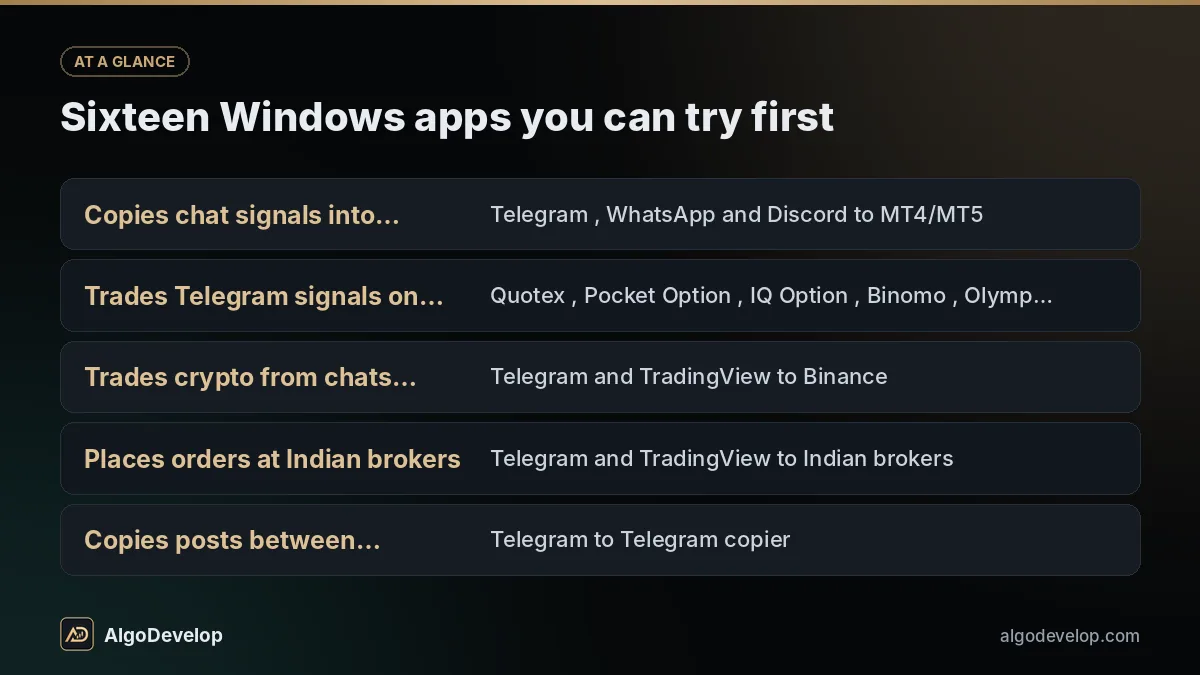
All share one design: Python, with asyncio to watch many chats and connections at once and Telethon to read Telegram. pywebview shows the Flask interface in its own window, not a browser tab. Nuitka compiles each into one .exe, and a licence key activates it against our licence server. We also built a desktop WhatsApp AI bot that answers customer chats from a knowledge base and saves leads.
Judging a Windows software development company
Whoever you hire for desktop application development, ask for a build you can run before you sign. A Windows software development company that ships its own products can show you one today.
Windows app development: Python or C#/.NET
Both are sound choices for Windows app development. What decides it is what the app must talk to.
When a Python desktop app is the right choice
Python has strong libraries for Telegram, broker and exchange APIs, AI and data work, and our own apps use it. With a web-style interface in a native window, a Python desktop app suits tools that spend their day talking to online services.
When C# and .NET fit better
C# and .NET suit software that works closely with Windows itself, such as Office files, printers, scanners or existing .NET systems. They also make sense when your own team writes C# and will maintain the app.
A Mac version, in Python or Flutter, is scoped as separate work.
Native compilation into one .exe
Your users should never need to install Python. We compile the app with Nuitka, which translates Python into C and builds a native Windows program, so the user downloads one .exe that carries everything it needs.
Compiling also guards your code better than a bundler such as PyInstaller, which packs the scripts as Python bytecode that tools can often turn back into readable code. Compiled code is far harder to read, but not impossible, so the checks that matter also run on the licence server.
A licence key system and free trials
If you sell the software, the licence key system matters as much as the features. Ours is a WordPress plugin we wrote for this site: a REST API that activates keys, plus an admin panel. Yours can follow the same pattern on your own server.
The WordPress side is ordinary WordPress plugin development, which we also do on its own.
Planning Windows software of your own?
Tell us on WhatsApp what it should watch, do and show, and expect a quick reply. Telegram works too, at @iLyaz7, and the contact page lists other ways to reach us.
Get a desktop app quote on WhatsApp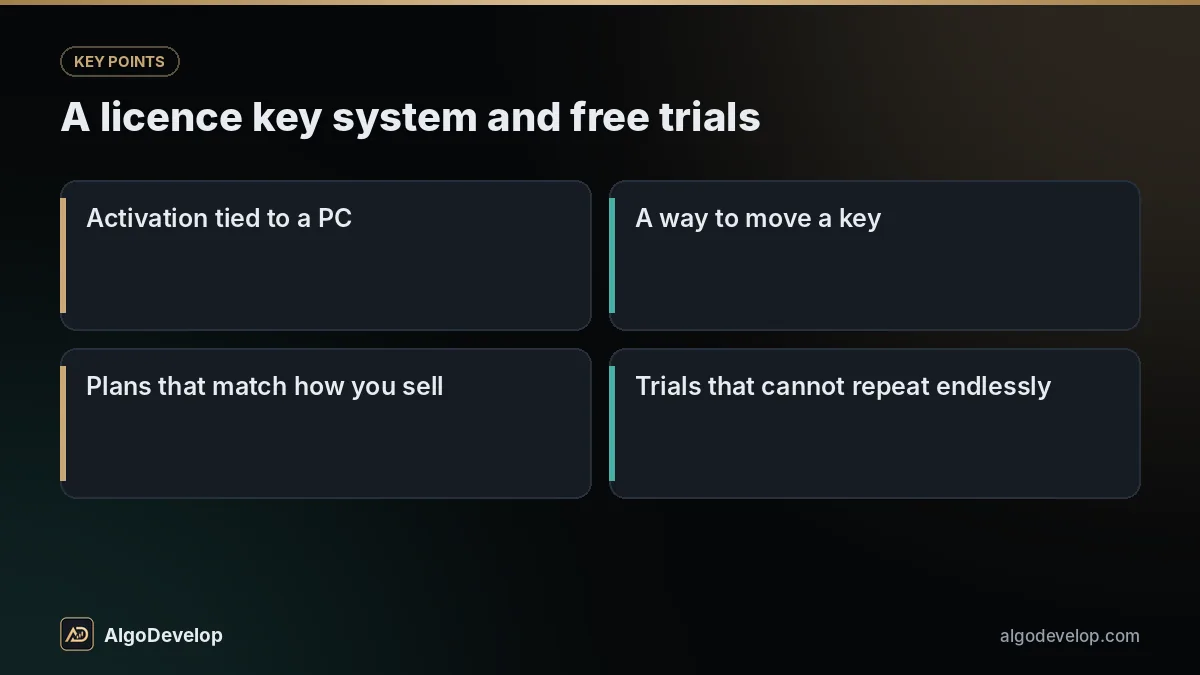
Auto-updates that keep users working
Desktop software lives on other people’s machines, so every fix has to travel there. A built-in updater handles it:
- On start, the app asks your server whether a newer version exists.
- It downloads the new build and checks it against a published hash.
- A small helper swaps the files after the app closes, since Windows will not let a running program overwrite itself.
- If the new version fails to start, the old one comes back.
- You can release to a few users first, or force an update when old versions become unsafe.
Settings and licence details live outside the program folder, so an update never wipes a user’s setup.
Code signing and the SmartScreen warning
Download a new, unsigned program and Windows will often stop it with a blue window titled “Windows protected your PC”, where the user must click More info, then Run anyway. That is Microsoft Defender SmartScreen, and many customers meet it first.
Code signing puts a verified name on the program. A certificate authority checks your identity or your company’s, then issues the certificate, whose private key must since 2023 sit on a hardware token or a cloud signing service. Each build is signed with Microsoft’s SignTool, so permission prompts show your name instead of “Unknown publisher”.
Signing does not switch the warning off on day one. SmartScreen builds reputation for each publisher and file as people download and run them, so a new app can still trigger it for a while. We sign every build with your certificate if you have one, and explain the warning in your setup guide.
How desktop application development runs here
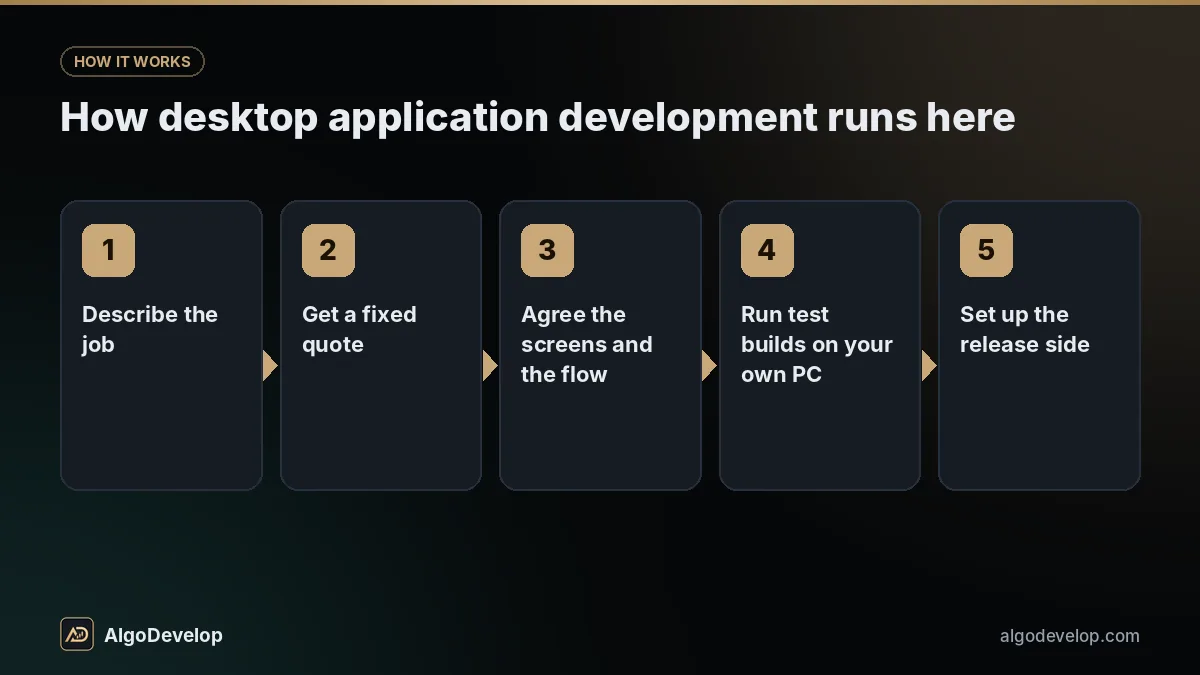
- Describe the job on WhatsApp or Telegram: what the app watches, what it does and who uses it.
- Get a fixed quote, with a plain warning if any part depends on an outside API.
- Agree the screens and the flow, including what the user sees when something fails.
- Run test builds on your own PC. Each milestone is a working .exe with a readable log.
- Set up the release side: licence server, trials, updater, signing and download page, as far as you need them.
- Take delivery of the source code, the build script and setup notes, with launch fixes as agreed in the quote.
A custom build is yours outright, licence server and customer list included, and nothing of ours has to stay switched on for it to run.
What drives the cost of custom desktop software development
We publish no prices for custom desktop application development, because a small tool and a commercial product are far apart. What moves the quote:
- Screens and workflows, and how much the app must do with nobody watching.
- Integrations such as Telegram, the WhatsApp Business Platform, broker or exchange APIs and your own systems.
- Running time. Software that runs all day needs reconnects, restart recovery and careful logs.
- The selling layer: keys, trials, plans, the updater and the download page.
- Platforms and upkeep: Windows only or macOS too, and fixes as APIs and Windows change.
You pay a few costs directly: the code signing certificate each year, a server for licences and updates, and any API fees. For trading tools, how much a trading bot costs goes into detail, and our pricing page explains the fixed-price approach.
What we will not promise you
We will not promise that Windows and every antivirus will welcome a new program on day one. Signing and time fix most of that; nobody controls all of it.
We will not promise an uncrackable licence, because no desktop application development team can deliver one. Instead, we will build one that is awkward to share and easy for honest customers to live with.
We will not promise a delivery date before scoping, or that an outside API will behave the same next year. When Telegram, WhatsApp, a broker or an exchange changes its rules, the software must follow.
And if your idea works better as a Telegram bot or a web app, we will say so. If it trades, read trading app development too: we build software, not strategies, and cannot promise profit.
Desktop application development – frequently asked questions
Can I try your desktop software before I hire you?
Yes. Each of our 16 Windows apps has a free 2-day trial for one PC and one account. Download one from its page to see the activation, the interface and the logs we would build for you.
Do my users need Python installed?
No. We compile the app with Nuitka into one native Windows .exe that carries everything it needs. Users download it and run it like any other program.
Why does Windows say “Windows protected your PC” when a new app opens?
That is SmartScreen, which warns about programs it has not yet seen many people run. Code signing with a certificate in your name helps, and the warning fades as reputation builds. A brand-new app can still show it for a while, even when signed.
Can a licence key system stop piracy completely?
No licence system can. A good one ties keys to PCs, checks them on a server you control and makes casual sharing awkward. Its real job is to make paying the easiest option.
Will it work on Windows 10 and Windows 11?
We agree the Windows versions at scoping and test on them. Microsoft ended support for Windows 10 in October 2025, but plenty of PCs still run it, so supporting both is usually wise. Our own apps run on both.
Can you build a Mac version as well?
It is possible with Python or Flutter, and we scope it as separate work. A Mac version has to be built on a Mac, and one sold outside the Mac App Store must also be signed and notarised to pass Apple’s Gatekeeper. The apps we ship today are Windows-only.
Do I get the source code?
For a custom build, yes. You receive the source, the build script that produces the .exe, setup notes and the code for any licence or update server we wrote.
How long does desktop application development take?
That depends on scope. A focused tool usually takes a few weeks; a commercial product with licensing, trials and updates usually takes longer. Either way, the fixed quote confirms the timeline before you commit.