Android App Development
Android app development in Kotlin, built to your requirement and published from your own Google Play developer account. You get a native app that suits the phones your users really carry, source code you own, and a plan that respects Play’s rules before they cost you a launch date.
It sits within our app development service and is quoted the same way: a fixed price after a short scoping chat on WhatsApp.
On this page
- What Android app development covers
- Kotlin app development, or Flutter?
- Built for the phones your users really carry
- Play Store app publishing from your own account
- Play review, permissions and the yearly update
- How a project runs, from scope to Play Store
- Factors that decide the cost of an Android app
- What an Android app development company should hand over
- What we will not promise you
- Frequently asked questions
What Android app development covers
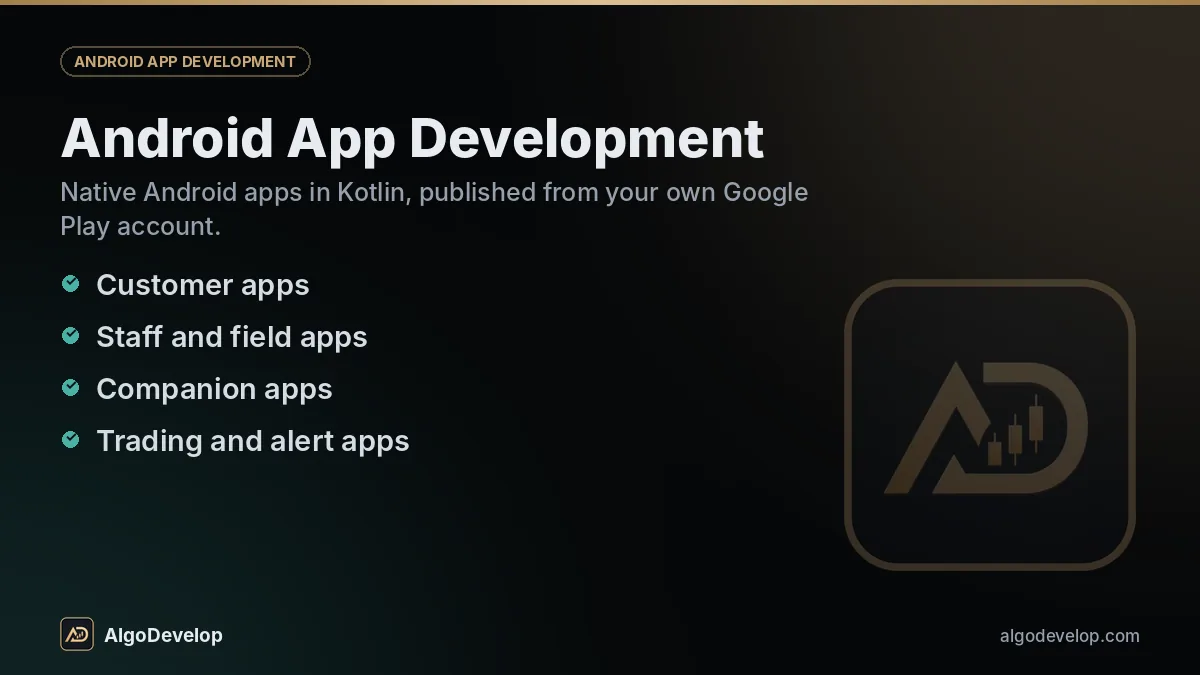
Android app development here means a working product, not a set of screens. Most projects are one of these:
- Customer apps for ordering, booking, loyalty or tracking, with push notifications through Firebase Cloud Messaging.
- Staff and field apps for visit reports, photos and stock counts, saved offline and synced when the signal returns.
- Companion apps for a service you already run on the web, sharing its accounts and data.
- Trading and alert apps showing signals, positions or bot status. Broker links use official APIs, as in our broker API bridges; see trading app development for that side.
- Kotlin
- Jetpack Compose
- Android Studio
- WorkManager
- Firebase Cloud Messaging
- REST and WebSocket APIs
- Razorpay
- Google Play Billing
Most apps also need a server and an admin panel, which we build as a web application in the same scope and quote.
Kotlin app development, or Flutter?
Google treats Kotlin as the first-choice language for Android, and a native Kotlin app can use each new Android feature as soon as it ships. Flutter builds Android and iOS from one Dart codebase. Choose by your users and your plans:
Kotlin fits when
- Your users are almost all on Android phones.
- The app relies on Bluetooth hardware, background location, the camera or long background tasks.
- A small install size matters on budget phones.
Flutter fits when
- You need an iPhone app soon, not someday.
- Its screens are mainly forms, lists, payments and chat.
- One codebase matters more to you than platform polish.
If the iPhone matters from day one, read about Flutter app development and iOS app development first. Kotlin itself is documented at kotlinlang.org.
Built for the phones your users really carry
An app that has only run on a new flagship has proved very little. In India especially, users are spread across budget handsets, older Android versions and patchy mobile data. Good Android app development plans for all of it:
- Low memory. Lists scroll smoothly, and screens come back intact after Android closes the app in the background.
- Weak connections. Requests retry, forms save offline and sync later, and errors explain themselves instead of spinning forever.
- Battery savers. Some phone makers stop background work more aggressively than stock Android does. Scheduled work uses WorkManager, and we tell you where a brand’s settings may still delay it.
- Screens and languages. Small screens, large fonts, dark mode, and Hindi or regional-language text that may not fit where the English did.
- Install size. People with full phones skip big downloads, so the app stays lean.
Play Store app publishing from your own account
Play Store app publishing starts with a developer account, and it should be yours. We never publish a client’s app from an account of ours.
Your developer account
You register it, verify your identity and pay Google’s one-time fee. An organisation account also needs a D-U-N-S number for your business; getting one is not instant, so apply early. Then you invite us as a user with only the permissions the work needs.
The closed test for new personal accounts
This rule catches many first-time publishers out. A personal account created after 13 November 2023 cannot go straight to production. At the time of writing, Google wants a closed test first, with at least 12 testers opted in for at least 14 days in a row, and then reviews your application for production access. Organisation accounts skip this step. Google has changed the numbers before, so we check Play Console Help at the start and build the test into the timeline.
The listing and the keys
A listing needs an icon, a feature graphic, screenshots, descriptions, a privacy policy link, the Data safety form, a content rating and target-audience answers. The app goes up as an Android App Bundle; Play App Signing holds the key that signs what users install, and you keep the separate upload key.
Play review, permissions and the yearly update
Google reviews new apps and updates before they go live. It often takes hours to a few days, longer for a new account, with no promised time. Common reasons for a rejection or delay:
- Sensitive permissions without a strong reason. SMS, call logs, background location, all-files access and the accessibility service need a declaration, and Google refuses many.
- No working login for the reviewer, which belongs in the App access section.
- Data safety answers that do not match the app, including what third-party libraries collect.
- Finance, health and children’s apps, which carry extra declarations and checks.
Then there is the yearly deadline. Google raises the target API level that new apps and updates must meet, usually with an August cut-off. Miss it and you cannot ship updates; fall further behind and new users on newer phones stop seeing the app. So budget for one compatibility update a year.
How a project runs, from scope to Play Store
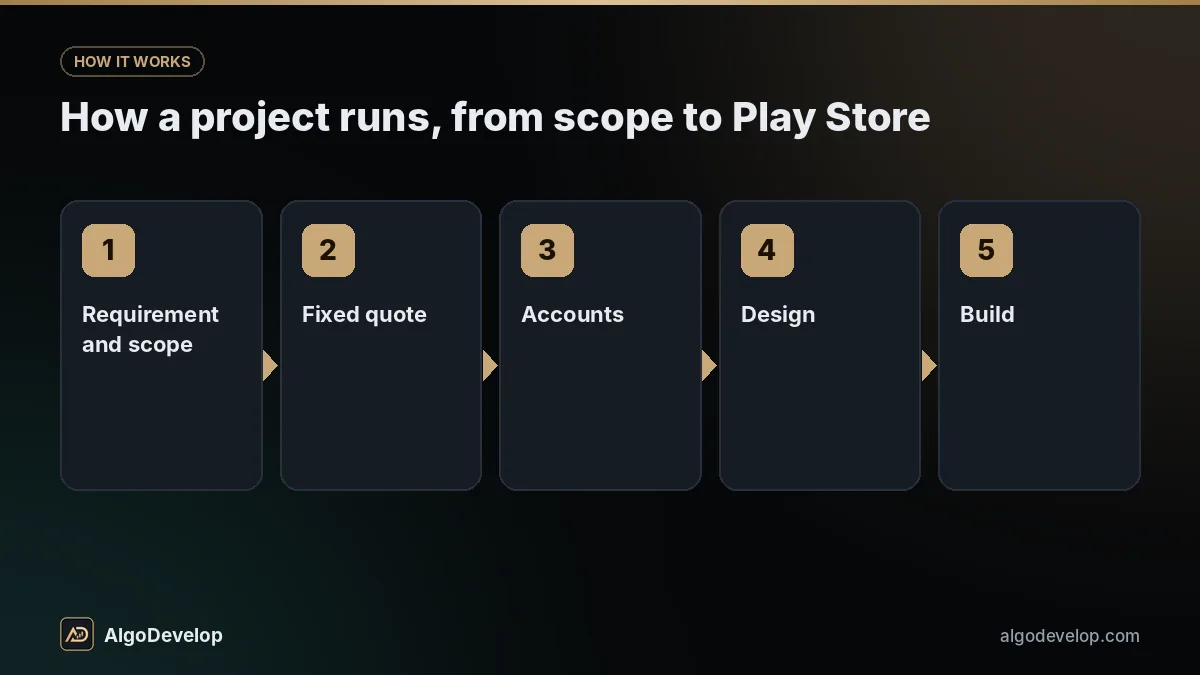
- Requirement and scope. Who uses the app and what they do in it, written down as screens, roles, permissions and integrations, with anything Play may question flagged.
- Fixed quote. A price and a timeline, with the closed test built in if your account needs one.
- Accounts. You open the Play developer account, or start the D-U-N-S request for an organisation, while design begins.
- Design. Wireframes, then final screens, checked on small and large phones.
- Build. Each milestone arrives through Play’s internal testing track, straight onto your own phone.
- Test and release. The closed test if required, then production access, the final listing and a staged rollout to a share of users first.
- Handover. Source, keys, documentation and a walkthrough of your Play Console.
A simple app usually takes several weeks; one with a backend, payments and an admin panel, a couple of months or more. A new personal account adds at least 14 days of closed testing plus Google’s review.
Planning an Android app?
Tell us what it should do, who will use it and whether you have a Google Play account yet. We will flag anything Play may question, then send a fixed quote.
Ask for an Android quote on WhatsAppFactors that decide the cost of an Android app
We do not publish a price for Android app development, because one brief can mean a few weeks or a few months of work. These decide it:
| Factor | Why it matters |
|---|---|
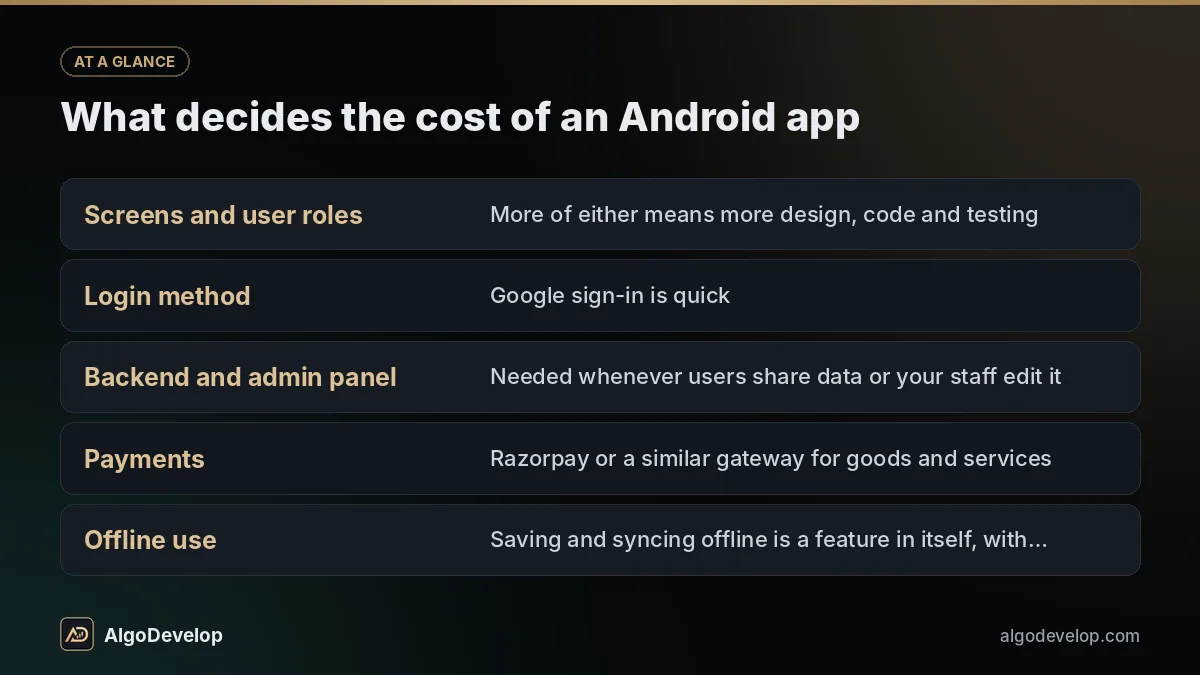
| Screens and user roles | More of either means more design, code and testing. |
| Login method | Google sign-in is quick. Phone OTP adds SMS charges and abuse protection. |
| Backend and admin panel | Needed whenever users share data or your staff edit it. |
| Payments | Razorpay or a similar gateway for goods and services; Google Play Billing where Google’s Payments policy requires it for digital content. |
| Offline use | Saving and syncing offline is a feature in itself, with conflicts to settle. |
| Device features | Camera, Bluetooth, background location and maps each add work and review questions. |
| Languages and design | Each language needs translation and layout checks; a custom look takes longer than standard components. |
Google’s fee, hosting, SMS and paid APIs are billed by those providers directly; none of it passes through us. Our pricing page shows how fixed quotes work, and you can contact us for yours.
What an Android app development company should hand over
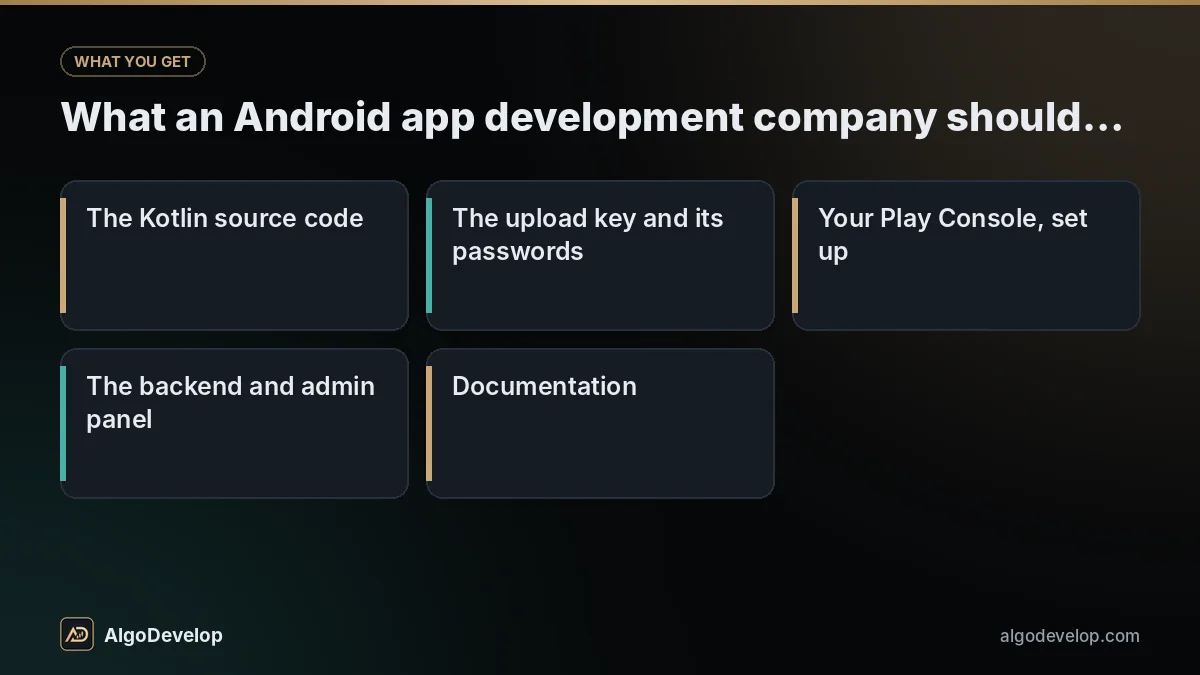
Whoever builds your app, insist on these. They are what let you ship next year’s update, with us or without us:
Nothing in the app calls home to us, and we charge no yearly fee to keep it running.
What we will not promise you
We will not promise that Google approves your app, or how fast. That is Google’s decision, and its policies change through the year. We build to the current policy, answer reviewers honestly and fix whatever they flag.
We will not promise downloads, ratings or a place in Play search. Nor will we request a sensitive permission your app does not truly need, because that is a quick route to rejection. And we will not fill your closed test with paid strangers who never open the app.
One more thing. Our ready-made products are Windows apps, not Android apps, so you will find no gallery of client apps here. You can still check how we ship: each of the 16 has a free 2-day trial and licence-key activation (the copy trading page lists the copiers), and our portfolio outlines the trading systems we have delivered. If a Telegram bot or a WhatsApp bot would serve your customers better than an app, we will say so first.
Android app development – frequently asked questions
Do you build Android apps in Kotlin or Flutter?
Both. Kotlin suits Android-only apps and apps that lean on device features or background work. If you also need an iPhone app, Flutter usually costs less because one codebase builds both.
Whose Google Play account will the app be published under?
Yours. You register the developer account and pay Google’s one-time fee, then give us user access with only the permissions the work needs. You can remove it at any time.
Why does Google make new accounts run a closed test first?
Google wants apps from new personal accounts used by real testers before the public sees them. At the time of writing, that means at least 12 testers opted in for at least 14 days in a row, then an application for production access. Organisation accounts are exempt.
How much does Android app development cost?
It depends on screens, user roles, the backend, payments, offline use and device features. Google’s fee, hosting and SMS are paid to those providers directly. A short scoping chat on WhatsApp turns that into a fixed quote.
How long does it take to build an Android app?
Usually several weeks for a simple app, and a couple of months or more with a backend, payments and an admin panel. A new personal Play account adds the closed test and production review on top. The quote confirms your timeline.
Do I get the source code and the signing keys?
Yes. The Kotlin source lives in your own Git repository, and the upload key and its passwords are handed to you. Play App Signing keeps the app signing key inside your Play Console. With those, any Android developer can ship your next update.
Can an Android app developer in India work with me if I live abroad?
Yes. We are based in India and take on work from abroad as well. Every milestone reaches your phone through Play’s internal testing track wherever you are, and the quote is fixed before work starts. Message us on WhatsApp or Telegram.
What does an Android app need after launch?
At least one update a year for Google’s target API level, plus fixes when new Android versions or policy changes affect it. Crash reports and Android vitals in Play Console show what real users hit, and we quote upkeep whenever you want it done.