What Is an Expert Advisor (EA) in MT4/MT5?
Published July 18, 2026 · Updated October 14, 2026
An expert advisor (EA) is a program that runs inside MetaTrader 4 or MetaTrader 5 and trades for you by fixed rules. It watches the price, decides when your conditions hold, and sends the order to your broker without a click from you.
This guide explains what an EA is in plain words, how it works on every tick, and what it can and cannot do. After that, it covers how to run one and how we build a custom one.
On this page
What is an expert advisor, in plain words?
MetaQuotes, the company behind MetaTrader, calls an EA “an automated trading system linked to a chart”. In practice, you attach it to one chart, and from then on it acts on its own. It keeps going until you remove it or close the platform.
The rules inside can be short or long. For example: buy when the 20-period average crosses above the 50, risk 1% of the balance, and put the stop under the last swing low. An expert advisor turns a rule like that into code, then follows it every time, at any hour.
Despite the name, it gives no advice. Think of it instead as a very fast, very literal assistant. It does exactly what its code says, including the wrong thing if the code is wrong.
EA, indicator or script?
MetaTrader runs several kinds of programs, and people often mix them up. The difference decides what each one can do.
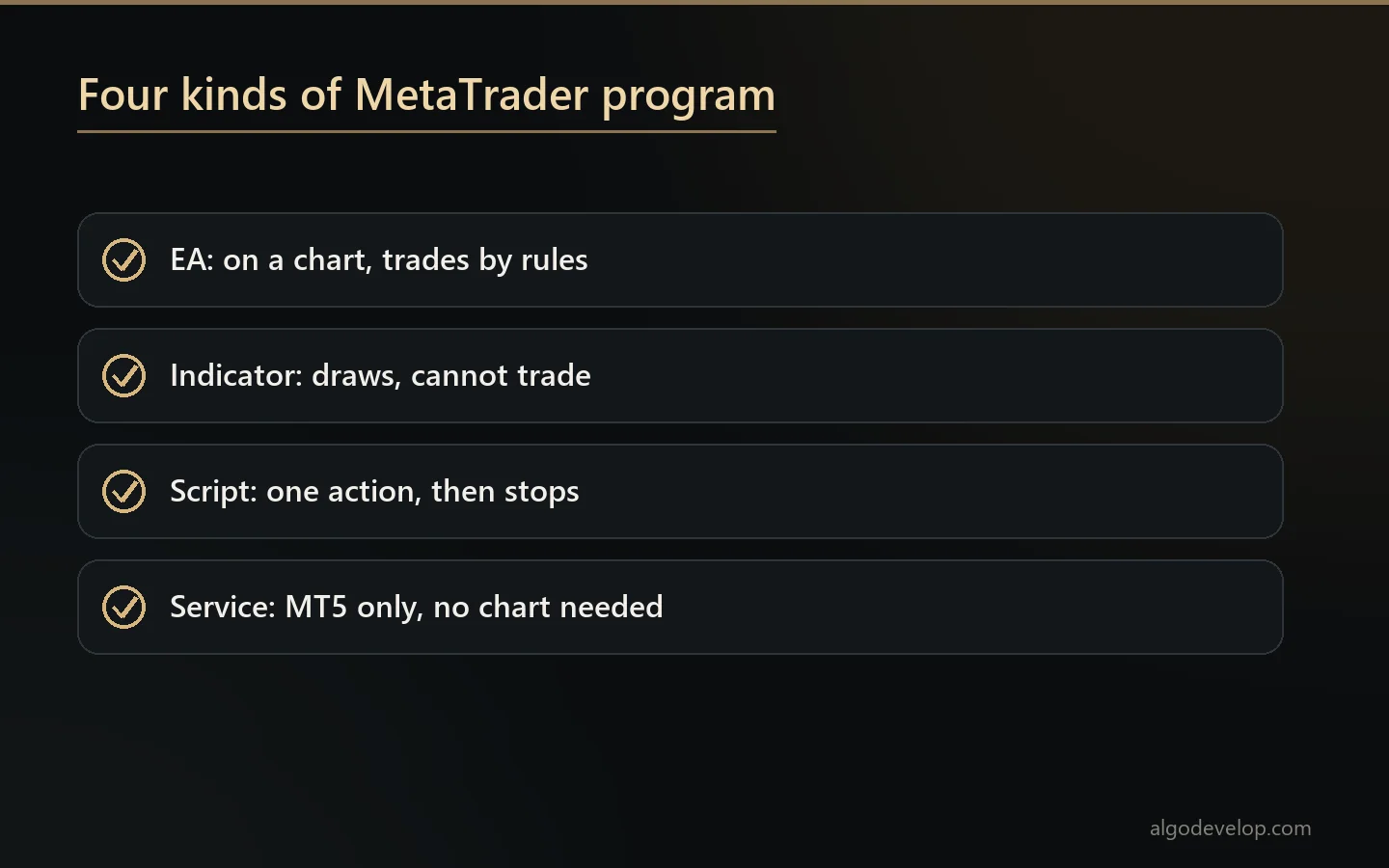
- Expert advisor. It sits on a chart, reacts to every price change and can place, change and close trades.
- Custom indicator. It draws lines, arrows and levels. However, it cannot trade on its own.
- Script. It runs one action once, such as closing all trades, and then stops.
- Service. Only MT5 has these. A service runs in the background without any chart.
Often two of them work as a team. An indicator spots the setup, and then an EA reads that indicator and places the trade. If you already trade by an indicator, our MT4 and MT5 indicator development page explains how that pairing works.
How an expert advisor works, tick by tick
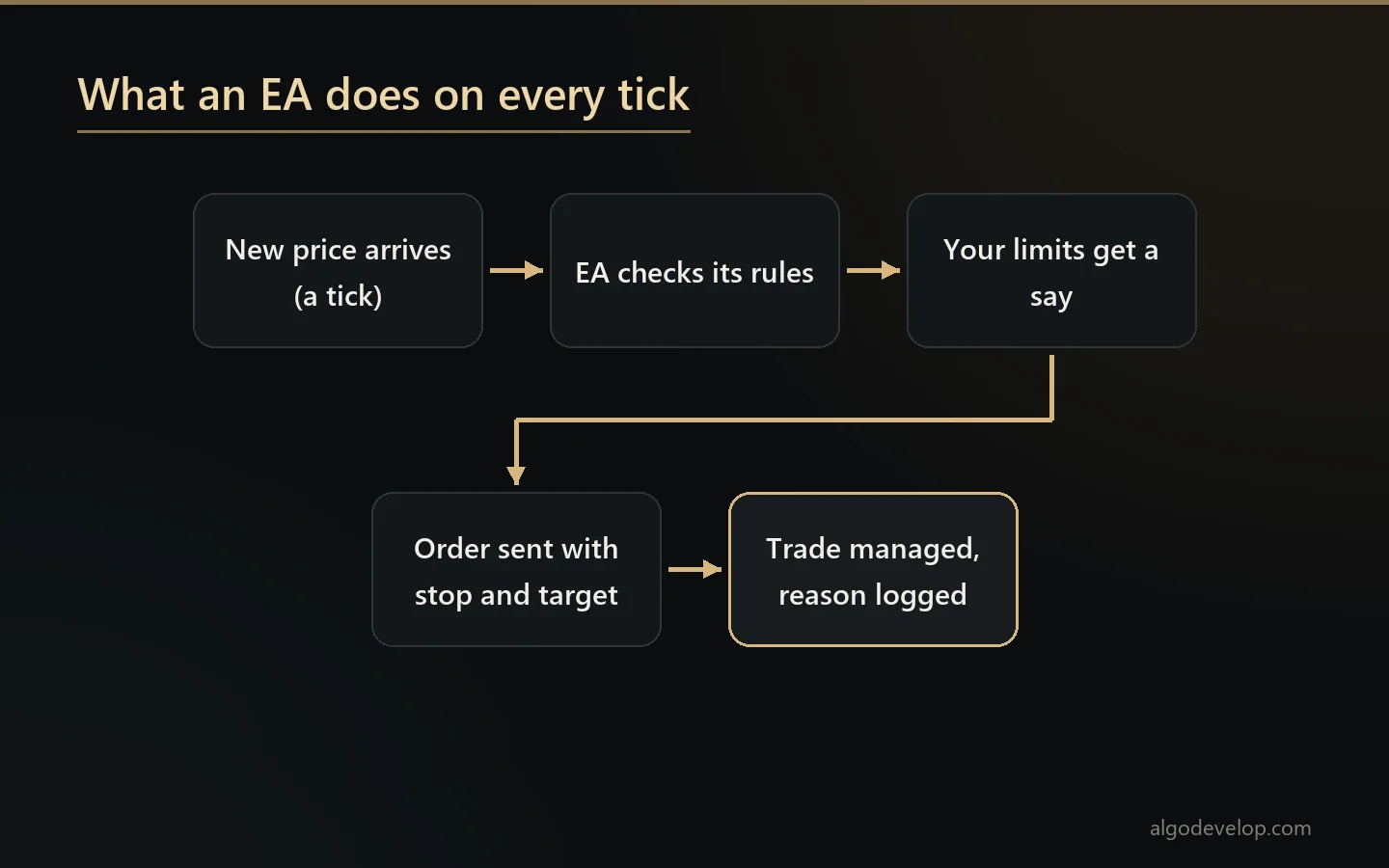
A tick is a new price from your broker. On a busy pair, ticks can arrive several times a second. MetaTrader hands each one to the EA, and a well-built EA runs through the same short routine.
- It starts up. First it reads its settings, checks the symbol and looks for any trades it opened earlier.
- A tick arrives. The EA gets the new bid and ask.
- It checks the rules. Is the entry condition true right now? If not, it waits for the next tick.
- It checks your limits. Spread, daily loss, open trades and trading hours all get a say before any order.
- It sends the order. The stop loss and target go with it. If the broker refuses, a good EA reads the reason and reacts.
- It manages the trade. Break-even, trailing stops and partial closes all run from here, and the log records why.
Because the EA reacts to ticks, it only works while MetaTrader is open and online. That is why many traders run their EAs on a VPS, a small rented server that never sleeps.
What an EA can and cannot do
MetaTrader’s own help says EAs help you follow a strategy strictly and take emotion out of it. That is the real benefit. Still, it helps to be clear about both sides.
What an EA does well:
- It follows the same rules on every trade, with no fear and no greed.
- At three in the morning, it acts as fast as at noon.
- Your lot size comes from your balance or from the stop distance.
- Daily limits hold, even when a tired person would break them.
- A log records what it did and why, so you can check it later.
What it cannot do:
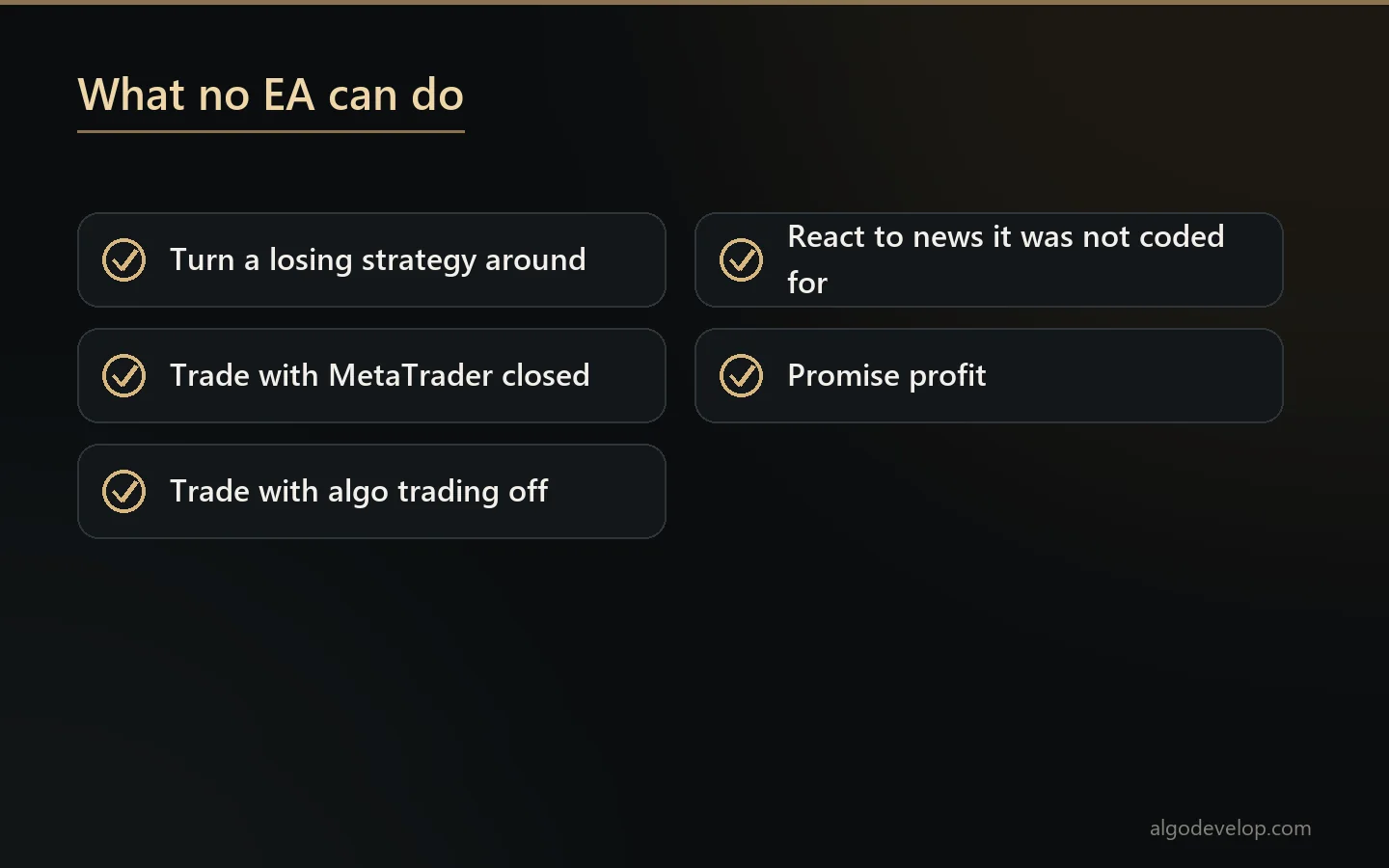
- Turn a losing strategy into a winning one. It only runs the rules faster.
- Trade while MetaTrader is not running, or with algo trading switched off.
- React to news unless someone coded that rule in.
- Promise profit. No honest seller of an EA does that.
How to run an EA in MT4 or MT5
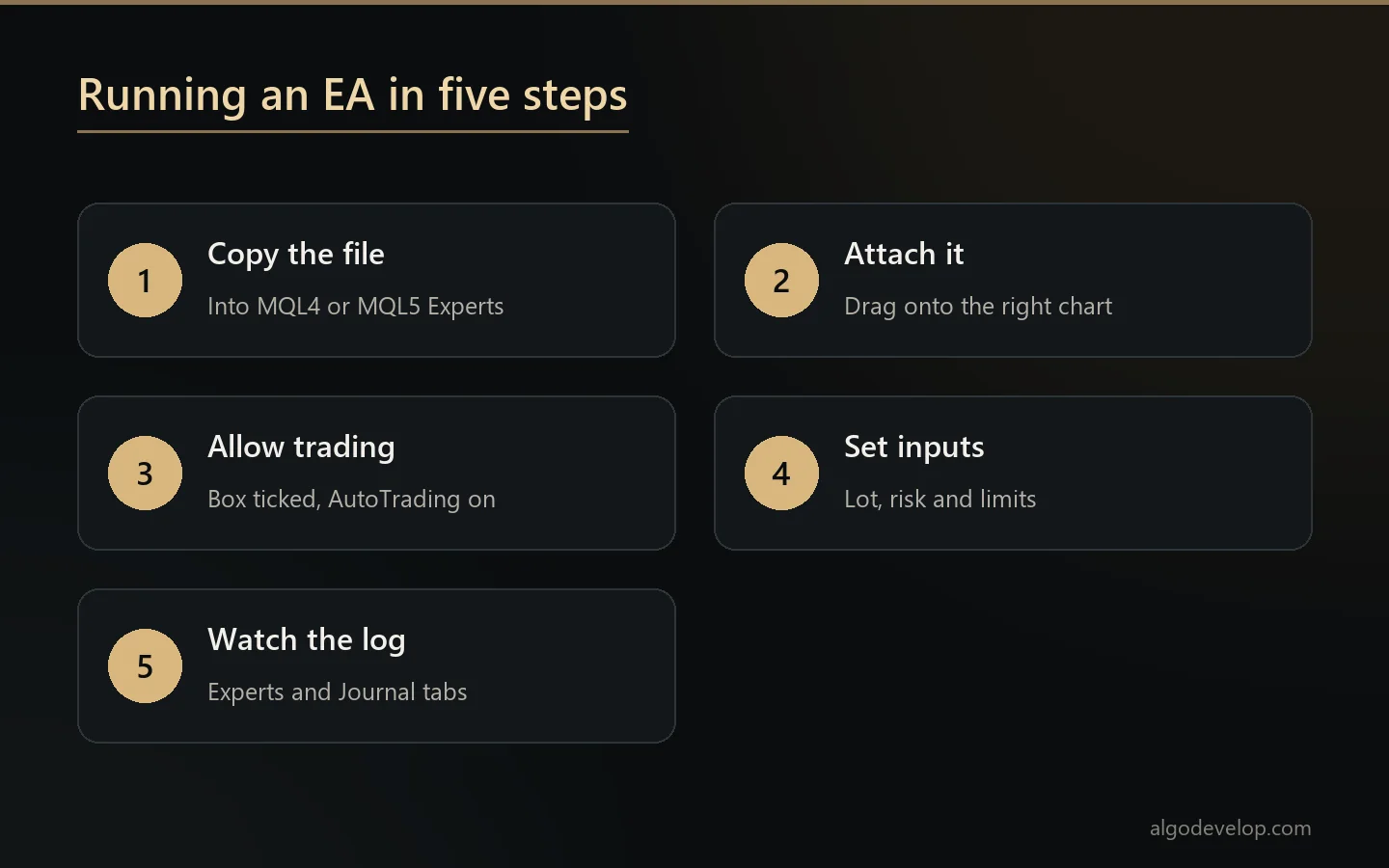
Running an EA takes five short steps on either platform. MetaTrader’s algo trading help covers each screen in more detail.
- Copy the file in. Use File, then Open Data Folder, and drop the EA into MQL4/Experts or MQL5/Experts. Then refresh the Navigator.
- Attach it to a chart. Drag the EA onto a chart of the symbol it trades.
- Allow it to trade. Tick the box in its settings, then switch on the AutoTrading button. Newer MT5 builds call it Algo Trading.
- Set the inputs. Lot size, risk and limits live here, so read each one before you press OK.
- Watch the log. The Experts and Journal tabs show what the EA did, or why it did nothing.
Note that an MT4 EA will not run in MT5, or the other way round. Our MT4 vs MT5 guide explains why, and what moving an EA across involves.
Common kinds of EA
Most EAs fall into a handful of types, and each one carries different risks:
- Strategy EAs trade a full system from entry to exit, usually built on indicators.
- Trade managers leave the entry to you. Once you open a trade, they handle the stop, the break-even and the partial closes.
- Copier EAs place trades that come from somewhere else, such as a Telegram channel or a TradingView alert.
- Prop firm guards stop trading before a firm’s daily loss line, not at it.
- Grid and martingale EAs add trades as price moves against them. They can look smooth for months, so treat them with great care.
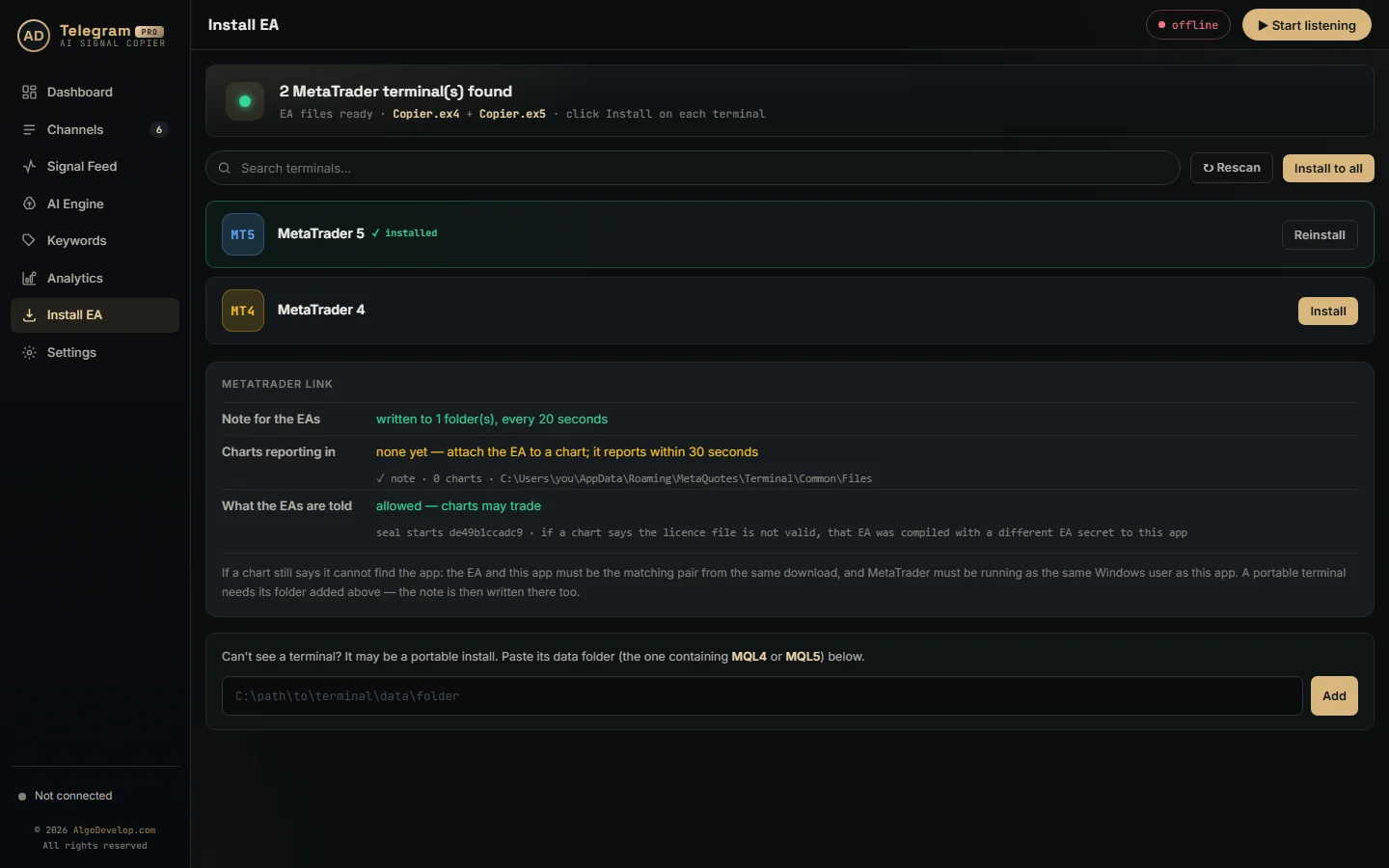
Our own copiers use the copier type. For example, the Telegram to MT4/MT5 copier reads a channel’s calls, and its EA places, moves and closes the orders in your terminal.
Ready-made or custom expert advisor?
You can buy a ready-made EA, but you usually get a compiled file and no rules you can read. So test it on demo for weeks before it touches real money. Our guide to the best forex EA lists the signs of a good one and the red flags.
A custom expert advisor runs your own rules instead. With us, it starts from whatever you have: written rules, an indicator, a TradingView script or marked-up screenshots. Then we ask questions, quote a fixed price, build it, and test it before you see it. You get the source code, the compiled file and plain notes on every input. Read more on MT4 and MT5 EA development, or see how we automate a manual strategy.
Expert advisor – frequently asked questions
Is an expert advisor the same as a trading robot?
Yes. In MetaTrader, an EA, a forex robot and a trading robot all mean the same thing: a program that trades by itself on a chart.
Does an EA guarantee profit?
No. An EA follows its rules exactly, and that is all. If the rules lose money, the EA loses it faster and more reliably.
Do I need to keep my PC on?
Yes, while the EA should trade. Many traders use a VPS instead, so the EA keeps running when their own PC is off.
Can one EA work on both MT4 and MT5?
Not as the same file. An MT4 EA and an MT5 EA are two separate programs, even when they follow the same rules.
Do I need to code to use an EA?
No. You only need to install it, attach it and set its inputs. To build one, you either learn MQL4 or MQL5 or have a developer write it.
Can an EA trade several symbols?
Yes. Most run one copy per chart and symbol. Others watch several symbols from a single chart, if their code allows it.
Is it allowed to use an EA?
MetaTrader supports EAs out of the box. Even so, your broker or prop firm sets its own rules, so read their terms before you start.
What is the difference between an EA and a signal copier?
A strategy EA makes its own decisions. A signal copier takes decisions from somewhere else, such as a channel, and an EA then places them.
How much does a custom expert advisor cost?
It depends on the rules and the testing needed. Our pricing page shows a typical starting range, and you get a fixed quote first. Send us your rules to ask.
Want this built for you?
We develop it as a service — reliable, tested, and yours to own.
Message Us on WhatsApp