A Shark Exchange copier takes the signals you already follow, from Telegram, Discord, WhatsApp or TradingView, and places them on your own Shark Exchange account through your own API keys. It acts as soon as a call arrives, at the size your own rule sets.
On this page
- What a Shark Exchange copier actually does
- How the Shark Exchange copier works, step by step
- Where your signals can come from
- Position sizing, leverage and order types
- Stop loss, targets and partial exits
- The risk controls you set once
- Every feature in the Shark Exchange copier
- API keys and what we can and cannot see
- Setting up the Shark Exchange copier
- Shark Exchange, or another platform?
- Frequently asked questions
What a Shark Exchange copier actually does
A Shark Exchange copier sits between the place your signals appear and the exchange where you trade. It reads the call, works out the size from your own rule, and then sends the order through the exchange’s API. All of that happens before you could have switched windows.
Your funds never move, and the copier never touches them either. Instead, it signs its orders with API keys that you create in your own account and that stay on your own machine. It can place and manage orders because you allowed it to, but it cannot withdraw.
BTCUSDT long, entry 64,200, SL 63,400, targets 65,000 and 66,500 becomes a real order at your size, with the stop and both targets attached.
How we deliver this one. The Shark Exchange copier is custom software. We build it for your account against Shark Exchange’s API, then you run it on your own PC or VPS. Tell us how you trade, and we will say plainly what it takes.
How the Shark Exchange copier works, step by step
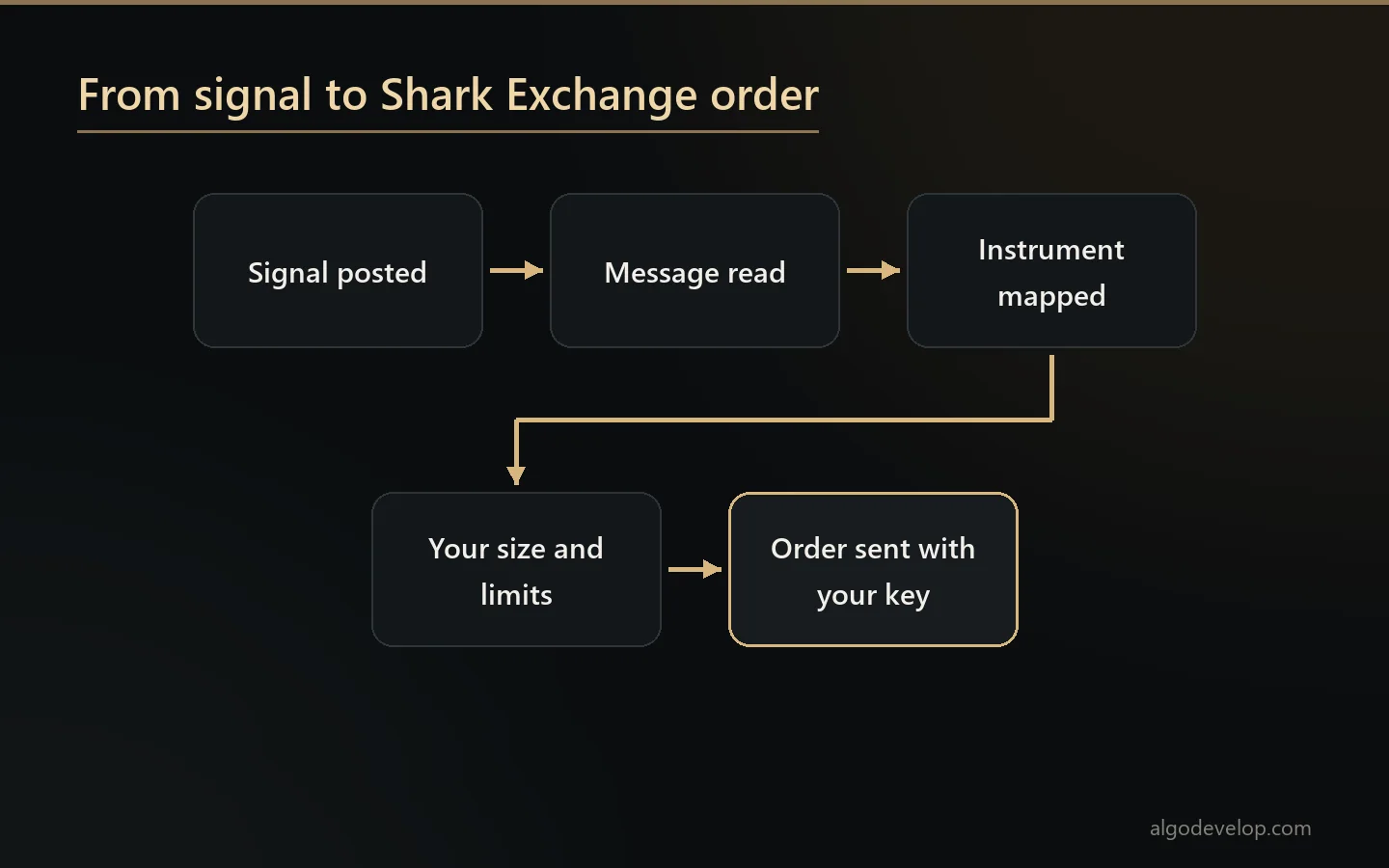
- You pick the sources. Telegram channels, Discord servers, WhatsApp groups or TradingView alerts, one or several, each with its own settings.
- A new signal arrives. Switching a source on does not replay its history, so only fresh calls trade.
- Next, the copier reads the message. It pulls out the symbol, the side, the entry, the stop loss and every target, whatever the layout or language.
- It maps the instrument. That way a call written as BTC/USDT reaches the exact market the exchange lists.
- Your rules decide. Size, leverage, open positions, exposure, instruments, hours and the daily loss cut-off all apply. When a call breaks one, the copier skips it and logs the reason.
- The order goes out through the API, at market or as a limit, with the stop and targets attached. Then the copier records the exchange’s reply.
Where your signals can come from
A Shark Exchange copier should not care which messenger your signals use. So it reads all four of these, and you can run more than one at a time:
- Telegram – channels, groups and bots your own account can see.
- Discord – servers and single channels, including calls a bot posts or wraps in an embed.
- WhatsApp – groups and direct messages, forwarded calls too.
- TradingView – alerts from your own indicators and strategies, which is how you automate a system you wrote yourself.
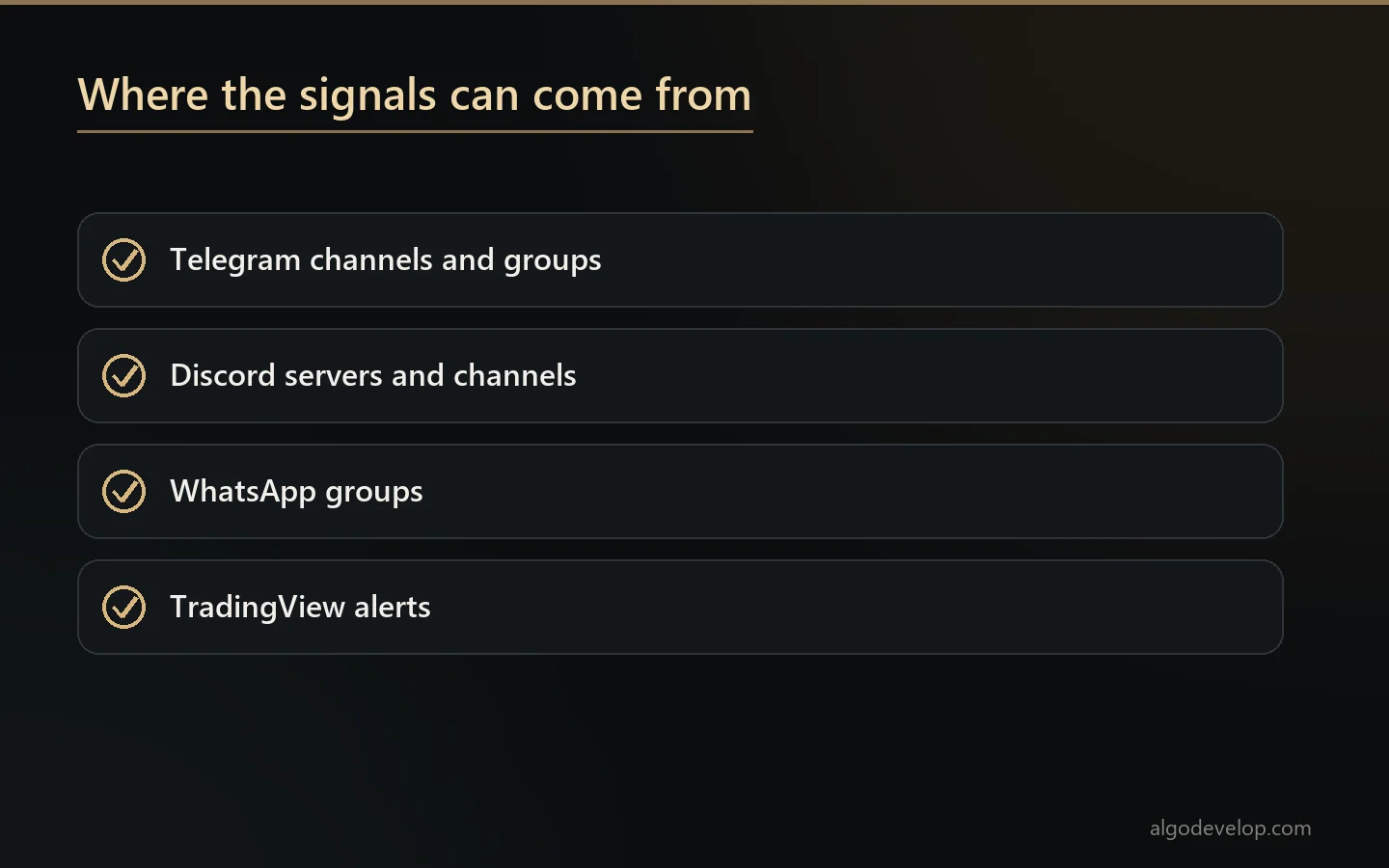
Each source carries its own size, its own instrument list and its own limits. That way a channel you trust more can trade larger than one you are still testing.
Position sizing, leverage and order types
The signal decides the direction. You decide the exposure, and the copier applies your rule to every signal it takes:
- Fixed size – the same position on every call.
- Percent of balance – a position that grows and shrinks with the account.
- Per source – a different size for each source, so your best channel does not trade like your worst.
- Leverage and margin – your chosen setting, where the exchange supports it, rather than whatever the message suggested.
- Market or limit – take the price now, or rest a limit at the entry the signal named instead.
Leverage stays your own decision, because futures carry liquidation risk. Start small, since a high setting turns a normal pullback into a closed position.
Stop loss, targets and partial exits
Most of what separates a working Shark Exchange copier from a demo happens after the order fills.
The stop goes on with the entry. It is part of the same instruction rather than a later step, so a position never sits unprotected while something else runs.
Several targets, booked in pieces. Two targets, three or more: each one closes its share of the position and leaves the rest running.
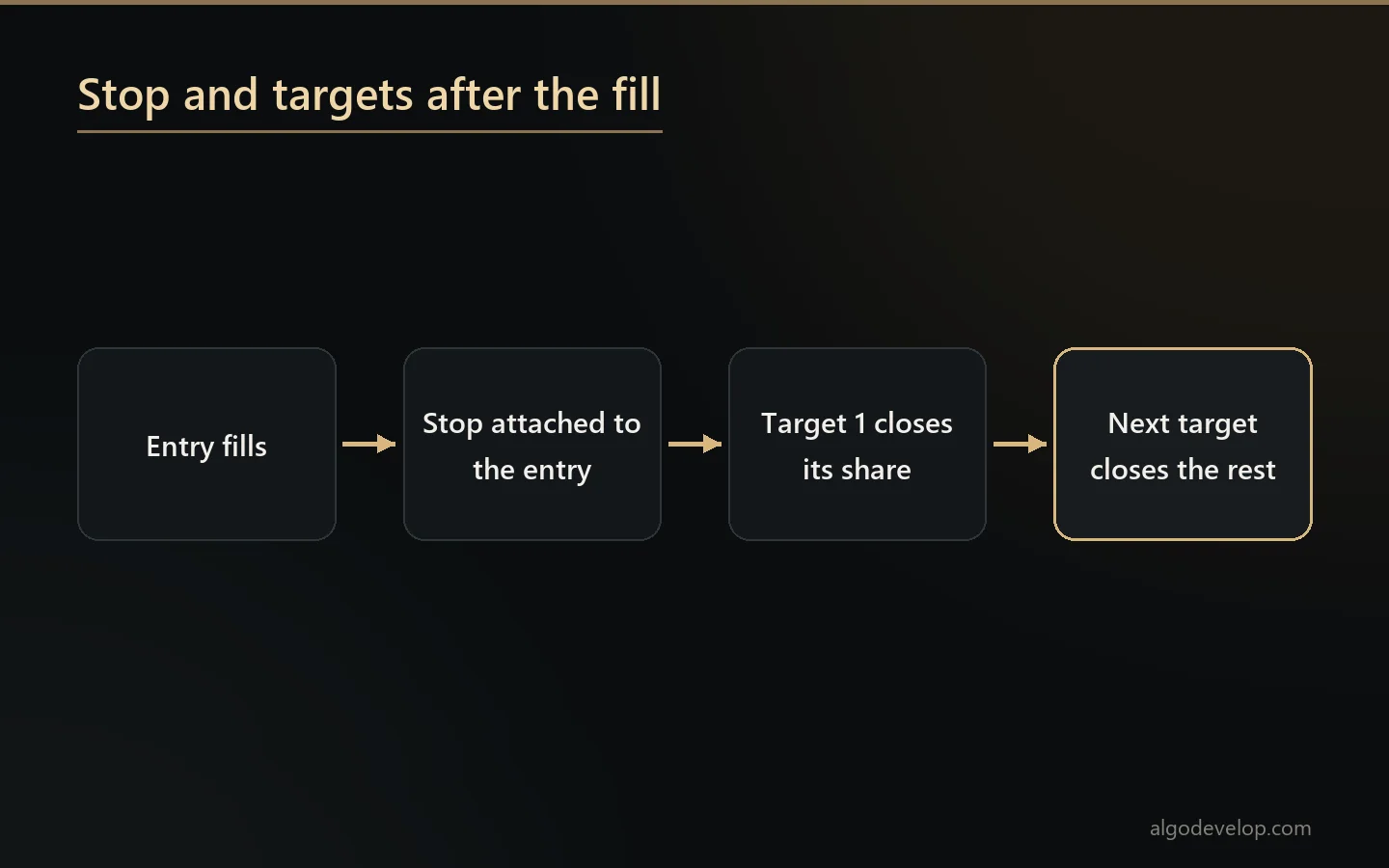
Everything goes in the log. Every fill, every partial exit, and every rejection from the exchange with its exact reason. A copier that goes quiet is a copier you cannot trust.
The risk controls you set once
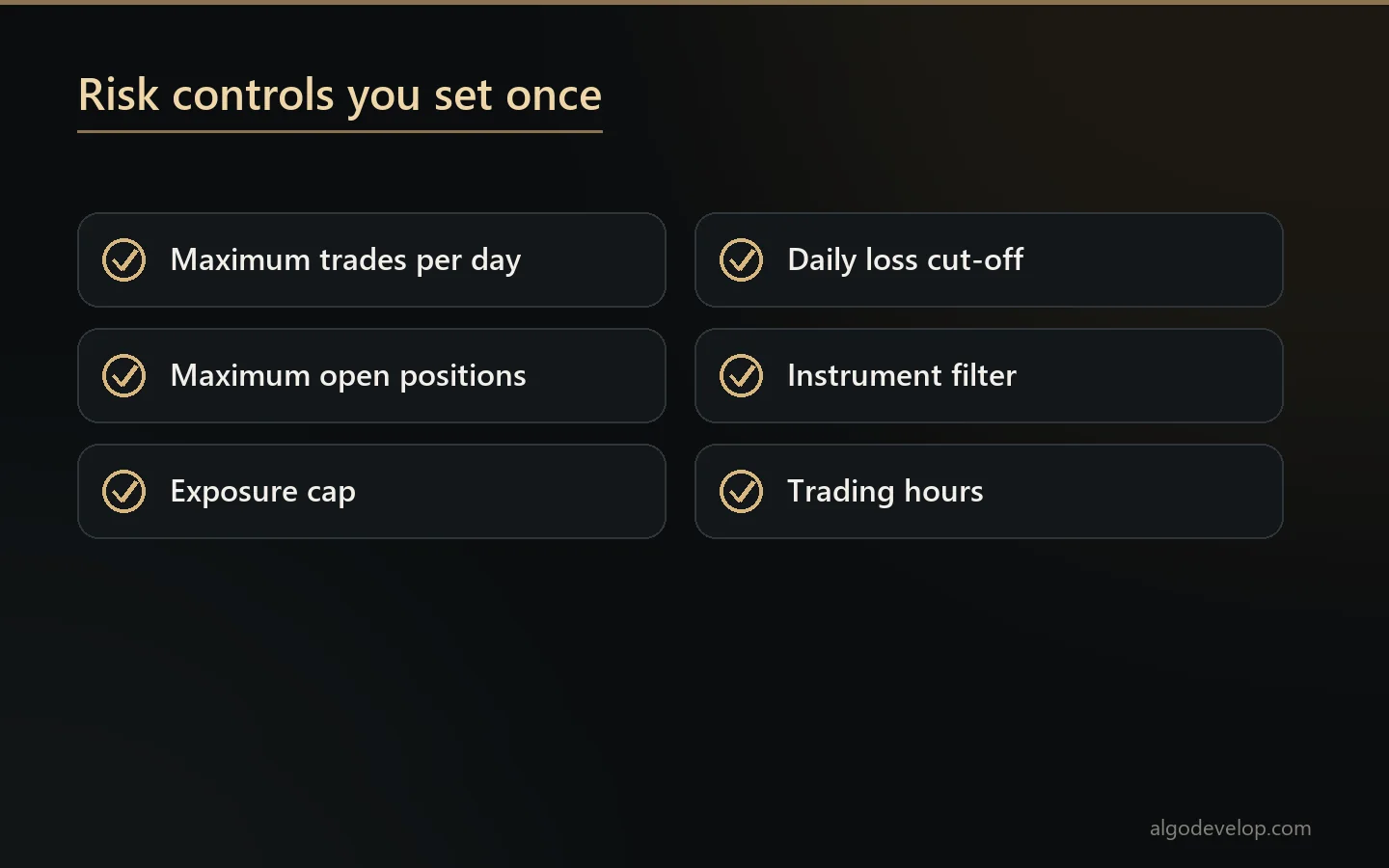
Every one of these stays off until you switch it on. Once on, the copier writes each refusal to the log with its reason:
- Maximum trades per day – so a busy channel cannot drag you into fifty positions.
- Maximum open positions at any one time.
- Exposure cap – a ceiling on how much of the account can be in the market at once, across everything.
- Daily loss cut-off – trading stops for the rest of the day when you reach your limit.
- Instrument filter – only the markets you choose.
- Trading hours – only when you want to be in.
Every feature in the Shark Exchange copier
| Feature | What it does |
|---|---|
| Connects to Shark Exchange via API | Uses your own Shark Exchange API keys to place and manage orders, while your funds stay in your account. |
| Any signal source | Feed it from Telegram, Discord, WhatsApp or TradingView, whatever you follow. |
| Reads your signal format | Pulls the symbol, side, entry, stop loss and targets out of each message. |
| Position sizing | Fixed size, a percent of balance, or a size per source, applied every time. |
| Leverage and order types | Market or limit orders, with your chosen leverage and margin where supported. |
| Stop loss and take profit | Places the stop with the entry and books a share at each target. |
| Symbol mapping | Maps the names in your signals to the exact instruments on Shark Exchange. |
| Risk controls | Trades per day, open positions, exposure cap and a daily loss cut-off. |
| Trade filters | Only chosen instruments, only within your own hours. |
| Logs and alerts | Every action logged, with an alert when a signal is skipped or an order fails. |
| Runs on your own machine | Your keys, your funds and your PC or VPS. |
API keys and what we can and cannot see
This deserves saying plainly, because every exchange user should ask it before installing anything.
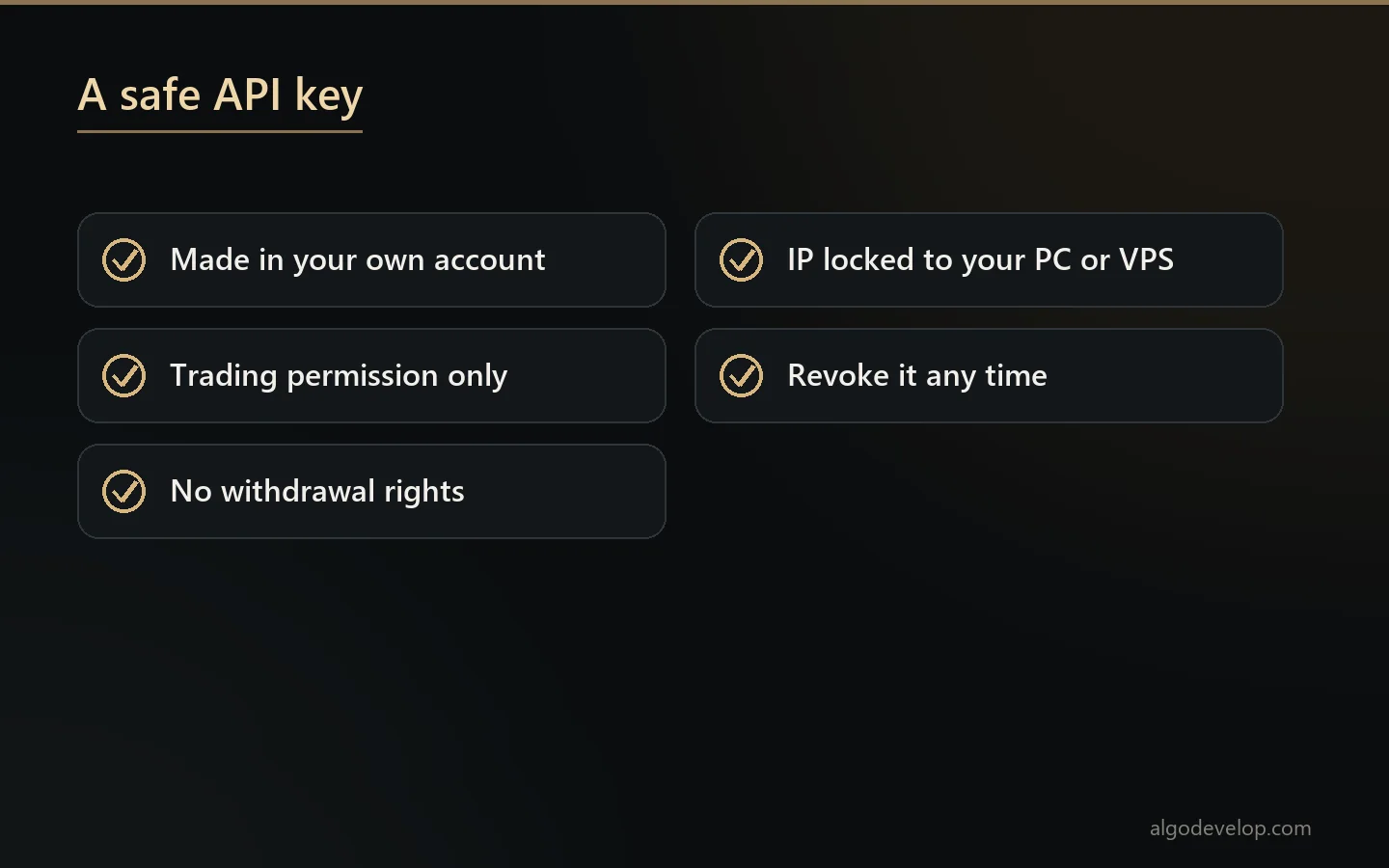
- You create the keys in your own Shark Exchange account.
- They stay on your machine. The copier uses them locally, and nobody sends them to us or stores them on our servers.
- Give trading permission only. If the exchange lets you create a key without withdrawal rights, do that, since the copier does not need them.
- Add an IP restriction if the exchange offers one, pointed at the machine or VPS that runs the copier.
- Revoke them at any moment from your own account, without asking us.
Setting up the Shark Exchange copier
- First, install the Shark Exchange copier on your PC or VPS and connect the sources you want followed.
- Create a trading-only API key in your Shark Exchange account and paste it in.
- Set your size rule, your leverage and your daily loss cut-off.
- Map any instrument names your sources write differently.
- Run it for a day at the smallest size you can, and read the log before scaling up.
If your signals come from your own strategy rather than a channel, TradingView alerts are the usual way to fire them. TradingView’s guide to webhook alerts shows how to point one at a copier. We set the whole thing up with you over WhatsApp or Telegram if you would rather watch it done once.
Shark Exchange, or another platform?
A Shark Exchange copier is for traders whose account is on Shark Exchange. If that is not you, one of these fits better:
- Binance – the Telegram to Binance bot or the TradingView to Binance bot.
- Delta Exchange – the Telegram to Delta Exchange bot for crypto futures and options.
- MetaTrader – the Telegram to MT4/MT5 copier for forex and CFD accounts.
- Indian brokers – the Telegram to Indian broker copier for Zerodha, Angel One, Upstox, Fyers and Dhan.
- Several platforms at once – multi-broker copy trading, when one source has to reach more than one place.
Not sure which fits? Tell us where you trade and we will say plainly which one you need. The copy trading page lists every tool.
Shark Exchange copier – frequently asked questions
Do you ever see my API keys?
No. You create them in your own account and they stay on your own machine. The Shark Exchange copier uses them locally, and they never reach us or our servers.
Can it withdraw from my account?
Not unless you give it a key with withdrawal rights, and it does not need one. Create a trading-only key, then add an IP restriction pointed at the machine that runs the copier, if the exchange offers one.
Which signal sources can it read?
Telegram, Discord, WhatsApp and TradingView alerts. Use one of them or all four at once, each with its own size and limits.
Can I use my own TradingView strategy instead of a channel?
Yes. Point your alert at the Shark Exchange copier, and it trades your own system rather than someone else’s calls.
How does it size positions?
By a fixed size, a percentage of balance, or a different size per source. Leverage and margin stay your setting, wherever the exchange supports them.
Does it place the stop loss with the entry?
Yes. The stop travels in the same instruction as the entry, so a position never sits unprotected while something else runs.
What about multiple targets?
Each target closes its share of the position, while the rest keeps running, for as many targets as the signal names.
What stops a bad day from becoming a bad week?
A daily loss cut-off that stops trading for the rest of the day, plus an exposure cap, a limit on open positions and a limit on trades per day. All of them stay off until you switch them on.
What happens when a signal is skipped or an order fails?
The copier writes it to the log with the exact reason and sends you an alert. It never fails silently.
The signal says BTC/USDT but the exchange lists it differently. Does that matter?
No. The copier maps the instrument names in your signals to the exact instruments the exchange lists, so the order reaches the right market.
How much does a Shark Exchange copier cost?
It depends on how many sources you want connected and how much sizing, leverage and risk handling you need built in. Setup help comes with it either way. Tell us what you follow and we will quote it plainly: ask for a quote.