Quotex
Quotex automation should do one thing well: place the trade you meant, at the second you meant, on your own account. You can get there two ways. Run our ready-made Telegram bot, or have a bot built for rules of your own.
Either way, the software runs on your own Windows PC or VPS. It signs in as you, keeps its session on your machine and sends nothing through our servers.
On this page
A Quotex bot you can run today
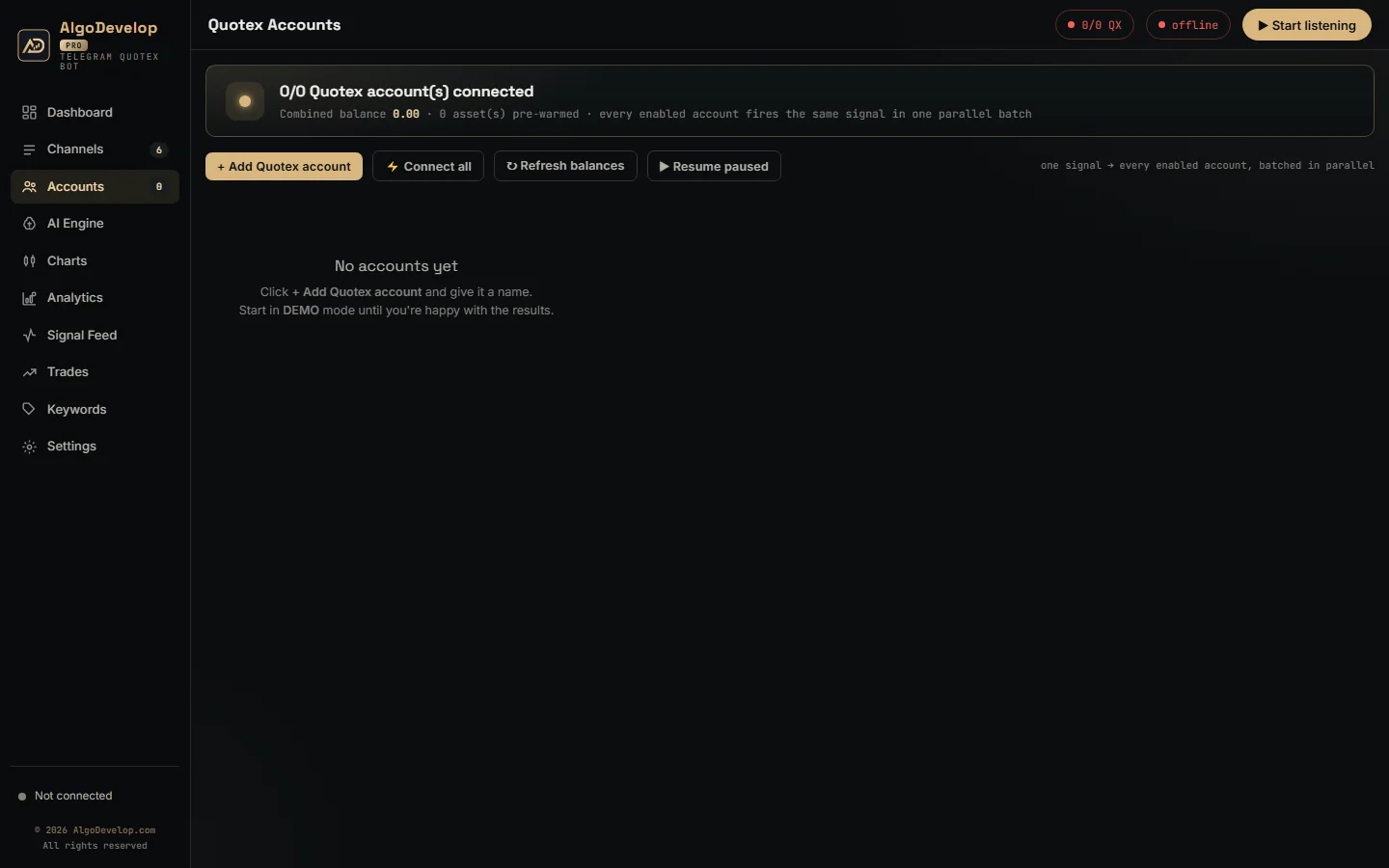
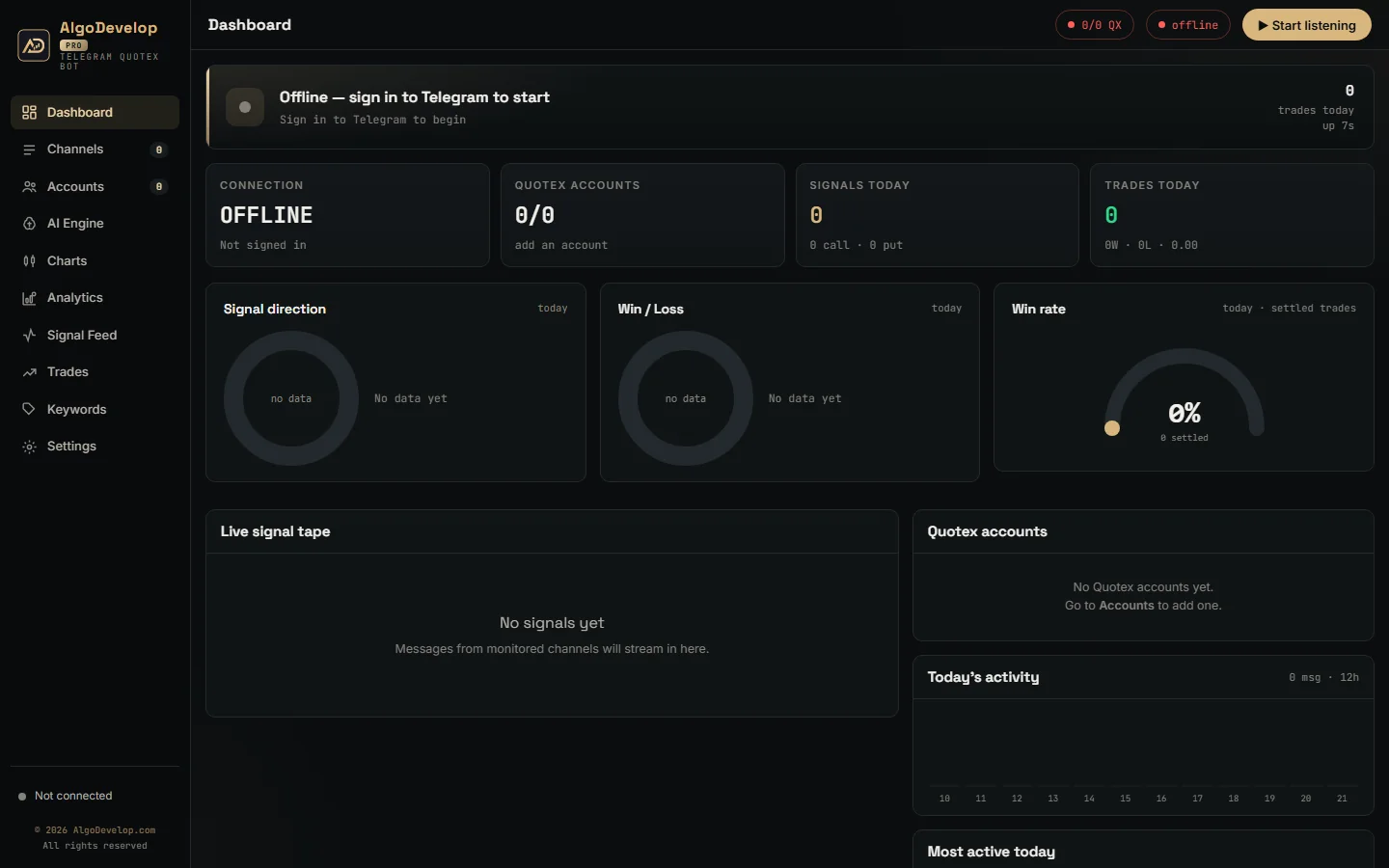
If your trades come from a Telegram channel, you do not need custom work at all. The Telegram to Quotex bot already does that job. It watches the channels you pick and places each call as it lands.
Take a post like EURUSD CALL 1 min. The bot reads the asset, the direction and the expiry, then checks each account’s rules. After that, it opens the trade on every account you switched on, side by side. If a call breaks a rule, it skips it and the feed says why.
It reads posts in most layouts and languages, emojis included. It also signs in to Telegram as a normal client, through Telegram’s own API, so it reads exactly what your account can read.
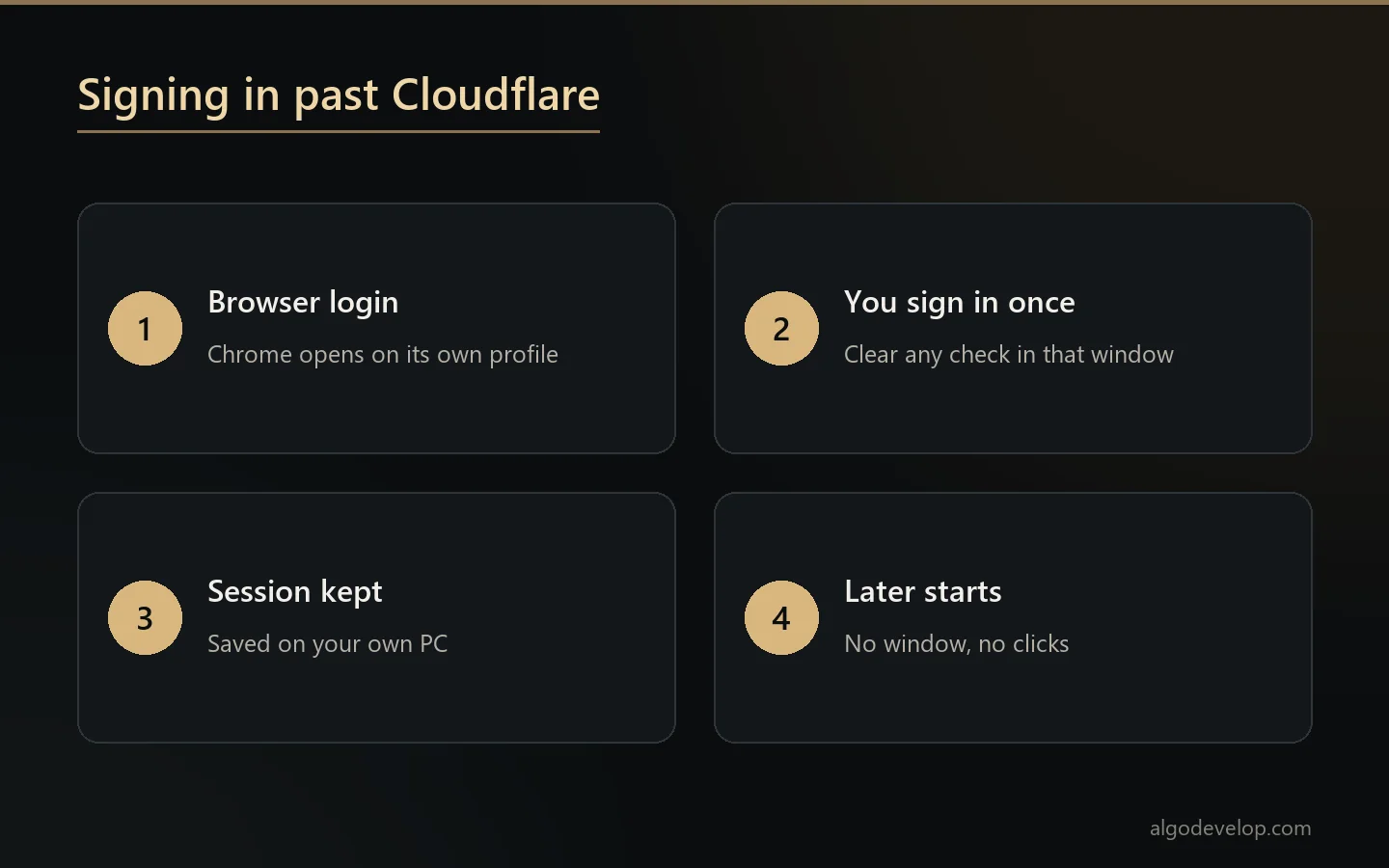
Signing in past Cloudflare
The broker sits behind Cloudflare, which blocks scripted logins. So the bot does not script one. Instead, Browser login opens a real Chrome window on a profile kept for that account alone.
You sign in there once and clear any check that appears. The app then keeps the session on your own PC, and later starts need no window at all. In the background it also reloads the broker’s page now and then, so the saved login does not quietly expire.
Since every account has its own profile, several accounts stay signed in at the same time. That is what lets one call reach all of them together.
Why the trading link lives in Chrome
Here is a detail most bot sellers never test. During our build, a plain script connection could sign in and stream prices, yet the broker ignored every order it sent. The same order sent from inside the signed-in page went through.
So the bot keeps its trading connection inside that Chrome window. It also warms common OTC pairs as soon as an account connects, and it adds each asset it trades for next time. A cold asset costs about a second on its first order, while a warm one goes straight out.
Any custom build we make for this broker follows the same rule, because a link that looks healthy but drops orders is worse than no link.
Custom Quotex automation
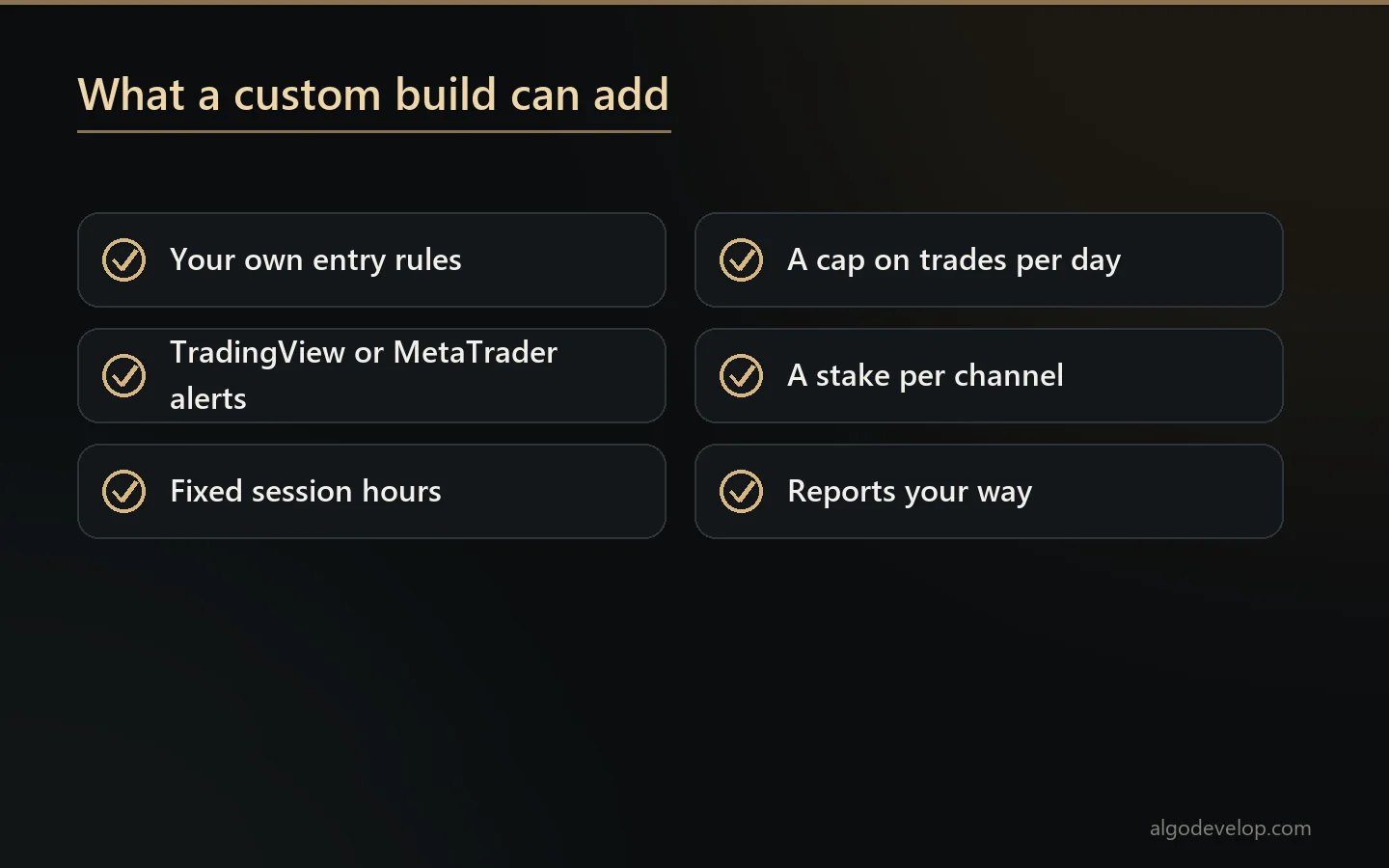
Custom work starts where the channel bot stops. For instance, we can build:
- A strategy bot that trades your own entry rules rather than a channel’s calls.
- An alert bridge from your TradingView or MetaTrader indicator to your account.
- Session rules such as fixed hours, chosen assets or a pause after a set number of losses.
- Extra caps the stock bot lacks, like a limit on trades per day or a stake per channel.
- Reports shaped around how you review results, by channel, asset or hour.
Before we quote, we check how your idea would reach the broker and what could break it. Then we say plainly whether it can work. For the wider service, see binary options bot development.
Payout floor, expiry and timing
Payouts move, and a thin one changes the maths of every trade. So each account in the bot can carry a minimum payout. It is off by default, with 85% as the starting floor once you switch it on. When an asset pays less, that account refuses the call and logs the reason.
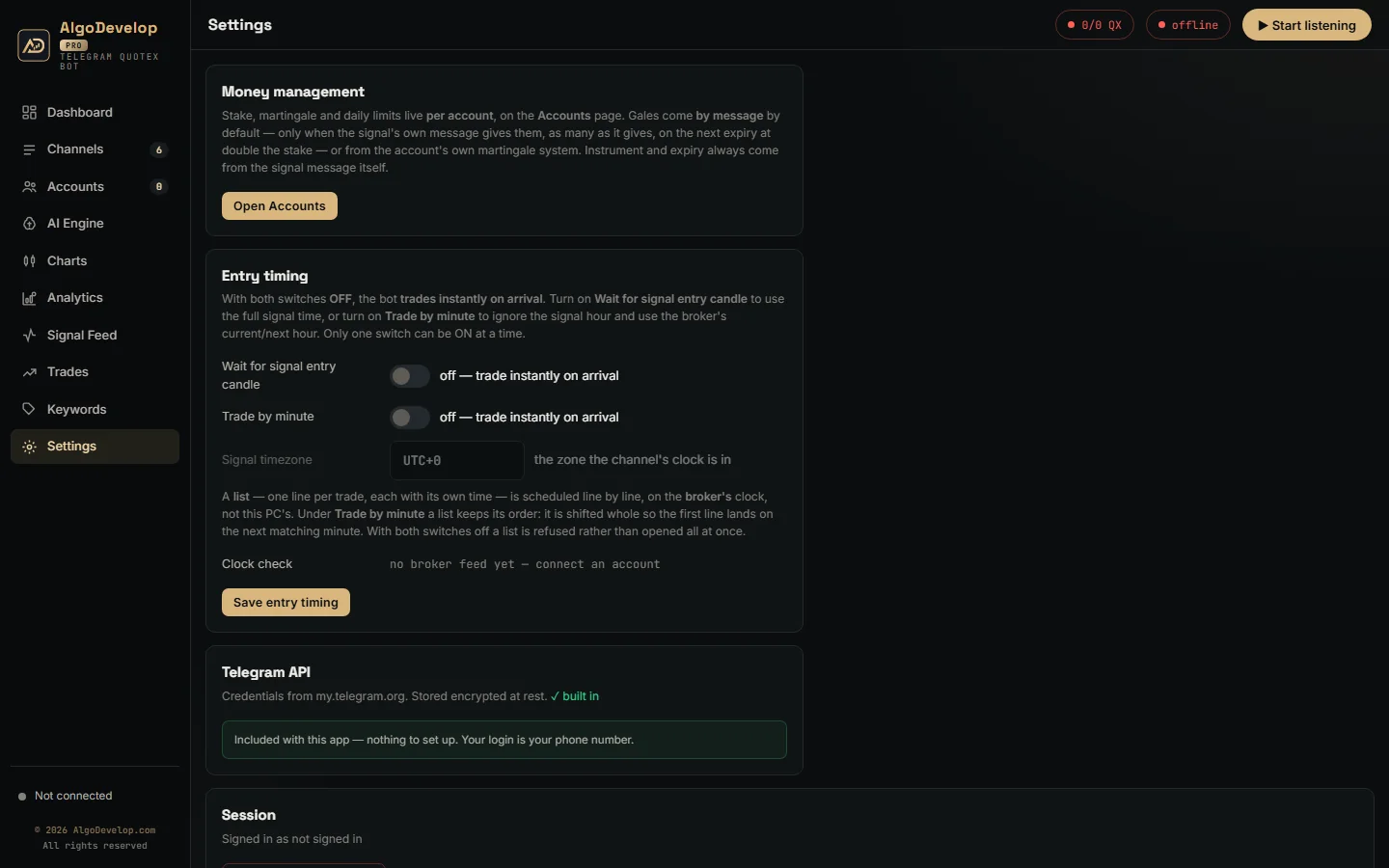
Expiry comes from the post itself: M1, 5 min, 30s or a clock time. With no expiry in the post, the bot does not guess. You can also make it wait for the entry time the channel names, or for the next matching minute.
All timed entries run on the broker’s clock. On top of that, the app checks your PC clock at start-up and warns you when it sits more than five seconds out.
Money rules for each account
There is no global stake in the ready-made bot. Each account has its own amount and its own daily stop-loss and profit target. Gales come in two modes, chosen per account under Gales from. The default, By message, places only the gales a post gives, such as “1º GALE” and “2º GALE” lines. Each goes on the next expiry at double the stake, and a post with no gales gets none.
My own system runs the account’s own ladder instead: Multiply, Increment or Custom lots, up to the max steps you set. With Next Expiry, it re-opens the same pair, direction and expiry the moment a trade loses. With Next Signal, it waits and stakes the recovery on the channel’s next call. An optional One trade at a time switch makes each rung answer the loss before it. Either way, the daily stop still ends the day.
Be clear-eyed about martingale. Gales recover small losses often, but one long losing run can undo many wins at once. So set a daily stop, and test on DEMO until you have watched a losing run play out. None of this is investment advice.
How to get started
- Choose a route. A Telegram channel suits the ready-made bot. Your own logic means a custom build.
- Prepare a Windows PC or VPS with Google Chrome installed.
- Sign in to Telegram with your phone number and the code Telegram sends.
- Add each account and press Browser login once.
- Set stake and limits, then leave every account on DEMO for a week.
We can do the setup with you remotely, whichever route you take. To begin, ask for a quote.
Availability and regulation
Binary options trading is not allowed everywhere. Several regulators restrict or ban it for retail traders, and the platform’s availability depends on your country. Readers in India should check RBI and SEBI rules first.
We build and set up software only. We give no investment advice, we sell no signals, and we promise no results. Also check the broker’s own terms on automated trading before you rely on any bot.
Other brokers we cover
- Binomo: the Telegram to Binomo bot.
- Pocket Option: the Telegram to Pocket Option bot.
- IQ Option: the Telegram to IQ Option bot.
- Olymp Trade: the Telegram to Olymp Trade bot.
- ExpertOption: the Telegram to ExpertOption bot.
The platforms page sets these brokers beside MetaTrader and the rest. Every ready-made tool also sits on the copy trading hub.
Quotex automation – frequently asked questions
Is there a ready-made Quotex bot?
Yes. The Telegram to Quotex bot trades the calls from your Telegram channels on your own accounts. Custom work covers anything beyond that.
Does Quotex have an official API?
We could not find a public trading API for its clients. That is why the bot works through your own signed-in Chrome session instead.
Why does the bot need Google Chrome?
Cloudflare blocks scripted logins, and the broker ignored orders from a plain script connection in our tests. Chrome handles both the sign-in and the trading link.
Can you build a bot that trades my own strategy?
Usually. Send us the rules, the expiry and the money management you want. We check how it would reach the broker first, then quote it.
Can TradingView alerts place trades on Quotex?
Not with the ready-made bot, which reads Telegram. An alert bridge is custom work, and we look at your alerts before we commit to it.
Will it skip a trade when the payout is low?
It will once you switch on the payout floor for that account. From then on, that account skips any call paying less, and the log names the payout it saw.
Can one channel trade several accounts?
One call reaches every enabled account at once. Each account keeps its own stake and daily limits.
Do I need a VPS?
Only if it must trade while your own PC is off. A Windows VPS with Google Chrome and outbound HTTPS is enough.
Is binary options trading legal where I live?
That depends on your country. Several regulators restrict or ban binary options for retail traders, and platform availability varies. Indian readers should check the RBI and SEBI rules. We sell the software; we do not give investment advice and we do not sell signals.
How much does Quotex automation cost?
It depends on the route and on how much setup help you want. Tell us what you trade and how, and we will quote it plainly: ask for a quote.