cTrader
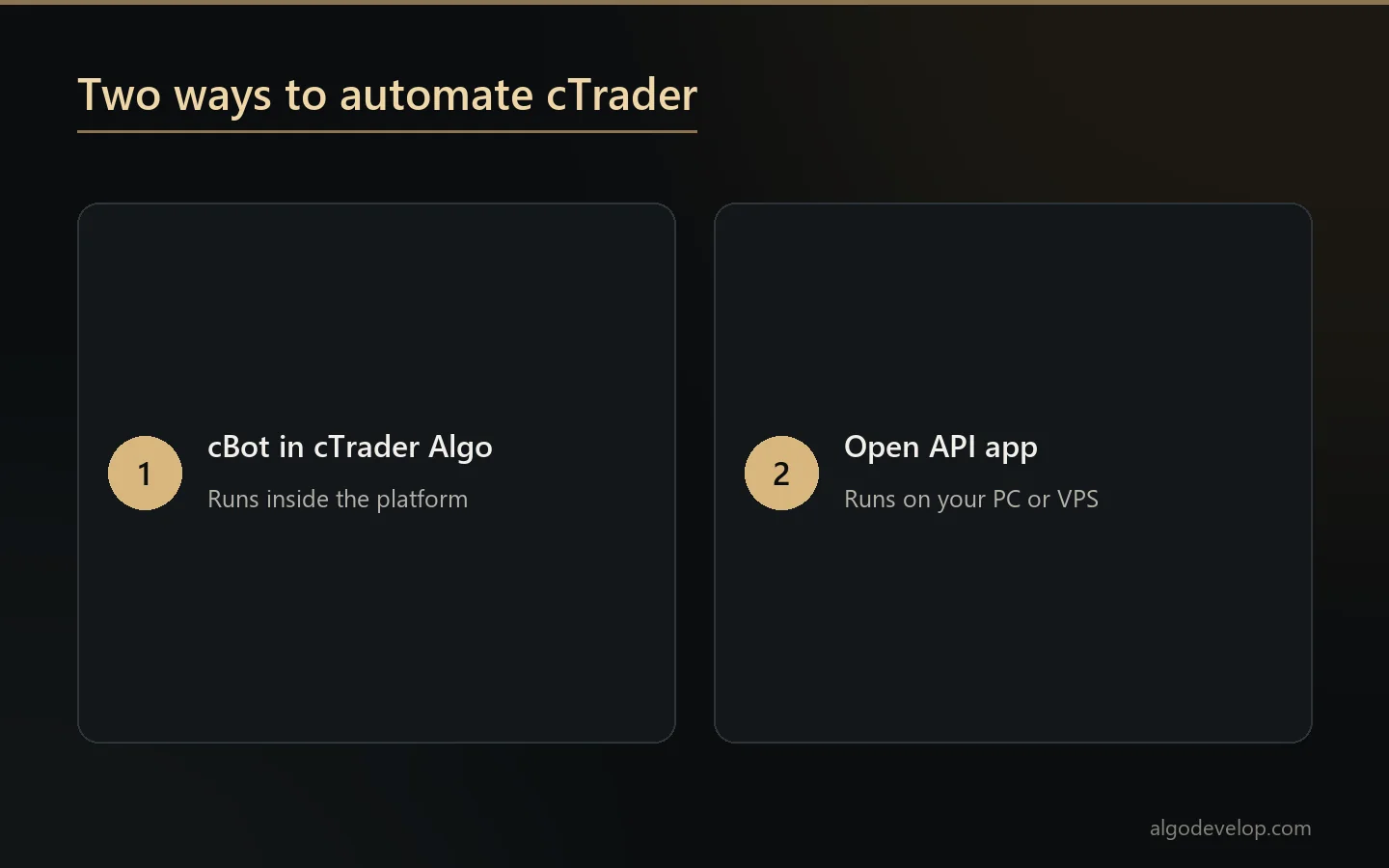
cTrader bot development turns your trading rules into a cBot, a program that runs inside the platform and places the orders for you. When the job needs an outside app instead, such as a signal bridge, we build it on the cTrader Open API.
Both are custom work. We have no ready-made cTrader app, so every build starts from your rules, your broker and your account.
On this page
What we build for cTrader
Most requests fall into one of these groups. We write each one to your rules, then test it before it touches a live account.
- Strategy cBots. Entries, exits and position sizing from your written rules, an indicator you use or a script from another platform.
- Custom indicators. Your own calculations drawn on the chart, with alerts when a condition meets your rule.
- Trade managers. A cBot that leaves entries to you, then moves stops, takes partial profits or closes at a set time.
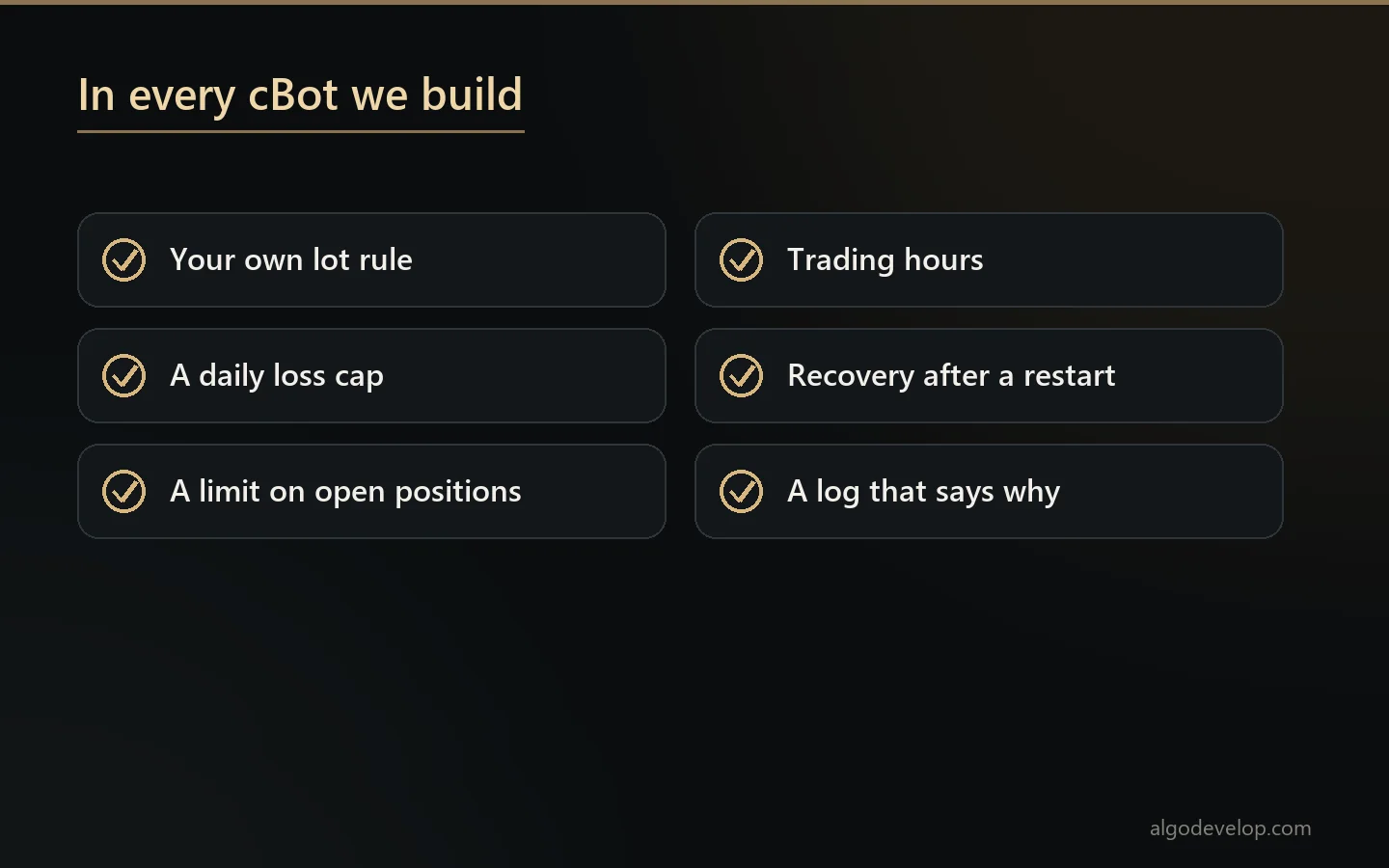
- Risk guards. A daily loss cap, a limit on open positions or a trading window, enforced in code instead of willpower.
- Open API apps. Programs outside the platform, such as a bridge from Telegram calls or TradingView alerts to your account.
If you are not sure which group your idea fits, describe it in plain words. We will tell you which route suits it, and why.
cBots and indicators, the built-in route
cTrader Algo is the platform’s own framework for automated trading and custom tools. It was once called cTrader Automate. Many traders still say cAlgo, a name that lives on in the cAlgo.API namespace at the top of cBot code.
According to the cTrader Algo help centre, you can write cBots and indicators in either C# or Python. Development needs the .NET SDK, the Windows or Mac app and a cTrader ID. You can write the code in the built-in editor or in an outside IDE.
Technically, a cBot is a C# or Python class with settings you can change and methods that run at set moments. One method runs at start-up, another when a bar closes, and another when you stop it. So a strategy reacts to the market without you at the screen.
A cBot can also read files, take in outside data and connect to other tools. On the desktop apps, you can start it on your own machine or in the cloud. On cTrader Web and mobile, cBots run in the cloud only.
Backtesting and optimisation
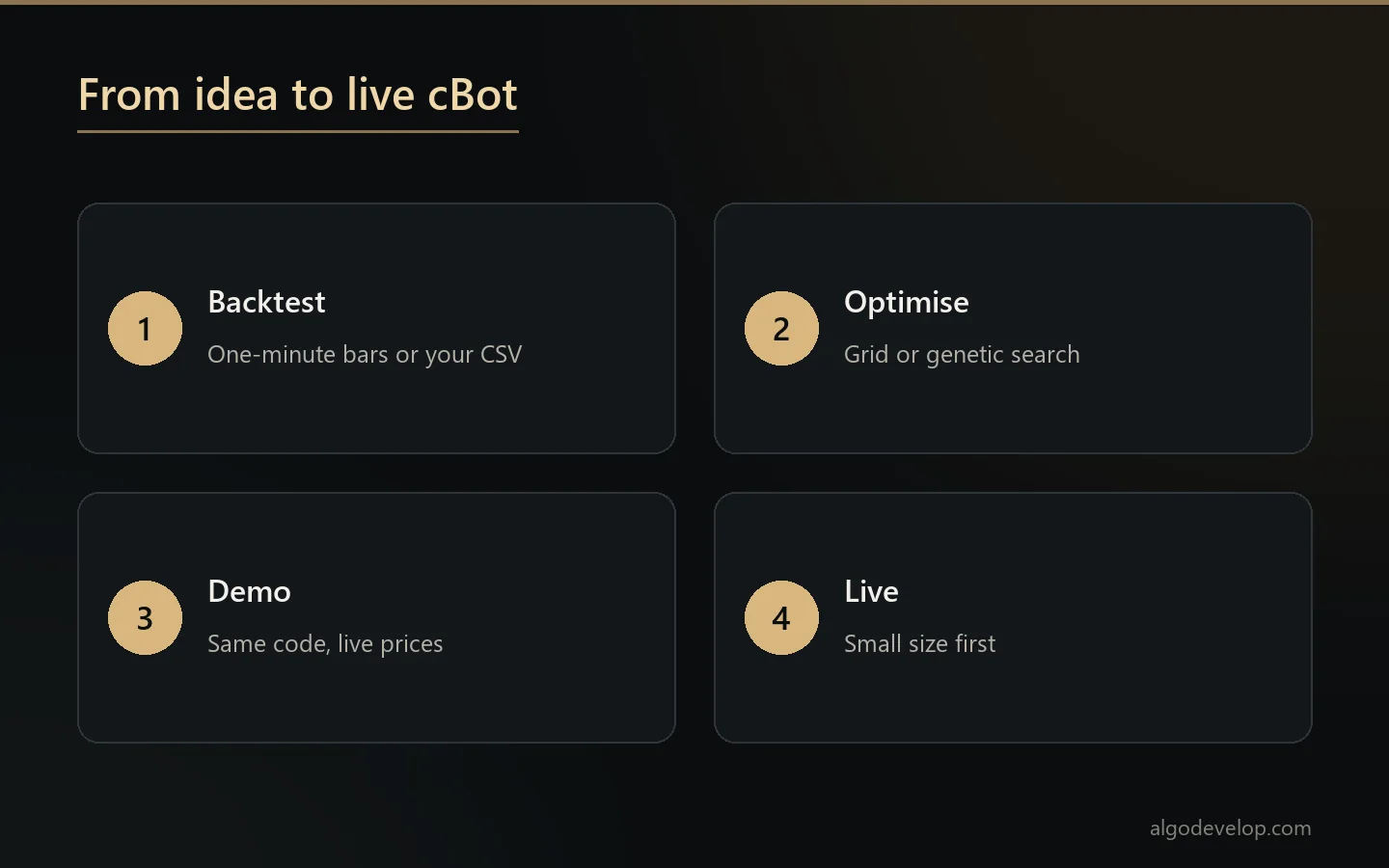
Before a cBot goes near real money, we run it on history. The built-in tester can use one-minute bars from the server or your own data from a CSV file. It also lets you set commission and choose a fixed or random spread.
Visual mode replays the test, so you can watch each position open and close on the chart. Then optimisation repeats the test with different settings. It can try every combination on a grid, or use a genetic search that needs far less computing time.
Still, a backtest proves only that the code follows your rules. It does not prove the strategy will make money. Spreads, slippage and fills differ in live trading, and settings tuned on one stretch of history often fail on the next. We say so when a result looks too good.
When an Open API app fits better
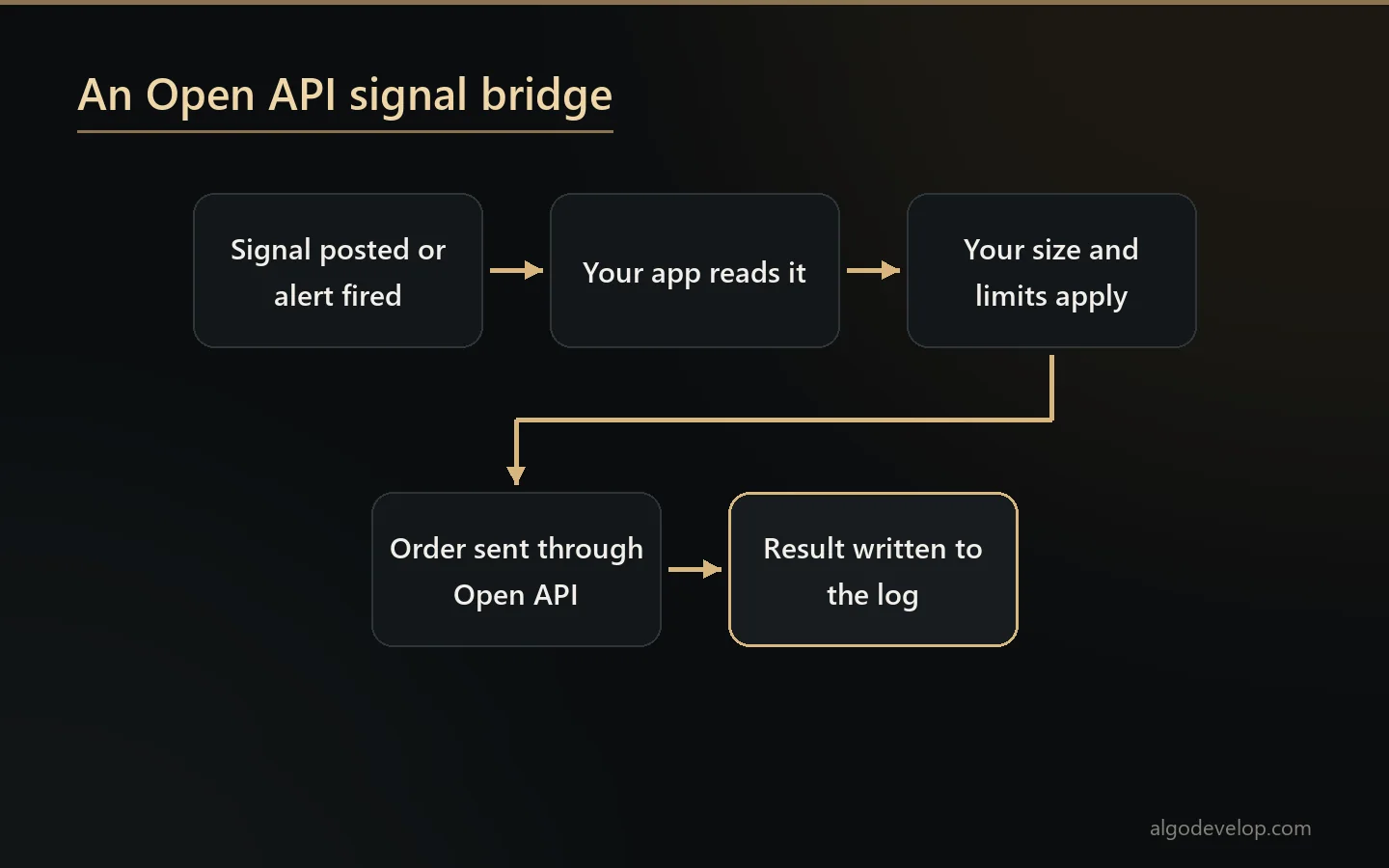
Some jobs do not belong inside the platform. For example, a Telegram signal bridge or a dashboard for several accounts runs better as its own program. For those, Spotware, the company behind the platform, offers the Open API.
- Who can use it. Anyone with a cTrader ID can create an app, for accounts at a broker that offers cTrader.
- Approval first. You register the app on the Open API portal, and Spotware reviews it before coding starts.
- What it can do. It streams prices, places the trades the official apps allow and reads past deals, orders and positions.
- How it talks. Messages travel as JSON or Protocol Buffers, with official SDKs for C# and Python.
- Its limits. Up to 50 requests per second on each connection, and 5 per second for history requests.
Both demo and live accounts work with it, so we build and test on demo first. Our broker API bridge development page explains how we approach this kind of job.
Moving a strategy from MetaTrader or TradingView
Many projects here start as code from somewhere else, such as an Expert Advisor or a Pine Script strategy. The logic carries over, but the code does not. So moving it is a rewrite, not a translation.
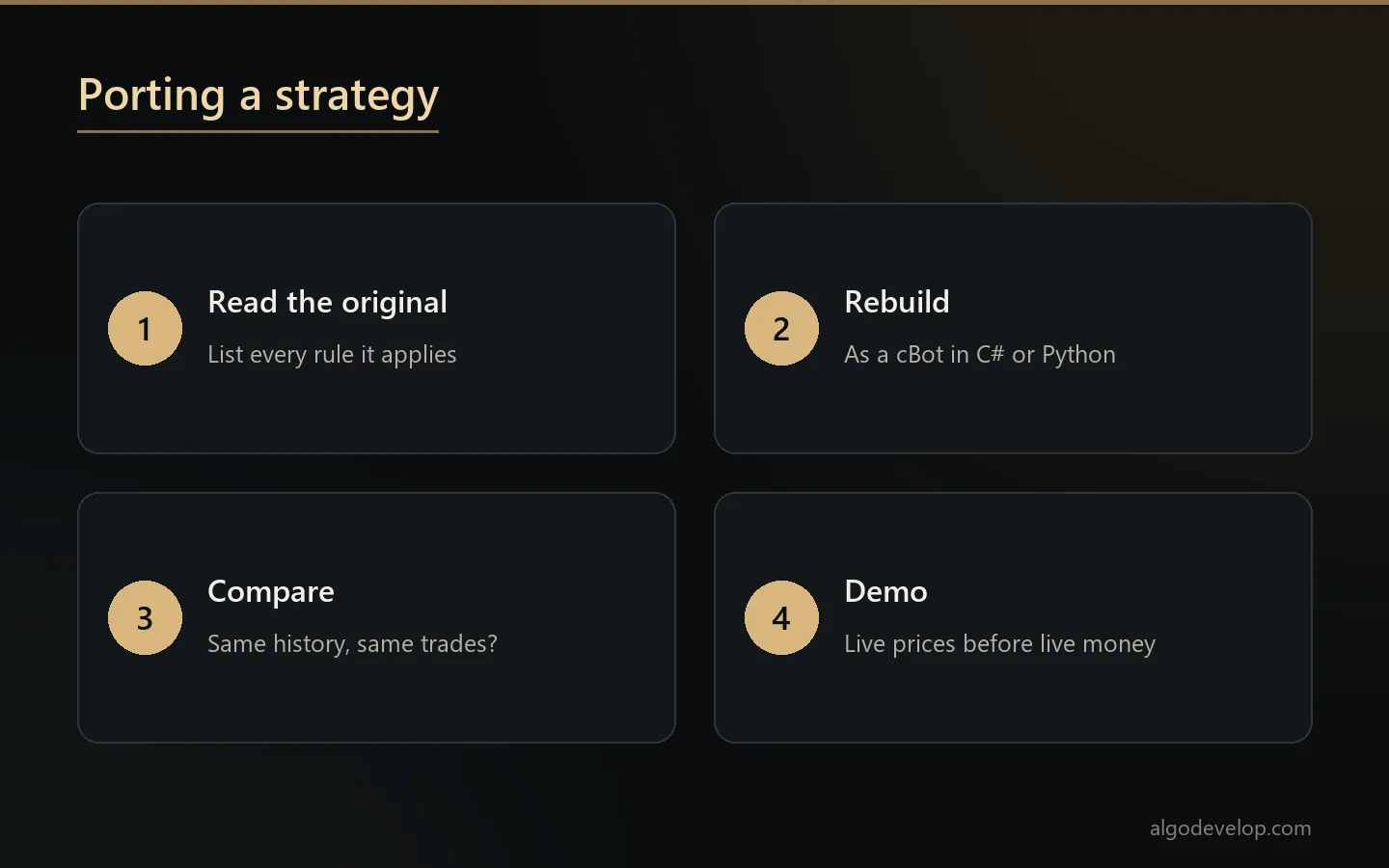
We read the original line by line and list every rule it applies. Then we rebuild it in C# or Python and compare trades on the same history. Symbol names, lot sizes and order types often differ between platforms, so a port checks each one.
For the reverse trip, or for TradingView itself, see Pine Script development and MT4 and MT5 EA development.
How a project runs
- You describe the idea. Rules in a message, an indicator, another platform’s code or marked-up screenshots all work.
- We ask what the rules leave open, such as what happens when a position already exists at start-up.
- A fixed quote follows, with a timeline, once the scope is clear.
- We build and test on history and on demo, and you see results as we go.
- You review it before it runs on a live account. Then we walk you through setup.
You keep the source code of what we build. To begin, ask for a quote.
Custom build, or a ready-made MetaTrader tool?
If your broker also offers MetaTrader, a finished tool may already do the job. Our Telegram to MT4/MT5 copier and TradingView to MT4/MT5 copier run today, with no build needed.
If you want to stay on this platform, a custom build is the way. The platforms page compares every platform we automate, and the MetaTrader 5 page covers the closest alternative.
cTrader bot development – frequently asked questions
Is there a ready-made cBot or copier?
No. Everything we make for this platform is custom, built to your rules. Our ready-made copiers run on MetaTrader 4 and 5.
Which language do you use for cBots?
C# by default. Python also works in cTrader Algo, so tell us if you would rather read or edit the code in Python.
Can you turn my MT4 or MT5 Expert Advisor into a cBot?
Yes, if you have the source code. We rebuild the logic as a cBot and compare its trades with the original on the same history.
Can you copy Telegram signals to cTrader?
As a custom build, usually on the Open API. We check the channel’s format and your broker’s setup first, then quote it.
Will a backtest show me future profits?
No backtest can. It shows that the cBot follows your rules on past data, and we tell you when a result looks like curve fitting.
Does a cBot need my PC to stay on?
Locally, yes, or you run it on a VPS. The platform can also run cBots in the cloud, which suits some strategies.
Do I get the source code?
Yes. You receive the source with the build, so the code stays yours.
Are bots allowed on prop firm accounts?
That is the firm’s rule, not the platform’s. Read your agreement before you run any bot on a funded account.
How much does cTrader bot development cost?
It depends on the rules, the testing needed and whether it needs an Open API app. Tell us what it should do and we will quote a fixed price: ask for a quote.