MetaTrader 5 (MT5)
MetaTrader 5 automation has two ways in. An Expert Advisor written in MQL5 trades from inside your terminal, while a Python script can work with the same terminal from outside. We build both, and we also ship five ready-made copiers that run on MT5 today.
Everything runs on your own PC or VPS, at your broker, under your own login. Nothing of ours sits between your terminal and your trades.
On this page
Ready-made MetaTrader 5 copiers
If someone else makes the trading decision, a finished copier may be all you need. Each of these places its orders through an EA inside your terminal:
- Telegram: the Telegram to MT4/MT5 copier turns channel calls into orders, with stop loss, targets and trailing.
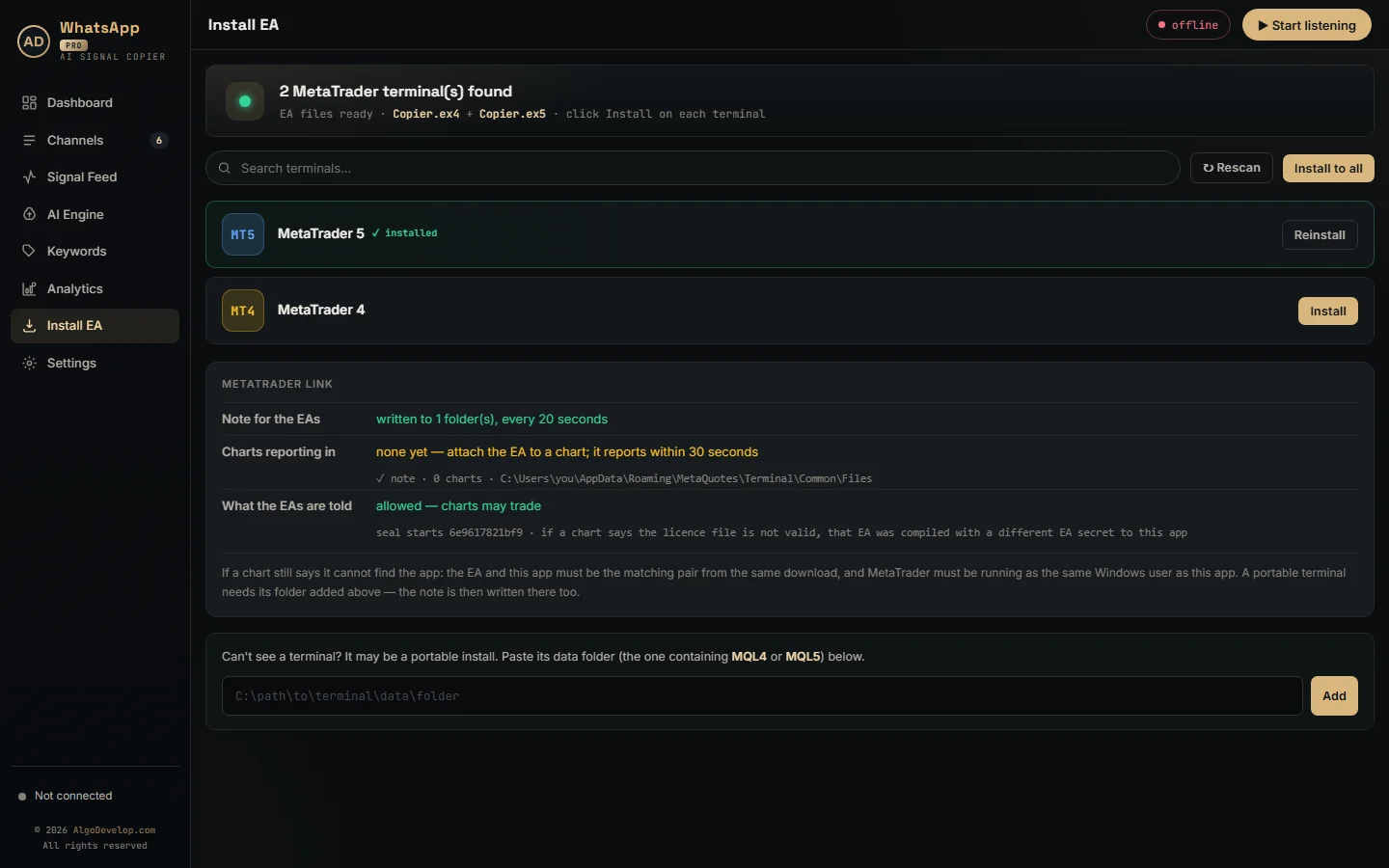
- WhatsApp: the WhatsApp to MT4/MT5 copier copies the calls from the groups you pick.
- Discord: the Discord to MT4/MT5 copier follows server channels, bots and embeds included.
- TradingView: the TradingView to MT4/MT5 copier turns your chart alerts into orders.
- Another account: the MT4 to MT5 copier mirrors a master terminal into followers, MT4 or MT5.
All five work with MetaTrader 5 and MetaTrader 4 alike, so a later move between them keeps your tools.
Expert Advisors in MQL5
According to the official MetaTrader 5 algo trading help, Expert Advisors are mechanical trading systems. They automate both the analysis and the trading. You write them in MQL5, a language with C++-like syntax, which also covers custom indicators, scripts and libraries.
Code lives in MetaEditor, the built-in editor with a debugger and profiler. Its MQL5 Wizard can even generate a simple EA with little or no coding. However, indicators cannot trade at all. So anything that should place orders has to be an EA, even when an indicator supplies the signal.
Like any EA, it trades only while the terminal runs with algo trading on. A VPS keeps it going when your own PC is off.
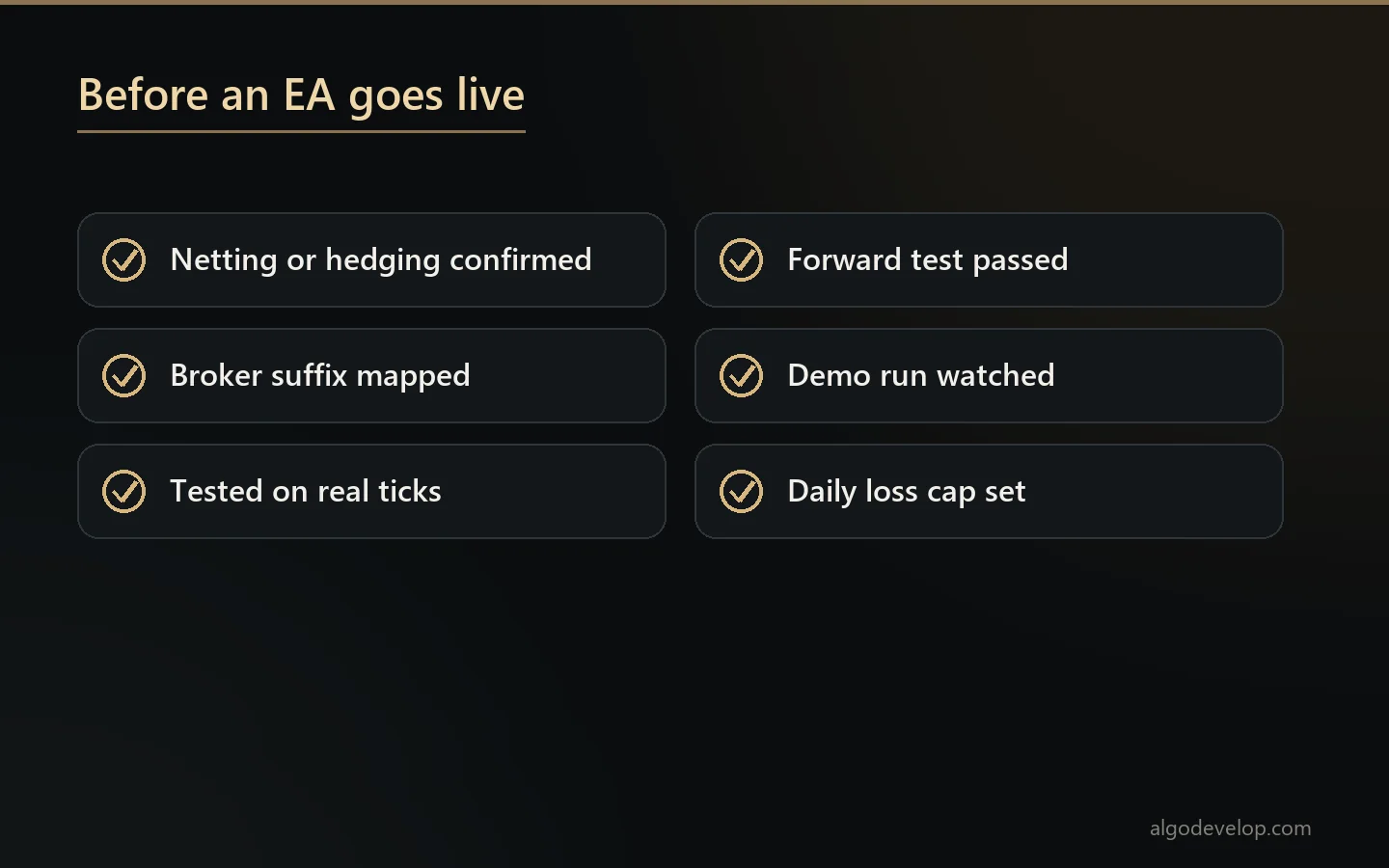
Netting or hedging: check your account first
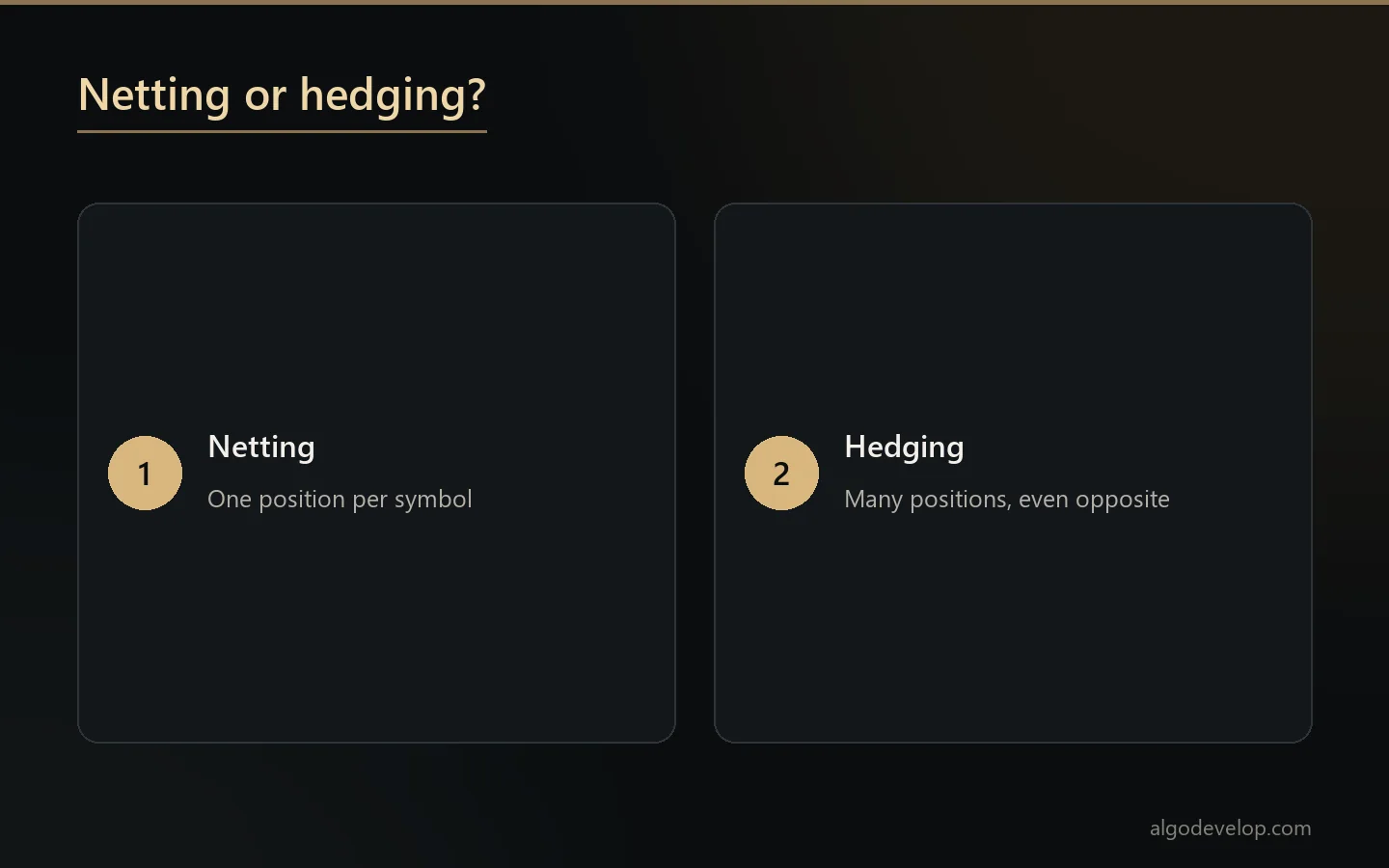
MetaTrader 5 supports two ways of counting positions, and your broker sets which one your account uses:
- Netting. One position per symbol at a time, so a new deal adds to it, trims it or reverses it.
- Hedging. Several positions on the same symbol at once, opposite ones included.
This choice changes how a strategy behaves. For example, an EA that opens a buy and a sell together works on hedging, but on netting the two trades cancel out. So we confirm your account type before writing a line of code.
The Strategy Tester
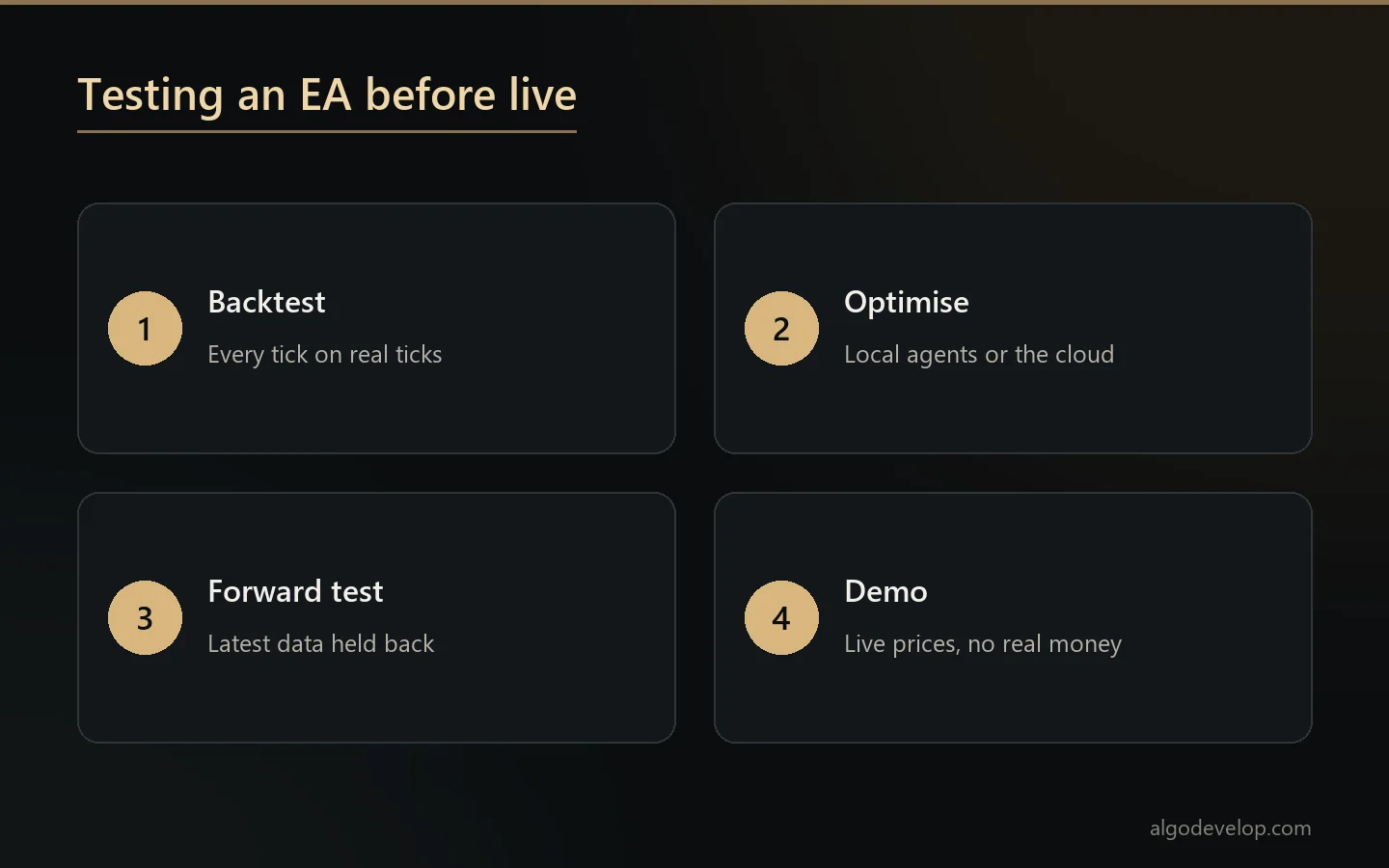
The terminal’s tester is a multi-currency tool, so it can test a strategy that trades several symbols at once. It also offers several ways to model prices, among them:
- Every tick based on real ticks, which uses recorded tick history and comes close to real conditions.
- Every tick, which the help calls the most accurate mode, and also the slowest.
- 1 minute OHLC, which uses only four prices from each one-minute bar.
- Open prices only, which tests on the open price of each bar alone.
Optimisation runs the strategy many times with different settings, on agents installed on your own computer. The MQL5 Cloud Network can add more agents from around the world. Forward testing then holds back the latest part of your date range, such as a half, a third or a quarter. The settings meet that data only after tuning, which helps catch settings that only fit the past.
Still, a strong backtest is not a forecast. It proves the EA follows your rules, and we tell you when a result looks like curve fitting.
Python and MetaTrader 5
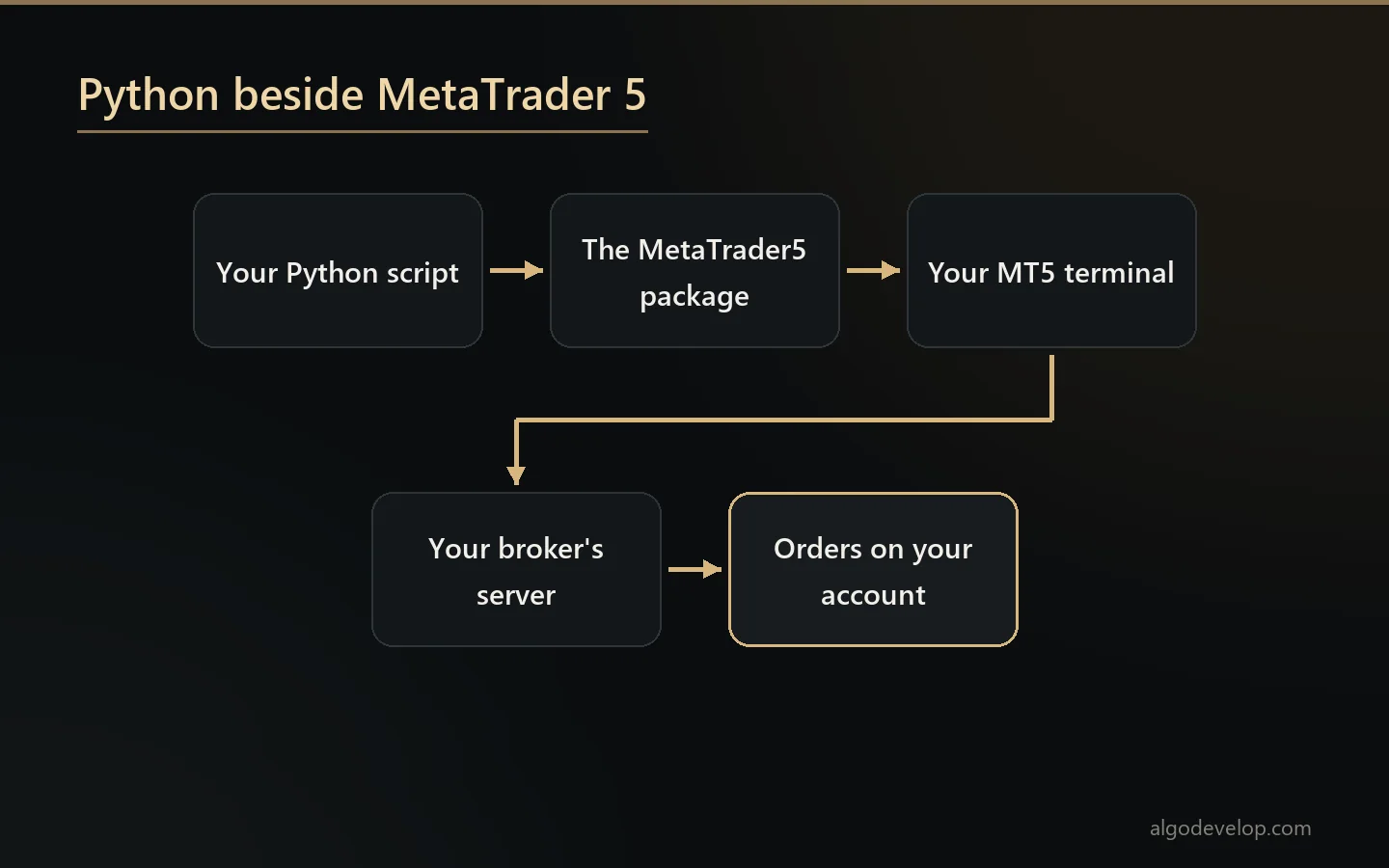
MetaQuotes also publishes a Python package called MetaTrader5, installed with pip. It connects a Python script to the terminal on the same machine. Then the script can read bars and ticks, check positions and history, and send orders.
That opens doors MQL5 alone does not. A model trained with pandas or a machine learning library can feed decisions straight into your account. Likewise, a script can pull data out for research while the terminal keeps trading.
You still need the terminal installed on that machine, because the script works through it. We build these bridges as custom work, usually alongside an EA or a dashboard.
Custom MT5 work
When the decision is yours rather than a channel’s, we build it to your rules. Three pages cover the details:
- Expert Advisors. Your strategy as a robot, with sizing, limits and restart recovery. See MT4 and MT5 EA development.
- Indicators. Custom calculations, dashboards and alerts. See MT4 and MT5 indicator development.
- Strategies you trade by hand. Made automatic, step by step. See MT4 and MT5 strategy automation.
Many MT5 brokers also list stocks, indices or futures next to forex, depending on the broker. A strategy can trade any of them, so tell us what your account offers. To change an existing EA, we need its .mq5 source; nobody can edit a compiled .ex5.
Coming from MetaTrader 4
MT4 code does not run on MT5. MT4 works in orders, whereas MT5 works in positions, and the order functions differ too. So a move is a rewrite of the code, while the strategy itself carries over.
We cover that as MT4 to MT5 conversion, and the MT4 vs MT5 guide helps you decide. If you are staying on the older platform, see our MetaTrader 4 page. To start any project, ask for a quote.
MetaTrader 5 automation – frequently asked questions
Is there a ready-made MetaTrader 5 copier?
Yes, five: for Telegram, WhatsApp, Discord, TradingView alerts and copying between terminals. Each works with MT5 and MT4.
Can Python trade on MetaTrader 5?
It can, through the official MetaTrader5 package. The script connects to your installed terminal and sends orders through it.
Does my account type matter for an EA?
A lot. Netting allows one position per symbol, while hedging allows several. We confirm yours before we build.
Can you convert my MT4 EA to MT5?
Yes, if you have the .mq4 source. It is a rewrite rather than a copy, and we compare trades on the same history.
Why does my EA not trade?
First check that algo trading is on in the terminal and allowed for that EA. Then read the Experts and Journal tabs for the reason.
Can one EA trade several symbols?
Yes. An EA can trade symbols other than its own chart’s, and the multi-currency tester can test that kind of strategy.
Do I need a VPS?
Only if trading must go on while your PC is off. The terminal has to stay open and connected for an EA to trade.
Will an EA make a profit?
Nobody honest can promise that. We build your rules correctly, test them properly and say when a backtest looks too good.
Do I get the source code?
Yes. You receive the .mq5 source and the compiled .ex5, so the work stays yours.
How much does MetaTrader 5 automation cost?
It depends on the route: a ready-made copier with setup help, or a custom build priced on the strategy. Tell us what you need: ask for a quote.