MetaTrader 4 (MT4)
MetaTrader 4 automation runs where your trades already live: inside your own terminal, as an Expert Advisor. That robot can follow your strategy, copy signals from a chat or mirror another account, while you stay away from the screen.
You can start with one of our five ready-made copiers, or have an EA, indicator or strategy built to your rules. Either way, it runs on your PC or VPS, at your broker, under your login.
On this page
Five ready-made MetaTrader 4 copiers
Most automation requests are really copying requests. Someone else decides the trade, and you want it in your terminal at once. For that, five finished tools already exist:
- Telegram: the Telegram to MT4/MT5 copier turns channel calls into orders, in any layout or language.
- WhatsApp: the WhatsApp to MT4/MT5 copier does the same for your WhatsApp groups.
- Discord: the Discord to MT4/MT5 copier reads the server channels you pick.
- TradingView: the TradingView to MT4/MT5 copier places the orders your chart alerts call for.
- Another terminal: the MT4 to MT5 copier mirrors one account into others, in any direction between MT4 and MT5.
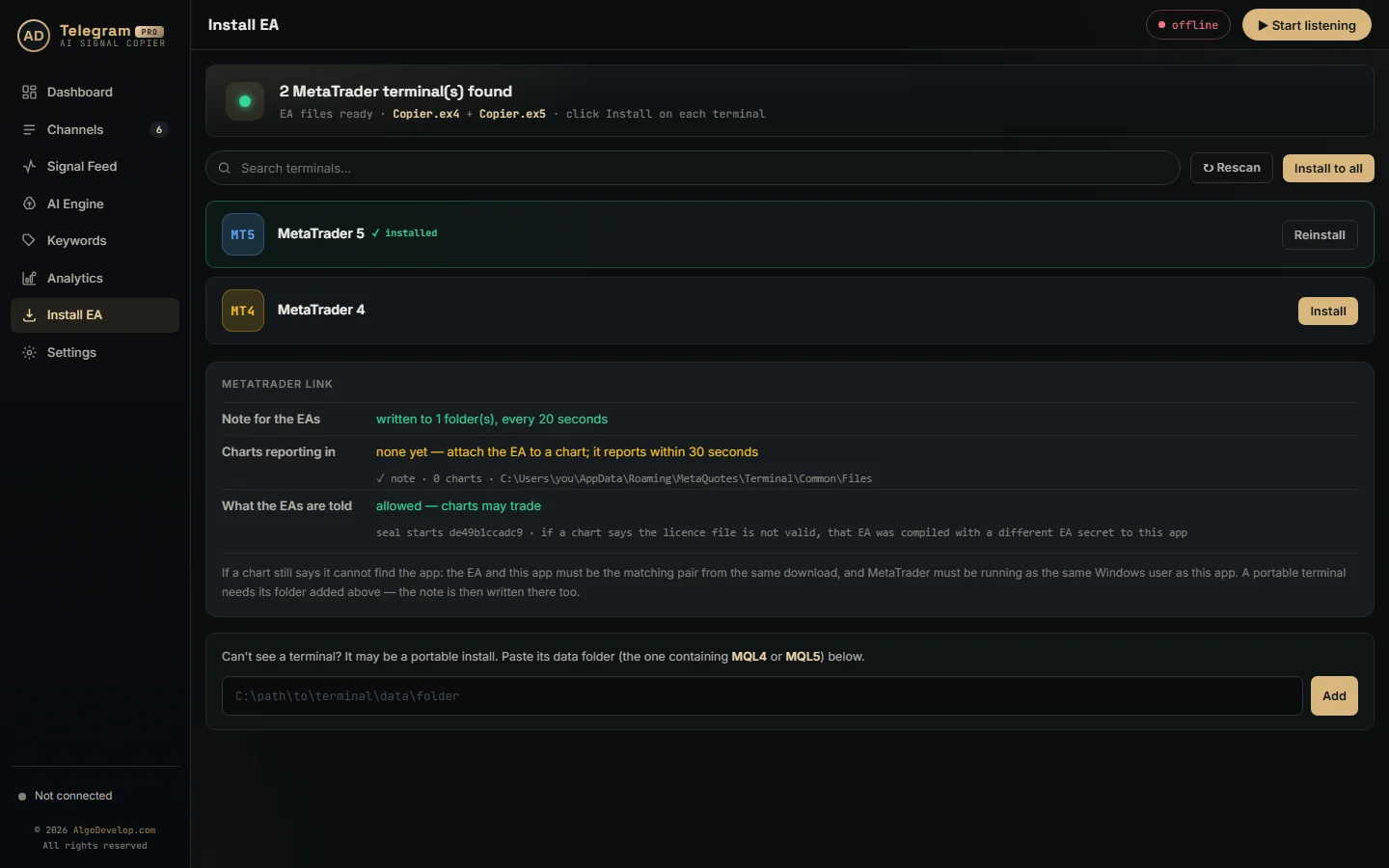
Each one places its orders through an Expert Advisor inside your own terminal. Your broker login never leaves MetaTrader, and nothing passes through our servers on the way.
What the copier’s EA controls
The app reads the message, but the EA in MetaTrader has the final say. In the Telegram copier, for example, these rules live in the EA:
- Lot size, as a fixed lot or one worked out from your risk.
- A spread limit, so a wide spread blocks the entry.
- A daily loss cap that stops new trades for the rest of the day.
- Allowed symbols and trading hours, so nothing trades outside your plan.
- Your broker’s suffix, so a symbol from the channel matches the exact name your broker uses.
When a signal breaks one of these rules, the EA refuses it and then writes down why.
Custom EAs, indicators and strategies
When the decision is yours rather than a channel’s, the job is custom work in MQL4. We cover it on three pages:
- EA development. Your rules become a robot that trades them. See MT4 and MT5 EA development.
- Indicators. Your own calculations on the chart, with alerts. See MT4 and MT5 indicator development.
- Strategy automation. A manual system you already trade, made automatic. See MT4 and MT5 strategy automation.
Changing an existing EA needs its .mq4 source file. Nobody can edit a compiled .ex4, and we do not decompile other people’s work.
How an Expert Advisor runs in MT4
According to the official MetaTrader 4 help, an Expert Advisor is a program in the terminal, written in MQL4. You create and compile it in MetaEditor, which comes with the terminal.
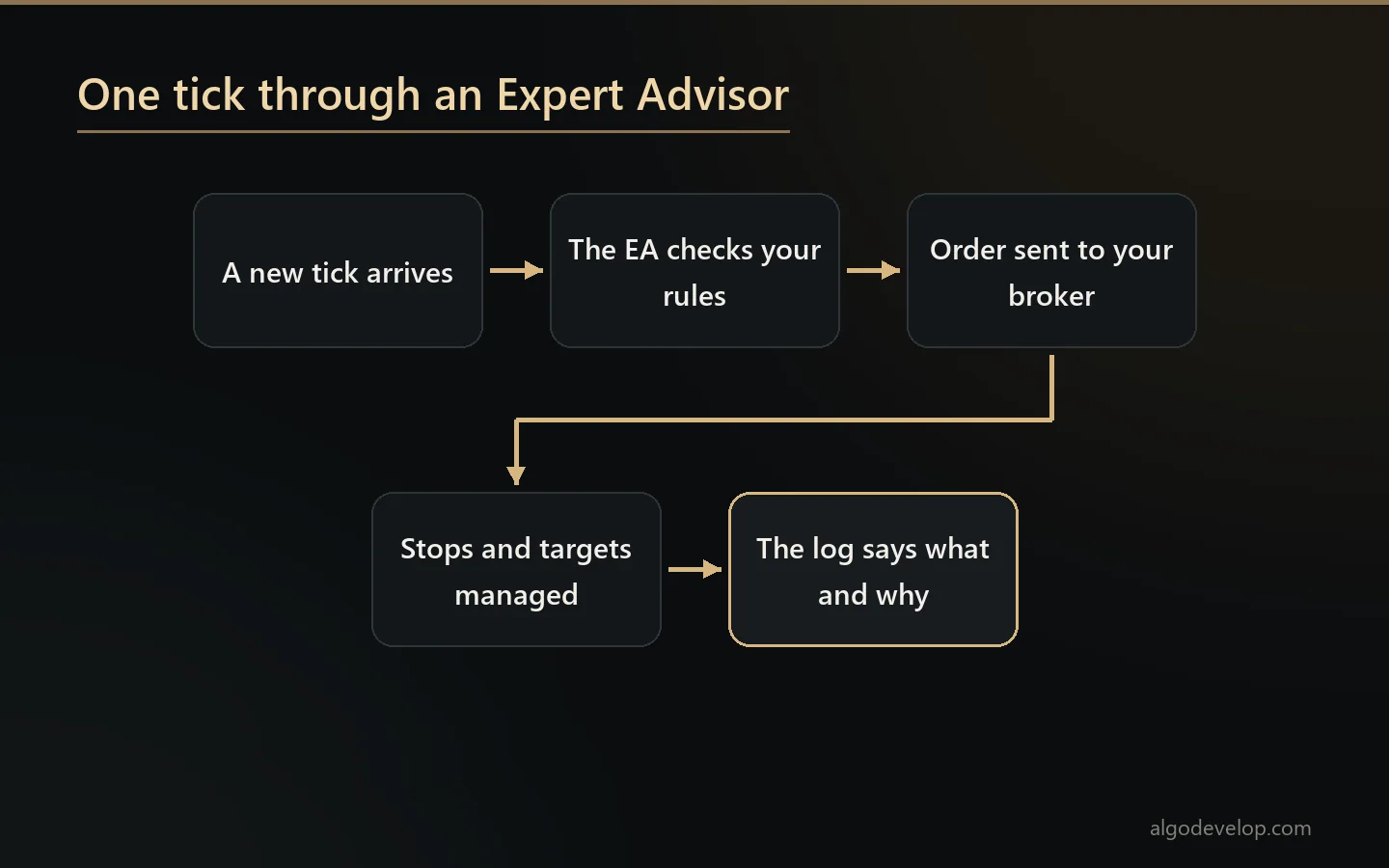
To start one, you attach it to a chart. From then on, it runs each time a new tick arrives, and it stops when you remove it from the chart. It can also trade symbols other than the one on its chart.
Two switches must both be on before it may trade:
- AutoTrading, the toolbar button that allows or blocks trading by every EA in the terminal.
- Allow live trading, a setting on each EA’s Common tab, so you can hold one EA back while others trade.
If either is off, no trade goes out from that EA. So it is the first thing to check when an EA stays silent, and our setup checks both.
Testing before real money
The terminal’s Strategy Tester runs an EA on history and can optimise its inputs. A visual mode replays the test on a chart, so you can watch each trade open and close.
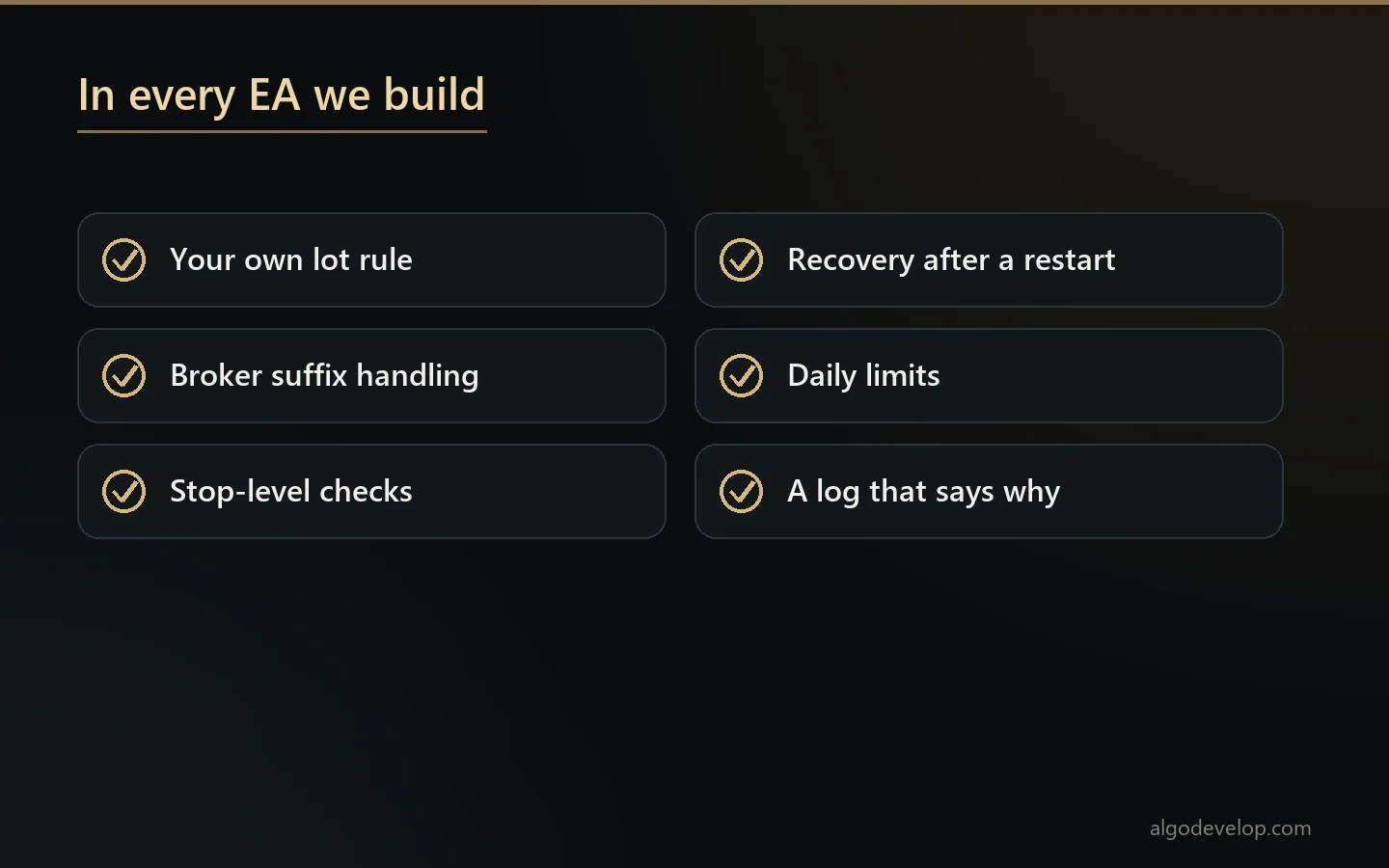
Still, a backtest proves the code follows the rules, not that the rules make money. Test spreads are rarely the spreads you will pay, and settings tuned on one period often fail on the next. So every EA we deliver also runs on a demo account before it goes live.
In fact, most of the work in an EA sits outside the entry rule. For example, it must cope with requotes, stop levels the broker refuses, odd symbol names and a terminal that restarts mid-trade.
MetaTrader 4 or MetaTrader 5?
The two look alike, but their code does not move across by find and replace. MT4 works in orders, whereas MT5 works in positions. On top of that, an MT5 account can be netting or hedging, which changes what a strategy can do.
The MetaTrader 4 help itself notes that MQL5 programs can run up to 20 times faster than MQL4 ones. Even so, if your broker and your history are on MT4, staying there is a fair choice. Our MT4 vs MT5 guide compares them, and MT4 to MT5 conversion covers the move when you are ready.
Keeping MT4 running
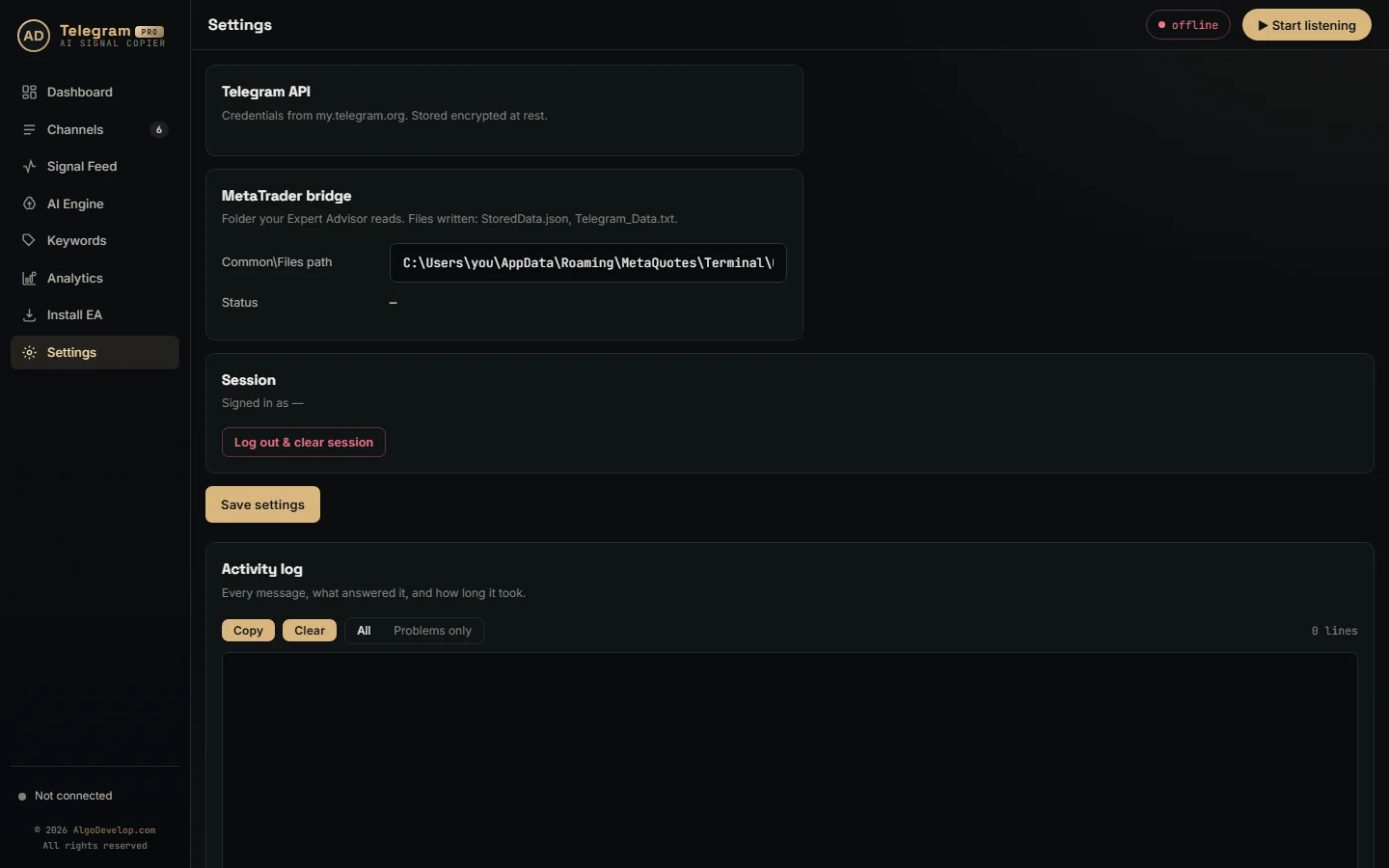
An EA trades only while its terminal is open and connected. So if you close the terminal, or shut down the PC, the robot stops with it.
So traders who automate around the clock usually run MetaTrader on a Windows VPS. With the Telegram, WhatsApp or Discord copier, the copier’s app runs on that same machine. Then both keep working while your own computer is off.
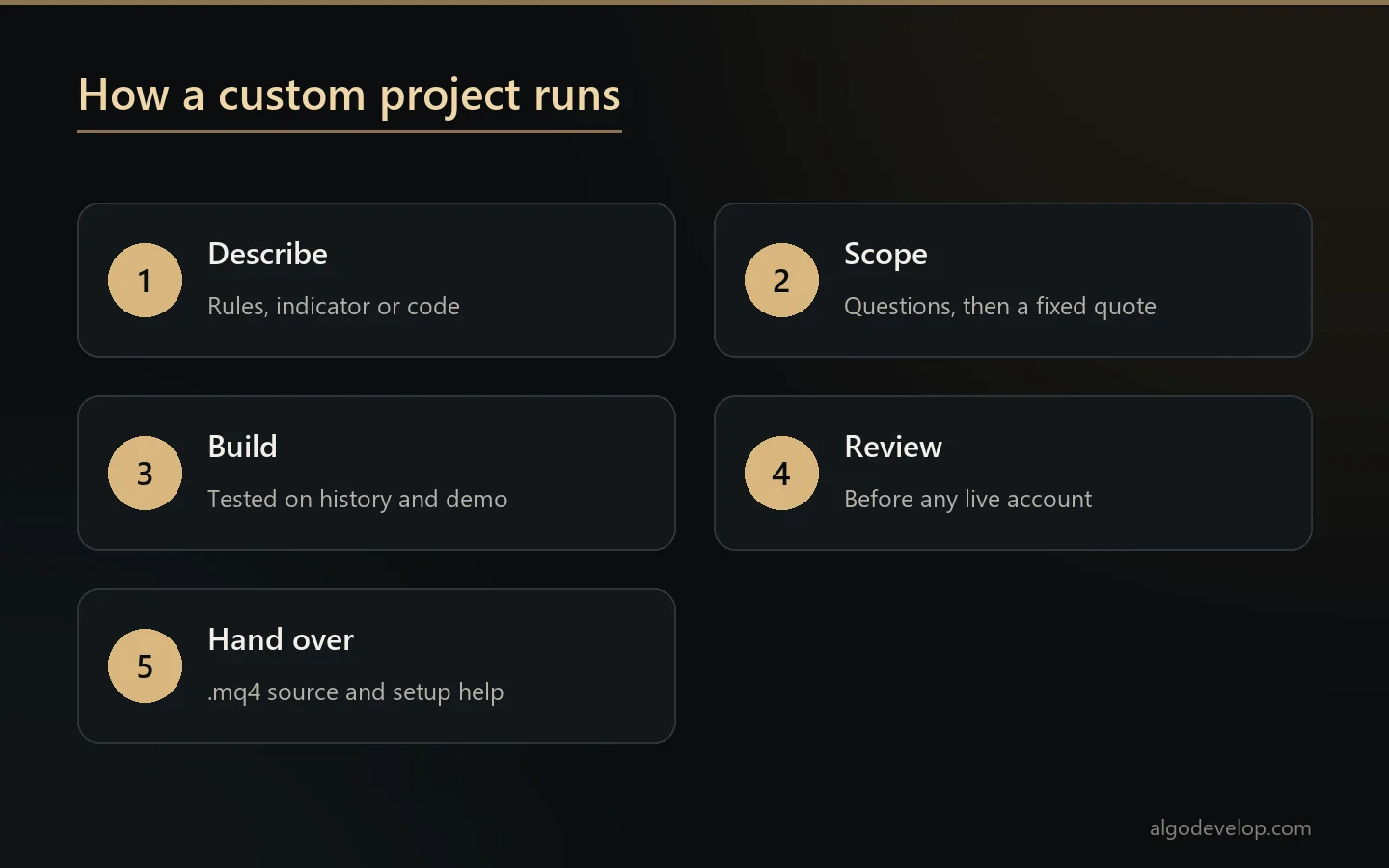
How a custom project runs
- You describe the strategy in plain words, with an indicator, screenshots or existing code.
- We ask what the rules leave open, then quote a fixed price with a timeline.
- Building and testing happen on history and on demo, and you see results as we go.
- You review it before it touches a live account. Then we walk you through setup.
You receive the .mq4 source and the compiled .ex4, so the work stays yours. To start, ask for a quote, or see every platform on our platforms page.
MetaTrader 4 automation – frequently asked questions
Is there a ready-made MetaTrader 4 copier?
Yes, five of them: for Telegram, WhatsApp, Discord, TradingView alerts and copying between terminals. Each works with MT4 and MT5.
Can you build an EA from my strategy?
Yes. Written rules, an indicator with its settings, a Pine Script or screenshots of your trades are all enough to start.
Can you modify an EA I already have?
Only with its .mq4 source file. Nobody can edit a compiled .ex4, and we do not decompile other people’s work.
Why does my EA not place trades?
Check two switches first: AutoTrading on the toolbar and Allow live trading in the EA’s settings. Both must be on.
Do I need a VPS?
Only if trading must go on while your PC is off. An EA needs its terminal open and connected to trade.
Will an EA make a profit?
Nobody honest can promise that. We build your rules correctly and test them, and we tell you when a backtest looks like curve fitting.
Should I move to MetaTrader 5?
Not necessarily. Stay on MT4 if your broker and history are there. If you do move, a conversion is a rewrite, not a copy.
Can an EA follow prop firm rules?
Daily loss limits, drawdown and trading hours can all live in the code. Whether a firm allows EAs at all is its own rule.
How much does MetaTrader 4 automation cost?
It depends on the route: a ready-made copier with setup help, or a custom build priced on the strategy. Tell us what you need: ask for a quote.