MT4 to MT5 Conversion
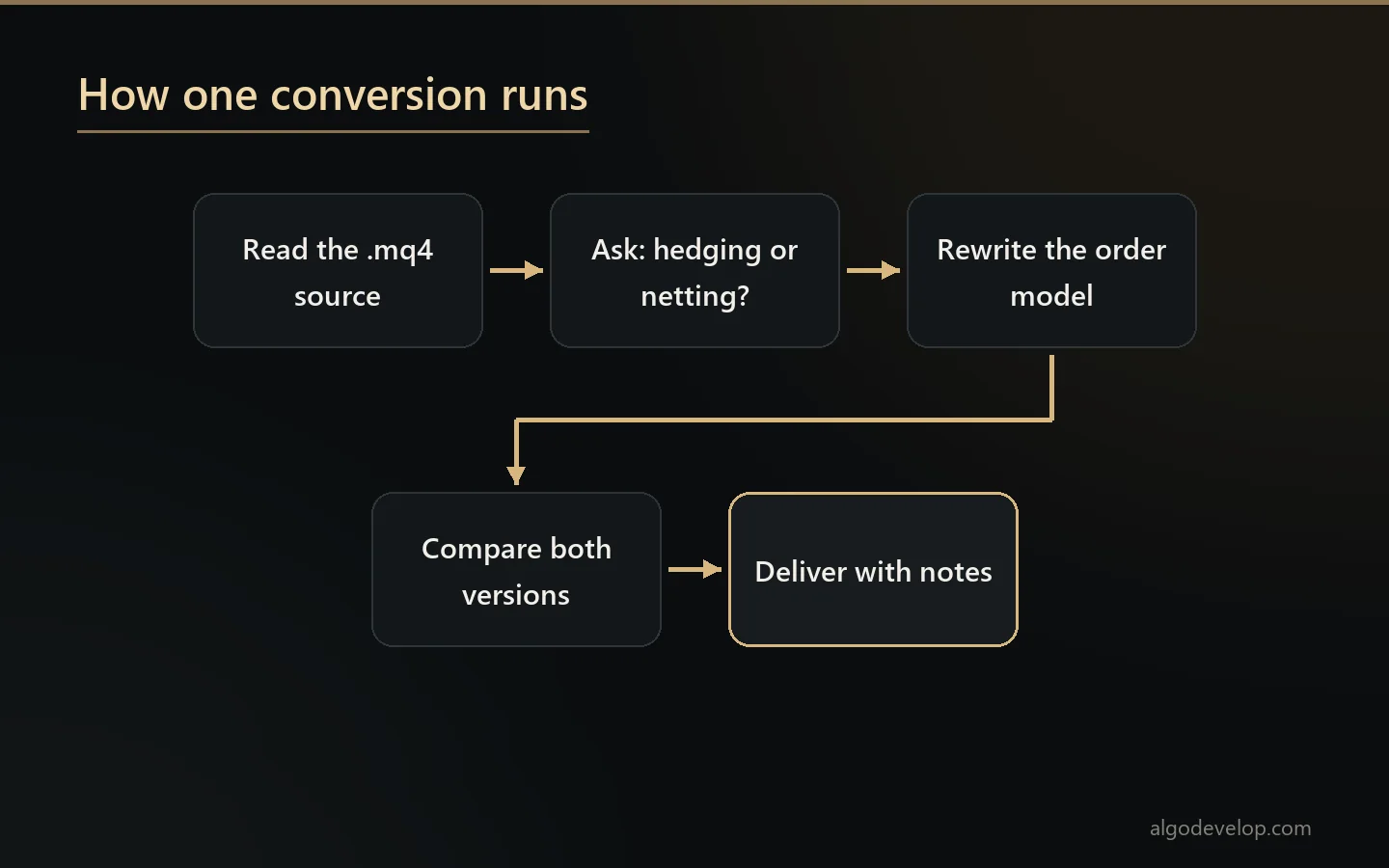
MT4 to MT5 conversion is a rewrite, not a find-and-replace. MQL4 and MQL5 share a syntax but disagree about almost everything underneath it. That is why converted code usually compiles long before it behaves.
We convert Expert Advisors and indicators exactly as you ask. You get a tested version with notes, and you own it outright. Your original comes back untouched.
On this page
- Why MQL4 code does not simply compile on MT5
- The differences that actually break things
- Hedging, netting, and the question we ask first
- How we prove the conversion is faithful
- Converting the other way: MQL5 to MQL4
- What we need from you
- What you receive on delivery
- How a project runs
- Frequently asked questions
Why MQL4 code does not simply compile on MT5
The two languages look alike, so people expect an MT4 to MT5 conversion tool to exist. Yet MT4 to MT5 conversion is a real job, because the differences sit in the model underneath, not in the syntax.
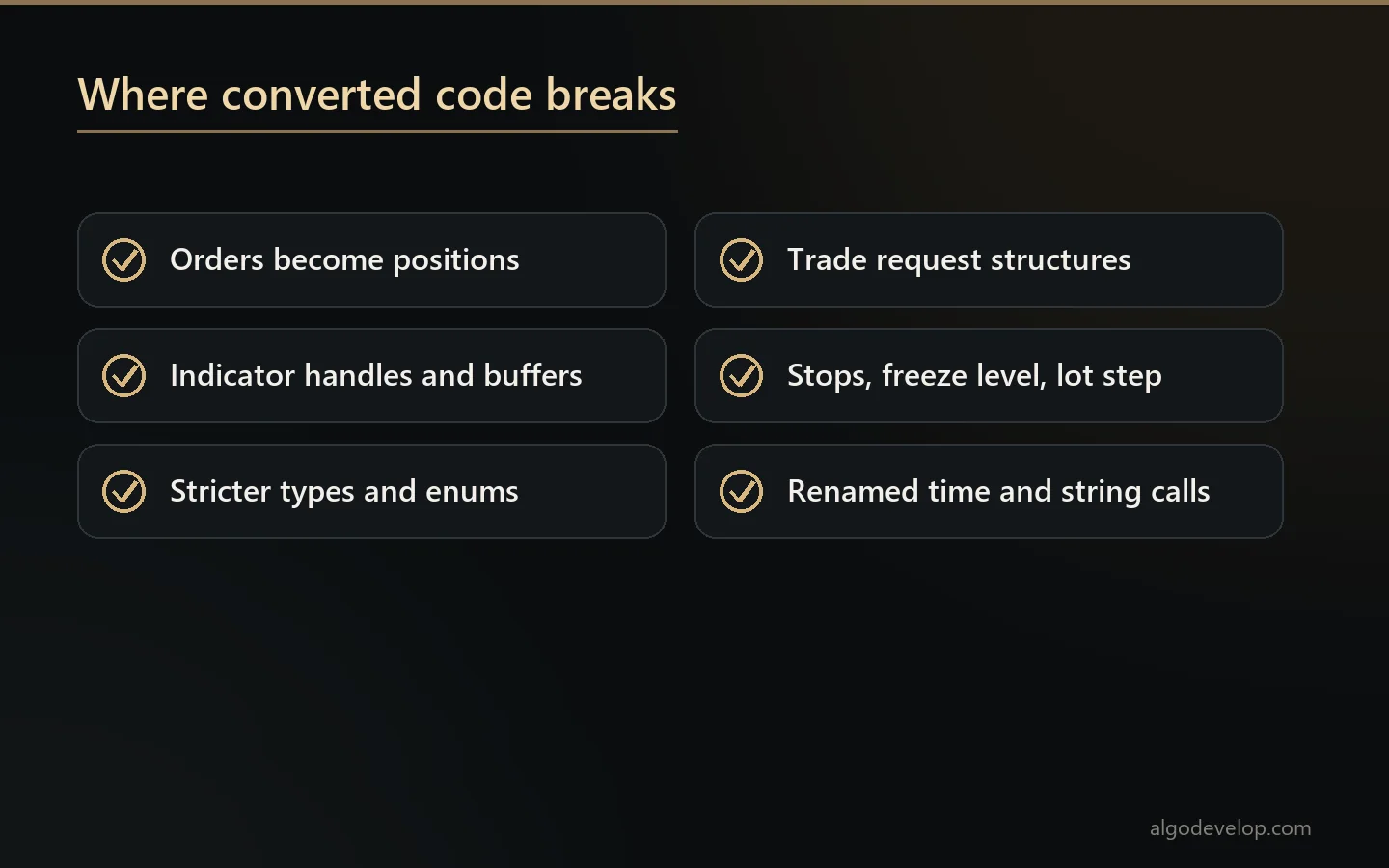
The conversion has to bridge two ideas of what a trade is. MT4 thinks in orders. Every trade is an order with a ticket, and you loop through them. MT5 thinks in positions, and it treats orders and deals as separate things. So a single MT4 line that closes a trade by ticket has no direct MT5 match. In MT5, the thing you are closing may not be an order at all.
MetaTrader’s own help sets out how MT5 treats orders, deals and positions. It is worth a read before you plan a move.
The differences that actually break things
- Orders versus positions. We rebuild
OrderSelectloops aroundPositionSelect. Also, the ticket you held may not survive a partial close. - Indicator access. MQL4 calls
iMA()and gets a number. MQL5 creates a handle once and then copies values out of a buffer. Creating that handle on every tick is the classic conversion that runs, then crawls. - Type strictness. MQL5 will not quietly widen an integer into an enum where MQL4 does. It shows up as
cannot convert enumat compile time. That is the lucky case, since the other case is code that compiles and takes the wrong branch. - Trade requests.
OrderSend‘s list of parameters is gone. Instead, MQL5 uses a request structure and a result structure, and the code must check both. Fill policies and order filling modes have no MT4 counterpart at all. - Symbol properties. MQL5 reads the stops level, freeze level and lot step differently. A conversion that skips them gives an EA that works at your old broker but fails at your new one.
- Time and strings. MQL5 renamed or removed several MQL4 functions, and the ones that survived do not always behave the same.
The full language sits in MetaQuotes’ MQL5 reference. For a plain-English overview of the two platforms, read our guide to MT4 vs MT5.
Hedging, netting, and the question we ask first
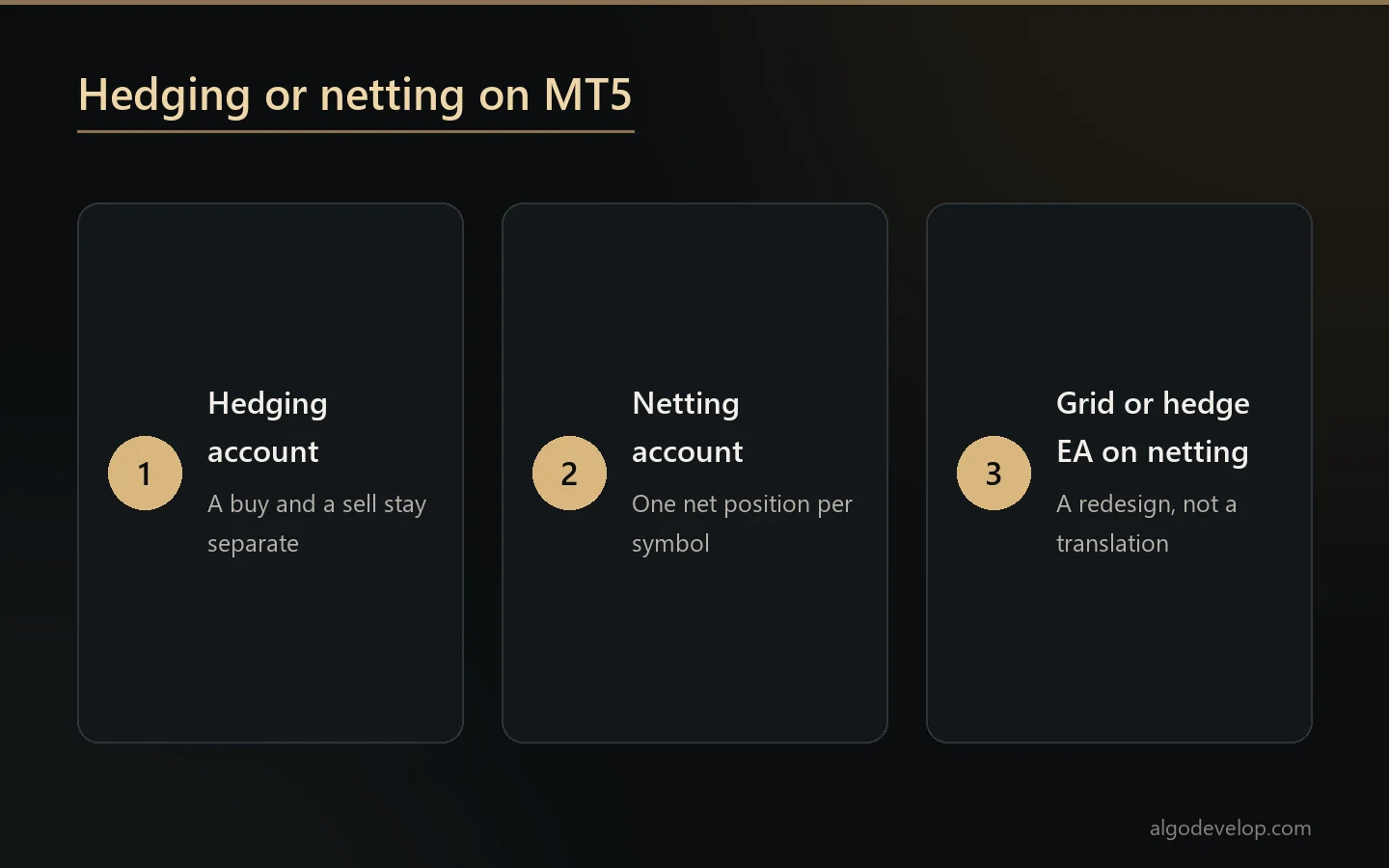
This question decides how much work an MT4 to MT5 conversion is, so we always ask it first.
An MT4 account can hold a buy and a sell on the same symbol at once. An MT5 account can too, but only if it is a hedging account. On a netting account, those two positions collapse into one net position. As a result, a strategy built around holding both simply cannot work as written.
Your MT5 account may be netting while the original EA relies on separate positions. That covers grids, hedging recovery and anything that scales in on both sides. In that case the conversion is a redesign, not a translation, and we say so before quoting rather than after.
How we prove the conversion is faithful
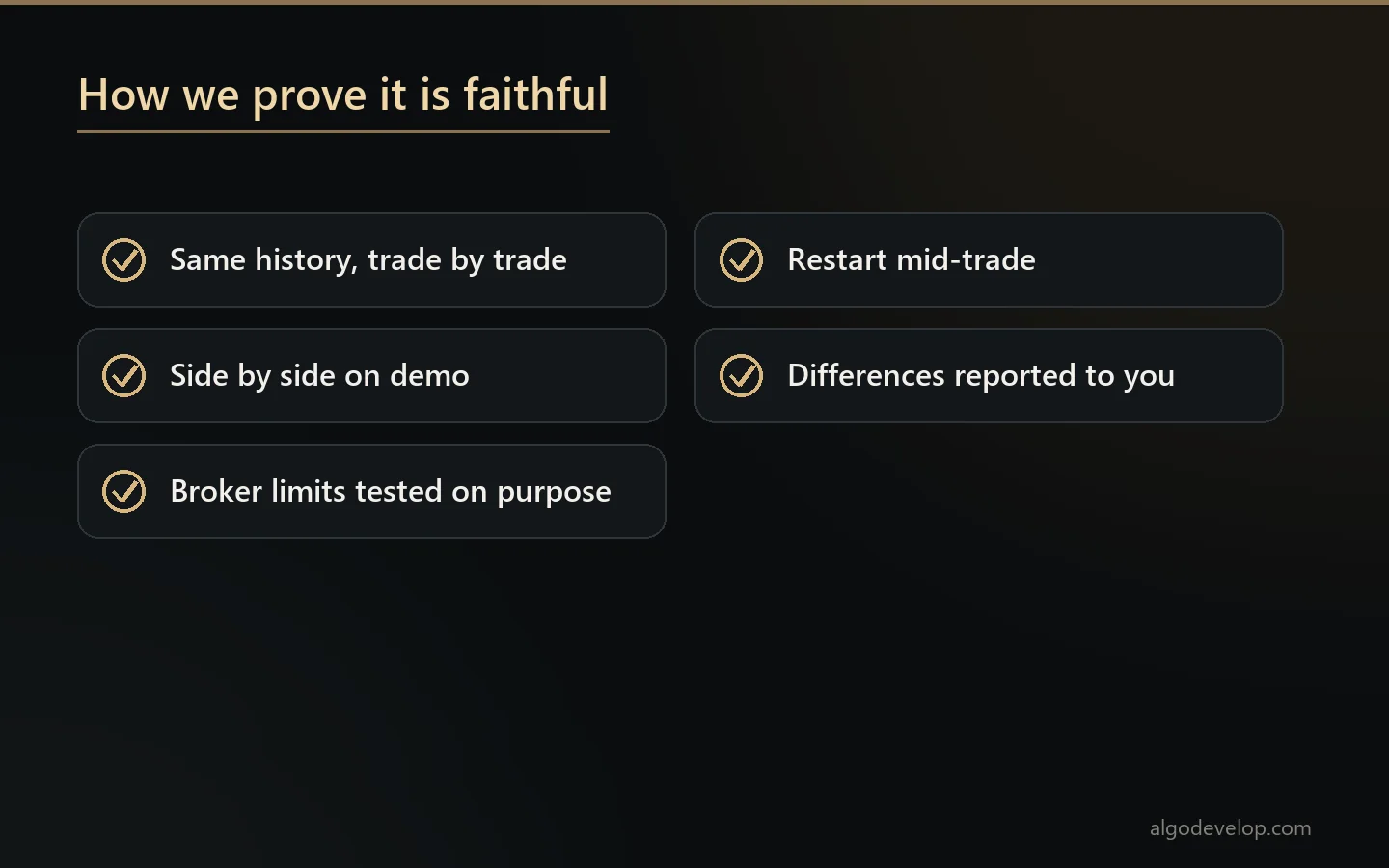
An MT4 to MT5 conversion that compiles is not yet one that works. So here is what we do instead:
- Run both versions on the same history and compare them trade by trade: same entries, same exits, same sizes.
- Run both on demo side by side on the same symbol, so we compare live behaviour instead of assuming it.
- Test the broker-limit paths on purpose – stop distances, minimum lots and rejections – because a backtest never reaches those branches.
- Restart the terminal mid-trade and confirm the converted EA picks its own positions back up.
- Report the differences we cannot remove. Some exist, since MT5’s tick data is not MT4’s. You will hear about them from us rather than find them yourself.
Converting the other way: MQL5 to MQL4
This is less common than MT4 to MT5 conversion, and usually harder. MQL5 has language features that MQL4 lacks, so going backwards can mean rewriting structure rather than translating calls. Still, it is routine work. Tell us what the code does, and we will say plainly what the conversion involves.
What we need from you
The source file. MT4 to MT5 conversion needs the .mq4 or .mq5 file, not the compiled .ex4 or .ex5. Nobody can convert a compiled file, because there is nothing readable in it. We also do not decompile other people’s work.
Perhaps you bought the EA and never had the source. Then MT4 to MT5 conversion is not possible for anyone, not just us. However, a rebuild to the same specification usually is, through MT4/MT5 EA development. Tell us what it does.
Do you only need trades from an MT4 account to appear on an MT5 account? Then you may not need a conversion at all. Our ready-made MT4 to MT5 copier mirrors trades between the two platforms instead.
What you receive on delivery
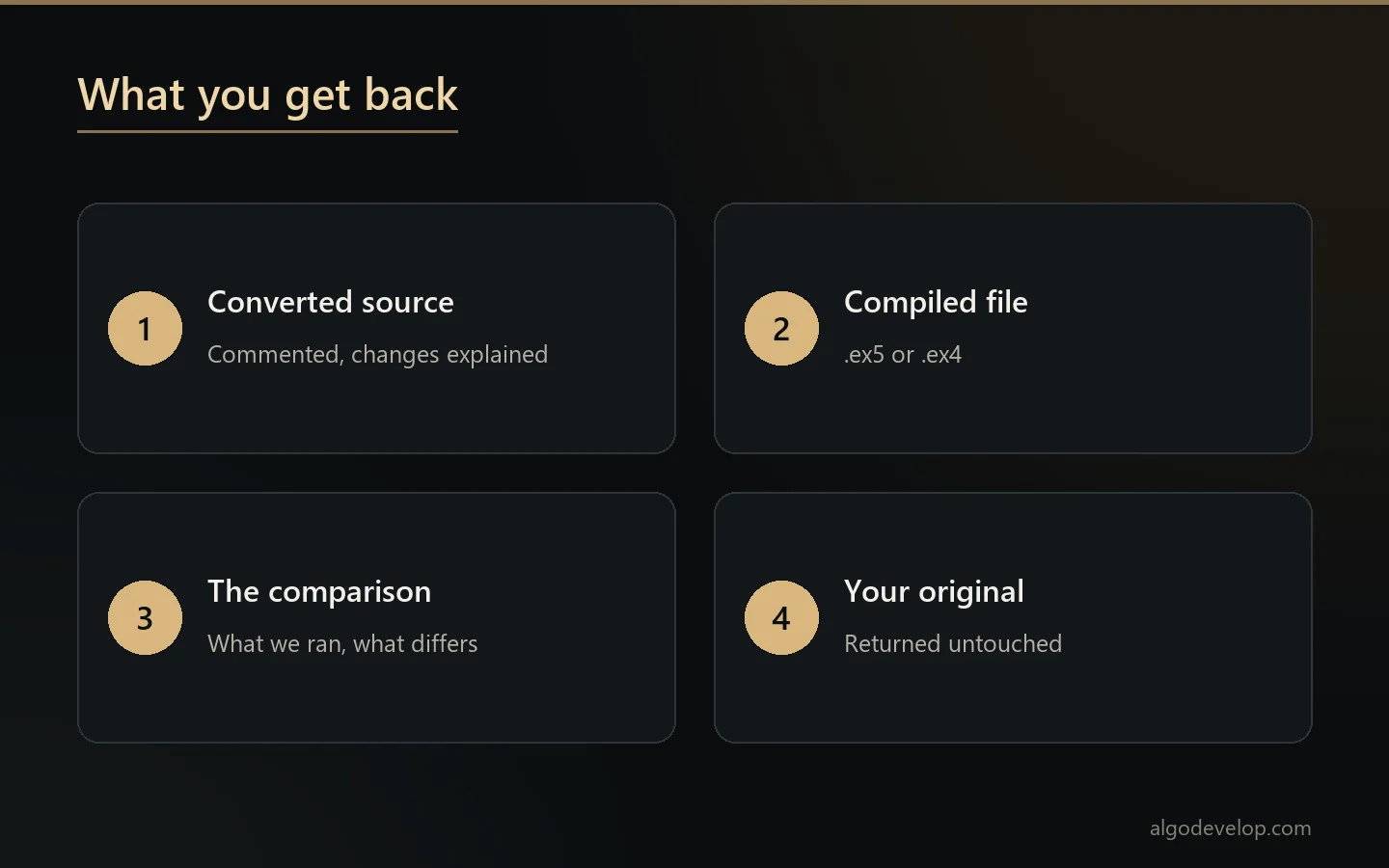
- Converted source, with comments, and notes wherever the behaviour had to differ.
- Compiled file – .ex5 or .ex4.
- A comparison of what we ran, where the two versions differ, and why.
- Your original, untouched.
- Support after delivery, plus reasonable adjustments.
How a project runs
- Send the source and tell us whether the MT5 account is hedging or netting.
- We read it and quote a fixed price for the MT4 to MT5 conversion. Before you commit, we flag anything that cannot convert cleanly.
- We convert it and test both versions side by side.
- You review the comparison before we call it done.
- Delivery and support follow once you are happy.
Converting an indicator rather than an EA? The same steps apply, and MT4/MT5 indicator development covers new indicators. The trading bot development page lists everything else we build.
MT4 to MT5 conversion – frequently asked questions
Can you convert my EA if I only have the .ex4 file?
No. MT4 to MT5 conversion needs the source, because a compiled .ex4 or .ex5 has nothing readable in it. We also do not decompile other people’s work. Without the source, we can rebuild to the same specification instead, so tell us what it does.
Is MT4 to MT5 conversion just a find-and-replace?
No, and this is the most common misunderstanding. MT4 works in orders while MT5 works in positions. Indicator access uses handles rather than direct calls. MQL5 also will not quietly widen an integer into an enum where MQL4 does. So converted code tends to compile long before it behaves.
Does my MT5 account being netting or hedging matter?
Very much, and it is the first thing we ask. On a netting account, a buy and a sell in the same symbol collapse into one net position. Any strategy that relies on holding both then needs a redesign rather than a translation. You hear that before we quote, not after.
How do you know the conversion is faithful?
We run both versions on the same history and compare them trade by trade, then run them side by side on demo. We also test the broker-limit paths that a backtest never reaches. Finally, we restart the terminal mid-trade to confirm the new version picks its positions back up.
Can you convert indicators as well as Expert Advisors?
Yes. MT4 to MT5 conversion covers indicators too. We document the buffer layout, so anything that reads the indicator still works afterwards.
Can you convert MQL5 back to MQL4?
Yes, though it is usually the harder direction. MQL5 has language features MQL4 lacks, so going backwards can mean rewriting structure rather than translating calls.
Will my original file be changed?
No. You get the converted version as a new file, and your original comes back untouched.
Will the converted EA behave identically?
That is the goal of every MT4 to MT5 conversion, and where it cannot, we tell you. Some differences will not go away. For example, MT5’s tick data is not MT4’s, so backtest results will not match trade for trade even when the logic is identical.
How long does a conversion take?
Most MT4 to MT5 conversion work lands in a few days. A hedging strategy that moves to a netting account takes longer, because part of it is a redesign.
How much does MT4 to MT5 conversion cost?
The price of an MT4 to MT5 conversion depends on the size of the file. It also depends on how much of the code relies on the order model. Send the source, and we will read it and quote a fixed price. Ask for a quote.