MT4 / MT5 Indicator Development
MT4 MT5 indicator development turns something you can see on a chart into something MetaTrader draws for you. More often than not, it also becomes an alert that reaches you when you are not looking at the screen.
Bring a finished idea or only a rough sketch. Either way, we build exactly what you describe. You get it tested and documented, and you own it outright.
On this page
- What MT4 MT5 indicator development covers
- The kinds we are usually asked for
- Alerts: the part people actually want
- Multi-timeframe and dashboard indicators
- Repainting, and why we will ask you about it
- Converting a TradingView indicator to MT4 or MT5
- What you receive on delivery
- How a project runs
- Frequently asked questions
What MT4 MT5 indicator development covers
An indicator does not place trades. Instead, it draws, colours and tells you something. That makes it the cheapest way to see a strategy with your own eyes before you automate it.
MT4 and MT5 indicator development produces MQL4 or MQL5 code that runs inside your own MetaTrader 4 or MetaTrader 5 terminal. The code fills buffers, and MetaTrader draws them on the chart. Since it is a real indicator and not a picture, other tools can read it. For example, an Expert Advisor can use its values as input. That is how many strategies later become EAs, through MT4/MT5 EA development.
MetaQuotes documents custom indicators, buffers and alerts in its MQL5 reference. We code to it and test every indicator in MetaTrader itself.
The kinds we are usually asked for
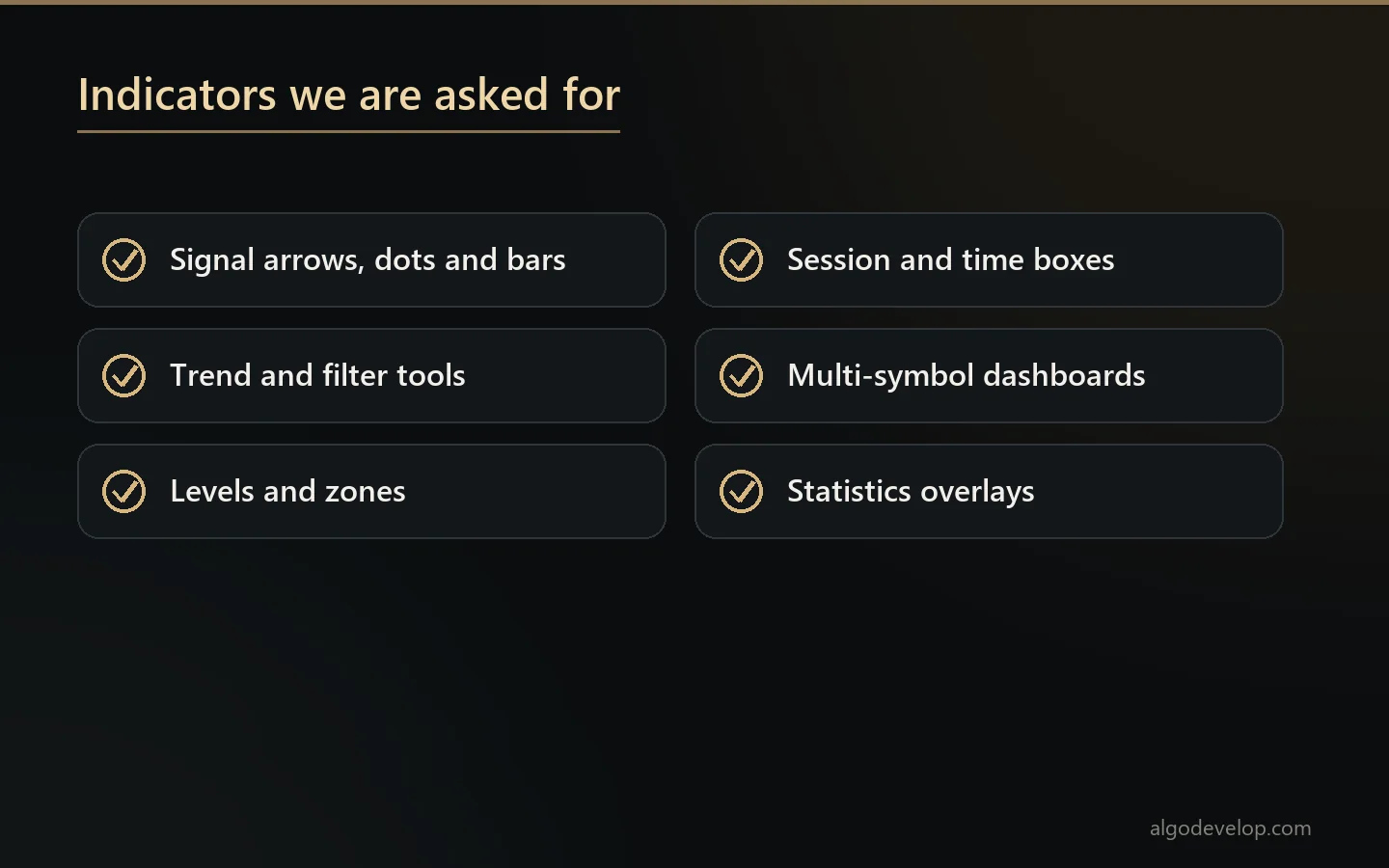
- Signal indicators – arrows, dots or coloured bars where your setup appears.
- Trend and filter tools – moving averages, Supertrend versions, channels, bands and custom ATR logic.
- Levels – support and resistance, supply and demand zones, session highs and lows, pivots and opening ranges.
- Session and time tools – London and New York boxes, killzones and news markers.
- Dashboards – one panel that shows many symbols or timeframes at once.
- Statistics overlays – your own equity, drawdown or results per session, drawn on the chart.
Alerts: the part people actually want
Most MT4 and MT5 indicator development requests turn out to be alert requests. Drawing the arrow is the easy half. The rest is telling you about it reliably:
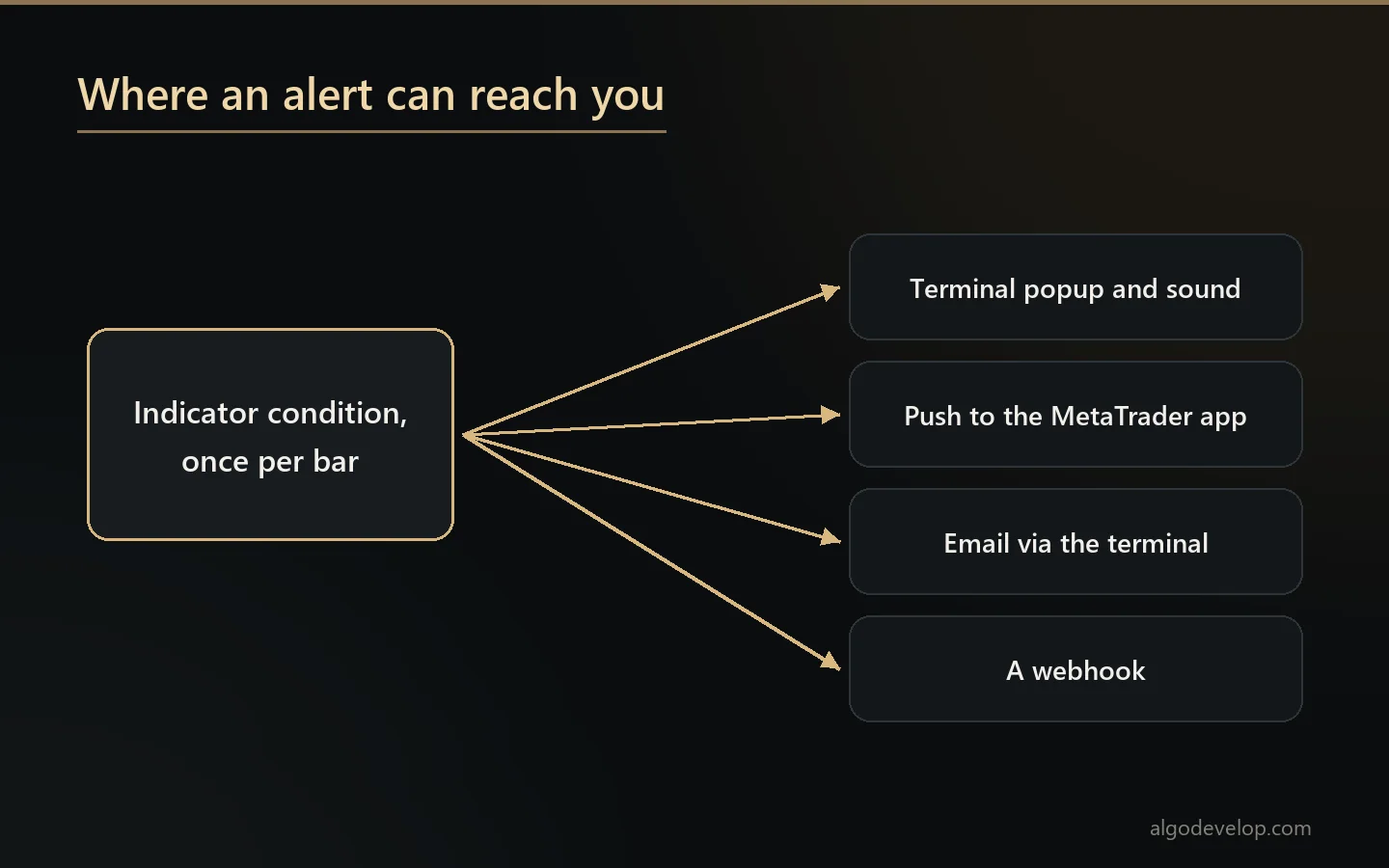
- A terminal popup and sound when the condition fires.
- A push notification to the MetaTrader app on your phone.
- Email, through the terminal’s own mail settings.
- Once per bar, not once per tick. This is the difference between one alert and forty, and it is where most free indicators fail.
- On the closed bar or the forming one – your choice. It matters, because a condition true mid-bar may not be true when the bar closes.
- A webhook, if you want the signal to reach something other than you.
Multi-timeframe and dashboard indicators
Reading a higher timeframe from a lower one is easy to ask for and easy to get wrong. Done carelessly, it gives values that shift while the higher bar forms. As a result, the indicator looks perfect on history but acts differently live.
So our MT4 and MT5 indicator development uses the higher timeframe’s closed bar, unless you ask for something else. The notes then say which one we used. A dashboard that scans twenty symbols on five timeframes has the same problem twenty times over. It also needs tuning, so the terminal stays quick while it runs.
Repainting, and why we will ask you about it
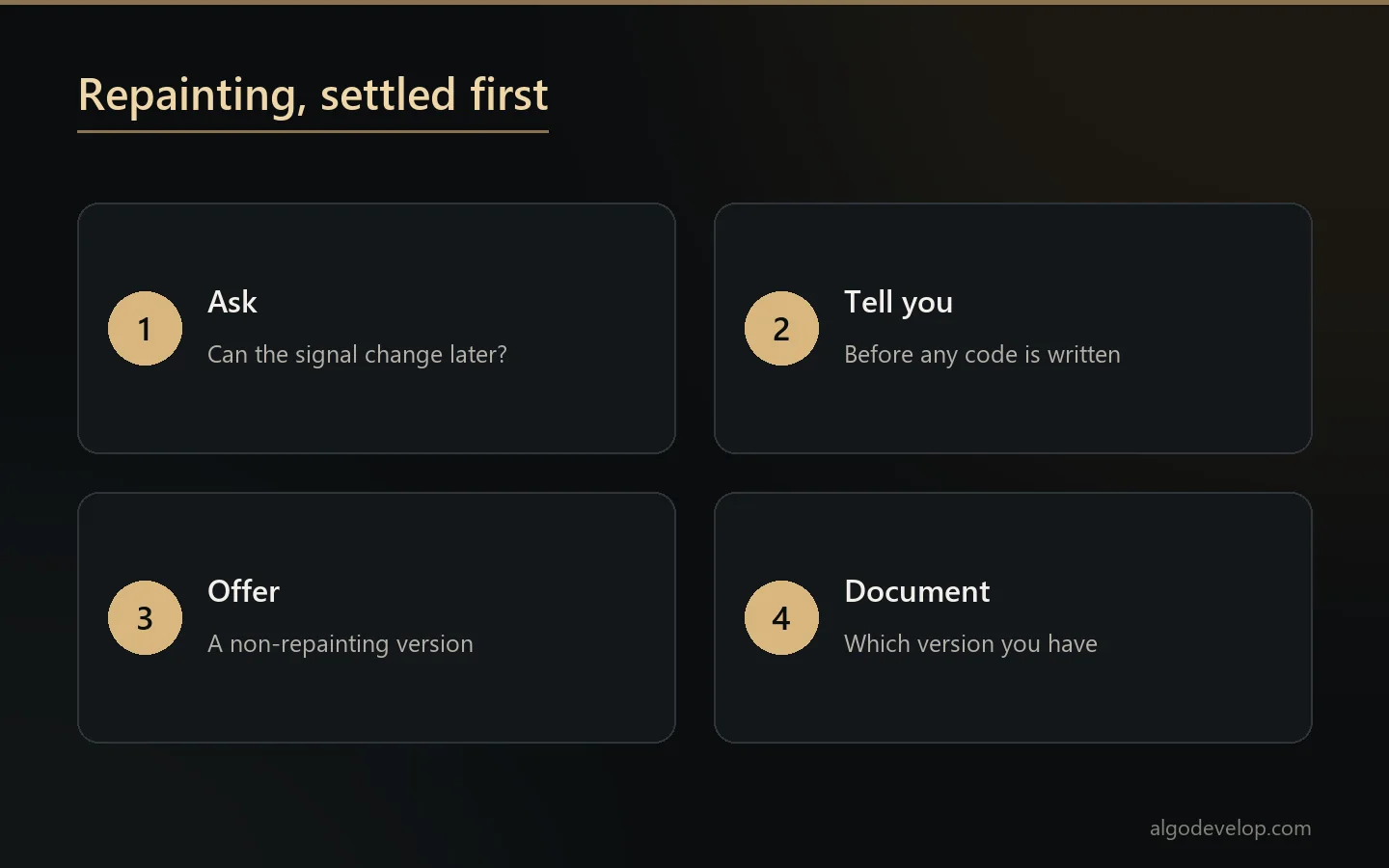
An indicator repaints when it changes a signal it has already shown. In MT4 and MT5 indicator development, we settle that question before anyone writes code. Sometimes repainting is a defect. Sometimes it comes with the calculation itself. For example, a ZigZag cannot know a swing was a swing until price has moved away from it.
Repainting itself is not the problem. The problem is a backtest that treats a repainted signal as if it had been visible at the time. That backtest shows a strategy that looks flawless on history and loses money live.
So when a specification implies a repainting signal, we tell you before we build it. Where a non-repainting version exists, we offer it alongside. If you still want the repainting version, and there are fair reasons to, you will have it, documented as such.
Converting a TradingView indicator to MT4 or MT5
A common MT4 and MT5 indicator development request starts in Pine Script. The indicator exists on TradingView, and you want it in MetaTrader.
Most of it ports cleanly, but three things need care. First, Pine runs your script once per bar and keeps the history for you. MQL, by contrast, hands you arrays and expects you to work out only what is new. Second, Pine’s request.security has a lookahead setting with no direct MQL equivalent. Third, Pine’s built-ins are not always identical to MetaTrader’s functions of the same name. So we port the behaviour, not the syntax. Then we check the two versions against each other on the same chart before delivery.
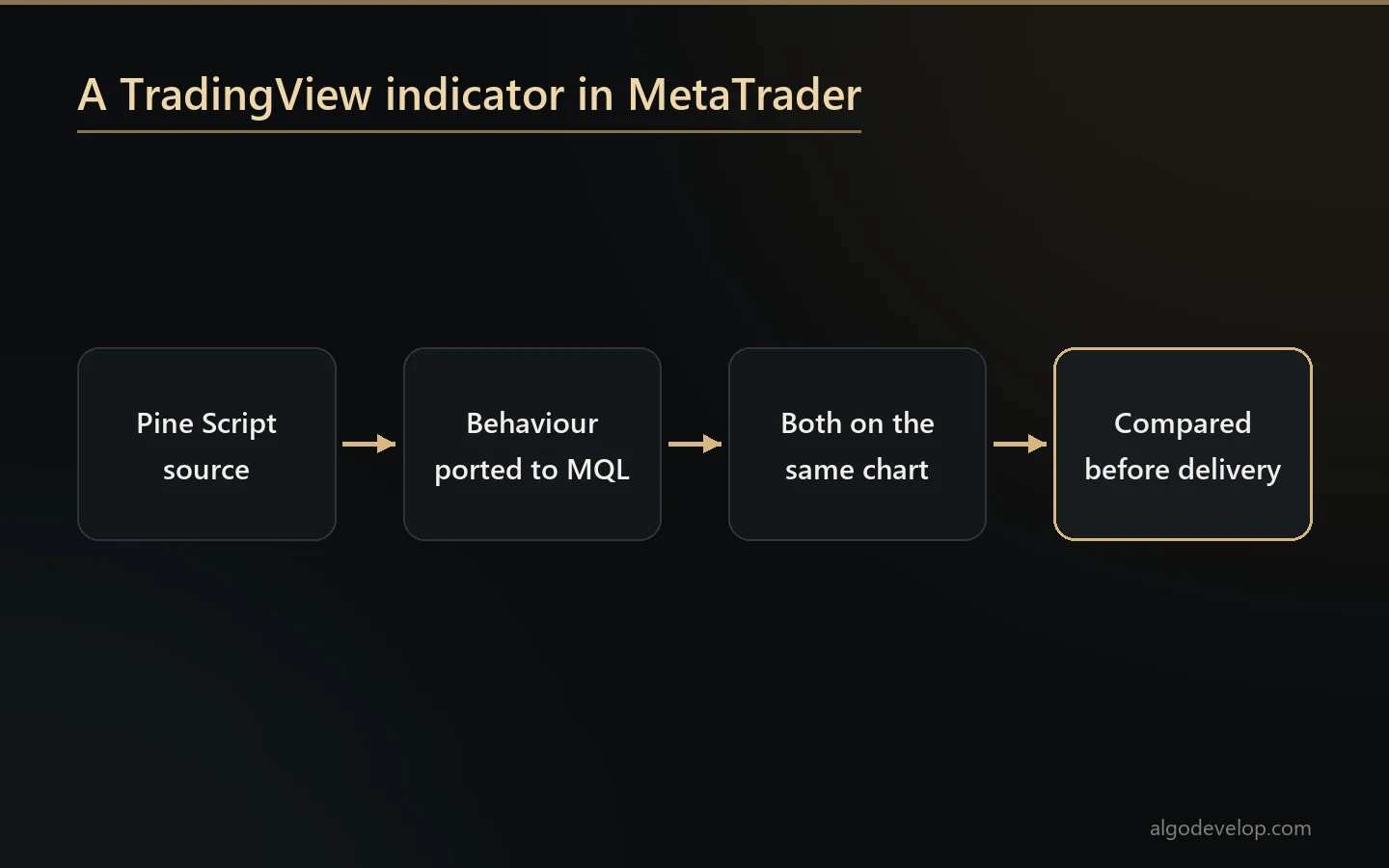
TradingView documents its own language in the Pine Script user manual. We do the reverse conversion as well. See PineScript development if you want a MetaTrader indicator brought to TradingView. Moving an indicator between MT4 and MT5 is MT4 to MT5 conversion work.
What you receive on delivery
- Full source – the .mq4 or .mq5 file, with comments.
- Compiled indicator – the .ex4 or .ex5 file.
- A plain guide to every input, including which alerts fire when.
- Buffer notes, in case an EA will read this indicator later. They say which buffer holds what, so that step stays simple.
- Support after delivery, plus reasonable changes.
How a project runs
Every MT4 and MT5 indicator development project follows the same five steps.
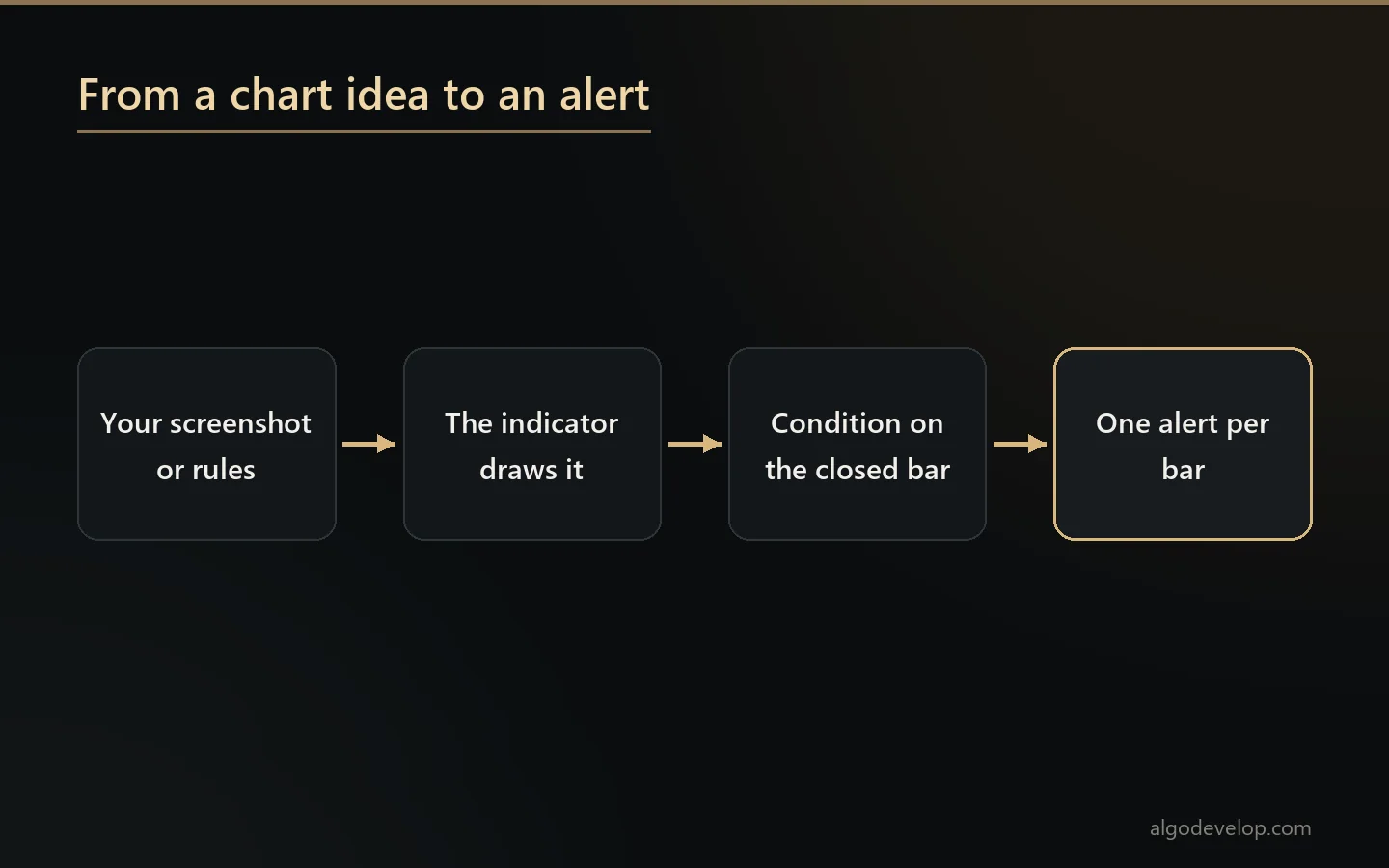
- You show us what you want drawn. A screenshot with arrows on it is often the clearest possible specification.
- We scope it and quote a fixed price, after asking about alerts, timeframes and repainting.
- We build it and test it on your instruments, not only on EURUSD.
- You check it on your own charts before we call it done.
- We deliver, document and support it.
Want to see everything else we build? The trading bot development page lists it all, from Expert Advisors to Python bots.
MT4 MT5 indicator development – frequently asked questions
Do I own the code?
Yes. You get the full source with comments, the compiled indicator, and a plain guide to every input and alert.
Can you add alerts to an indicator I already have?
Yes, if you have the source. Nobody can edit a compiled .ex4 or .ex5, and we do not decompile other people’s work.
Can it send alerts to my phone?
Yes. It can use a terminal popup and sound, or a push notification to the MetaTrader mobile app. Email through the terminal’s own settings works too. A webhook also works if the signal needs to reach something other than you.
Will it alert once per bar or on every tick?
Once per bar by default, because once per tick is how one signal becomes forty. You also choose whether it fires on the closed bar or the forming one. That is a real decision, since a condition true mid-bar may not be true at the close.
Can you convert a TradingView indicator to MT4 or MT5?
Yes, and it is one of the most common MT4 and MT5 indicator development requests. We port the behaviour rather than the syntax. Then we check both versions against each other on the same chart before delivery.
Will the indicator repaint?
Some calculations always repaint; a ZigZag cannot know a swing until price moves away from it. In that case we tell you before building, and we offer a non-repainting version where one exists. What we will not do is let you backtest a repainting signal without knowing it.
Can an Expert Advisor use this indicator later?
Yes. We note which buffer holds what, so an EA can read it later without any guesswork.
Can it scan many symbols at once?
Yes. A dashboard across twenty symbols and five timeframes is a common request. Most of the work lies in keeping the terminal responsive while it runs, not in the logic.
Can one indicator work on both MT4 and MT5?
Not as one file. MQL4 and MQL5 handle indicators differently, so each platform gets its own build. If you need both, say so at the start, and we will build and test the pair together.
How long does it take?
Most MT4 and MT5 indicator development lands in a few days. Dashboards and multi-timeframe scanners take longer. You get a timeline along with the fixed quote.
How much does MT4 MT5 indicator development cost?
It depends on what it draws, how many alerts it needs and whether it scans one symbol or many. Send a screenshot of what you want, and we will quote a fixed price. Ask for a quote.